
Test your systems and know what to fix next
Some security gaps are hard to spot during the normal working day.
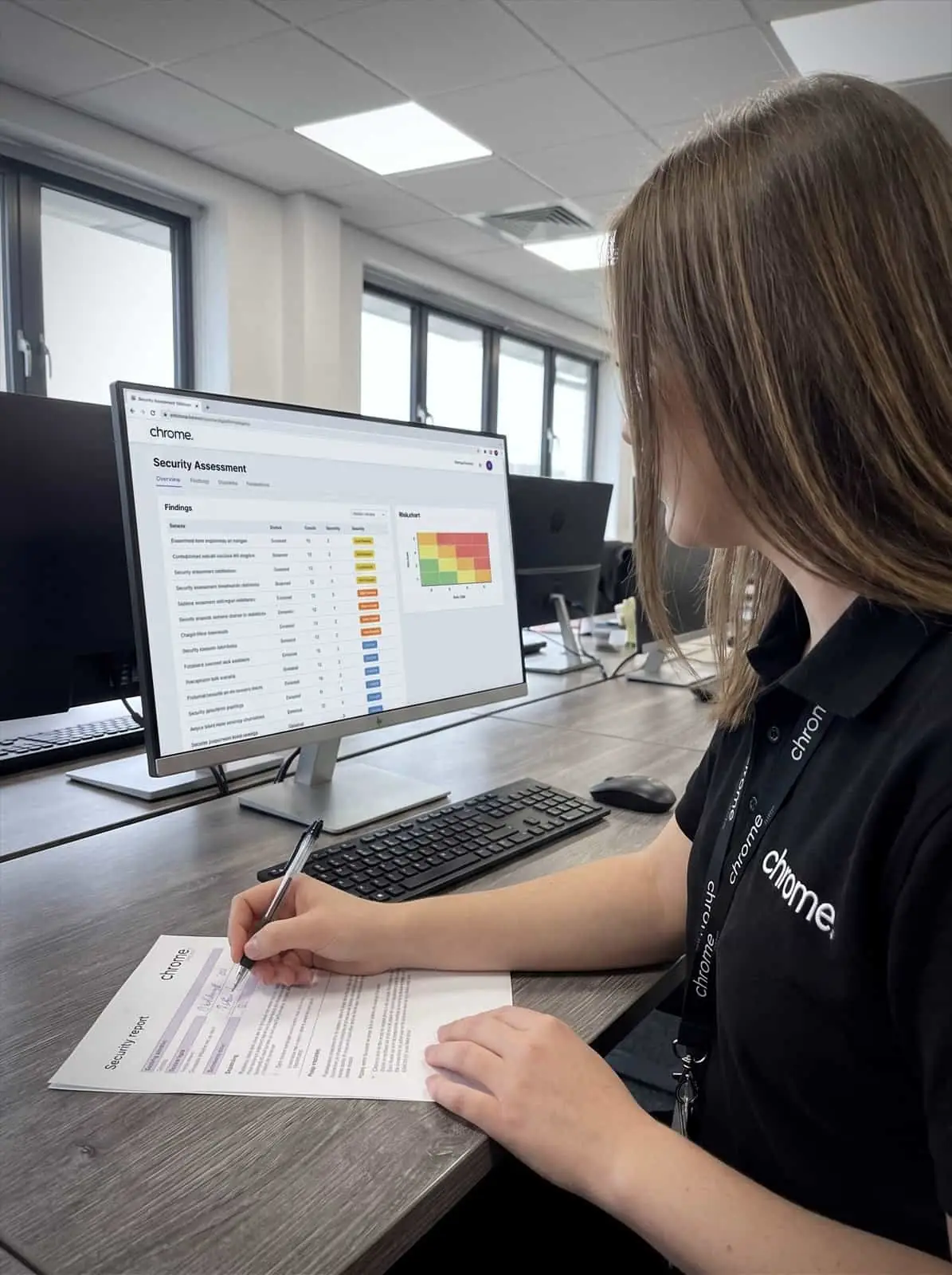

Why use Chrome Penetration Testing?
A firewall rule may have been left in place after a supplier change. A web application may have a weakness. Remote access may not be set up as carefully as it should be. A system may also have changed since the last review, without anyone testing what that means.
Penetration testing helps your business check agreed systems by using approved testing methods to look for weaknesses.
Chrome can help you plan the right test, agree the scope, coordinate penetration testing services through approved providers and understand the findings after the report is complete.
The aim is simple: give your business a clearer view of where security needs attention and what should happen next.
Test agreed systems
Penetration testing can look at agreed networks, applications, websites, remote access or other systems within a clear scope.
Understand practical risk
A test can help show whether a weakness could affect the business, not only whether it exists.
Support customer and compliance questions
Some customers, insurers, regulators or frameworks may ask whether testing has been carried out.
Plan useful fixes
A good test should lead to clear findings, priorities and next steps, not just a long technical report.

What is penetration testing?
Penetration testing, often called pen testing, is an authorised security test of agreed systems.
Testers use tools and techniques that an attacker might use, but they do so with permission, a defined scope and clear rules. The purpose is to find weaknesses so your business can understand and fix them.
A penetration test may look at areas such as external networks, internal networks, firewalls and remote access, web applications, cloud services, wireless networks, specific systems or applications, new services before launch, and systems after a major change.
The exact test depends on your business, the systems involved and why the test is needed.
Penetration testing does not mean trying anything, anywhere, at any time. The scope should be agreed carefully before work begins, so everyone knows what is being tested, when it will happen and what is out of scope.
That planning matters because testing can involve live systems.
Chrome can help you ask the right questions before the work starts and make sense of the results afterwards.
An agreed scope
Everyone knows what is being tested before anything starts.
Real techniques
Testers use the methods an attacker would, but with permission.
Findings you can act on
Weaknesses explained clearly enough to actually fix.
A retest where needed
Confirming the fix worked rather than assuming it did.

When penetration testing makes sense
Penetration testing can be useful when your business needs more assurance about a system, change or security control.
It may be worth considering when a new website, application or portal is going live, or when remote access has been changed or added. It can also help after major network or firewall changes, or when a customer, insurer or tender asks for evidence of testing.
Some businesses use penetration testing after security improvements have been made, to check agreed areas again. Others need it because they handle sensitive information or want to understand the risk linked to a specific system.
A penetration test should not be treated as a general health check for everything. It works best when the question is clear: what are we testing, what do we need to learn, who needs the report, and what happens if issues are found?
Chrome can help shape the test around those questions, so the work has a useful purpose from the start.
Internal, external and cloud penetration testing
Different questions need different types of test.
External penetration testing looks at systems facing the internet, the view an outside attacker would have. Internal penetration testing looks at what could happen if someone already had a foothold inside your network. Cloud penetration testing focuses on cloud-hosted services and configuration, and web application penetration testing looks specifically at how a website or application handles requests, data and user access.
Many businesses need more than one type, depending on what they are trying to learn.
Chrome can help you work out which combination makes sense for your systems, rather than defaulting to whichever test is easiest to sell.
Penetration testing and vulnerability scanning
Penetration testing and vulnerability scanning are related, but they are not the same thing.
A vulnerability scan uses tools to look for known weaknesses, missing updates, exposed services or configuration issues. It can be useful for regular checks and ongoing visibility.
A penetration test goes further by using human judgement to explore whether weaknesses can be used in practice, within the agreed scope and rules.
For example, a scan may show that a service is exposed or a setting looks weak. A penetration tester may then look at whether that issue can be used to gain access, move further or affect the system in a meaningful way.
Both can be useful, but they answer different questions. Chrome can help you understand whether your business needs a vulnerability assessment, a penetration test or both as part of a wider cyber security plan.
Agree the scope before testing starts
A good penetration test starts with a clear scope.
This means agreeing what will be tested, what will not be tested, who needs to know and what limits apply.
The scope may include IP addresses, websites, applications, user accounts, test windows, contact details, the systems your business depends on most and supplier responsibilities. It should also cover practical points such as testing times, expected disruption, emergency contacts, reporting format and how high-risk findings will be handled during the test.
This is especially important when systems are managed by more than one provider.
Your website may be managed by one supplier, Microsoft 365 by another, the firewall by Chrome and a line-of-business application by a software vendor.
Chrome can help coordinate the conversation, so testing does not start with missing information or unclear permissions.
Clear scope keeps the test useful and helps avoid testing systems that should not be touched.
Understand the report and priorities
A penetration test report should be useful to more than one person.
Technical teams need enough detail to fix the findings; business owners and managers need a clear summary of the risks, priorities and next steps.
A good report should answer practical questions: what was tested, what was found, how serious are the findings, what could they mean for the business, what should be fixed first, which supplier or team owns each action, and is re-testing needed after fixes are made?
Chrome can help you review the penetration test report and turn the findings into a practical action plan.
Some fixes may be straightforward, such as changing a setting, removing old access or applying an update. Others may need planning, supplier input or a separate project.
The report is not the finish line. It is the point where the work becomes clearer.
Fixes, re-testing and follow-up
Penetration testing is most useful when findings are acted on.
That may mean patching systems, changing firewall rules, updating code, reviewing user access, improving logging, changing supplier settings or replacing unsupported technology.
Chrome can help work through the findings and identify what can be handled through existing support, what needs another supplier and what should become a separate project.
Where re-testing is needed, we can help plan the next step after fixes have been completed.
This is important because a finding is not resolved just because it has been written down. Someone needs to own the action, complete the work and confirm the result.
Chrome can help keep that process clearer, especially when findings touch managed IT, network security, patch management, Microsoft 365, email security or supplier-managed systems.
Penetration testing and wider cyber security
Penetration testing is one part of a wider cyber security setup.
It should sit alongside patch management, network security, email security, managed DMARC, password management, cyber security awareness training, backups and user access reviews.
For example, a test may find an exposed service that needs a firewall change. It may identify missing updates that link to patch management, or weak access controls that need password management and multi-factor authentication.
It may also show where monitoring, logging or supplier ownership needs to be clearer.
Chrome can help bring these services together through one team, so your business has a clearer place to start when findings need action.
How a test comes together
Here’s how we approach penetration testing, step by step.
Understand why you need testing
Agree the right scope
Coordinate the testing route
Explain the findings
Support the next steps
Testing that leads to clearer action
Penetration testing works best when the findings are understood, prioritised and acted on.
Read what customers say about Chrome’s communication, support and the people behind the service in our reviews.
What to expect from a security test
Common questions we hear from businesses planning a penetration test.
What is penetration testing?
Penetration testing is an authorised security test of agreed systems. Testers use approved methods to look for weaknesses and show how they could affect the business within a defined scope.
Is penetration testing the same as vulnerability scanning?
No. Vulnerability scanning looks for known weaknesses using tools. Penetration testing usually goes further by using human judgement to test whether weaknesses can be used in practice.
What can be tested?
This depends on your business and the agreed scope. Testing may cover external networks, internal networks, web applications, remote access, wireless networks, cloud services or specific systems.
Will penetration testing disrupt our business?
A well-planned test should aim to reduce unnecessary disruption, but testing live systems can carry some risk. That is why the scope, timings, contacts and rules need to be agreed before work starts.
How much does penetration testing cost?
Penetration testing cost depends on the scope, the systems being tested and the type of test needed. We’ll confirm pricing once the scope is agreed.
Does a penetration test mean we are fully protected?
No. A penetration test gives useful assurance about the systems tested at that point in time. It should sit alongside wider cyber security controls, monitoring, patching, awareness training and regular review.
Need a clearer view of your security gaps?
Your business may need penetration testing for a customer request, tender, system change or wider cyber security review.
Chrome can help you decide what to test, agree the scope and understand the findings once the report is complete.
You’ll get clear advice on what needs attention and how the results fit into your wider cyber security plan.