
Keep updates under control without chasing everyone
Updates are easy to put off.
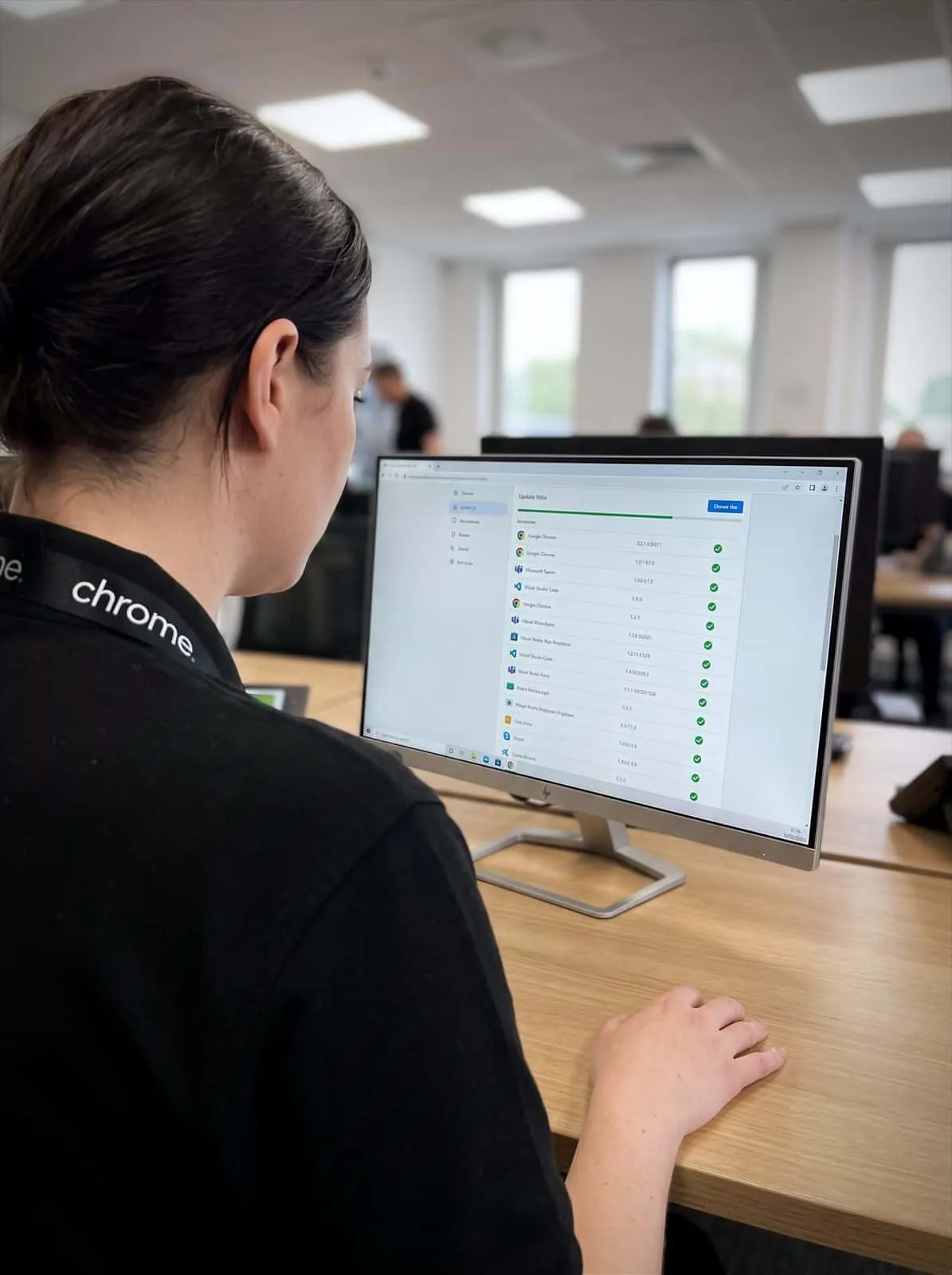

Why use Chrome Patch Management?
Someone clicks “remind me tomorrow”. A laptop stays offline for a week. An old app is still being used because nobody is quite sure who owns it.
It all feels small until a missing update creates a bigger problem.
Patch management helps keep supported devices and software up to date through a planned process.
Chrome can help your business review what needs updating, agree how patches are applied and check where updates have failed or need attention.
The aim is simple: reduce known gaps, keep devices easier to support and stop updates being left to chance.
Reduce known security gaps
Updates often fix weaknesses in software or devices. Keeping supported systems current helps reduce that risk.
Cut down manual chasing
Your team should not have to rely on every user remembering to update every device and app.
Plan restarts and disruption
Chrome can help agree update windows, restart settings and exceptions for devices that need extra care.
Support compliance conversations
Patch records can help when your business is reviewing cyber security controls or working towards Cyber Essentials.

What is patch management?
A patch is an update that fixes something in software or firmware, whether a security issue, a bug, a compatibility problem or a stability issue.
Patch management is the process of checking which updates are needed, applying them to supported systems and reviewing whether they worked. It can cover areas such as operating systems, business applications, servers, laptops, desktops and some network or mobile devices, depending on the setup.
Good patch management should answer practical questions: what needs updating, how urgent it is, which devices are affected, when the update should happen, whether users will need to restart, whether the update installed successfully, and what needs manual attention.
It does not mean every update is risk-free. It means there is a clearer process for handling updates, rather than hoping everything takes care of itself.
What needs updating
Operating systems, applications, servers, laptops and network devices.
How urgent it is
Security fixes are treated differently from minor bug fixes.
When it should happen
Updates scheduled around the working day rather than across it.
Whether it worked
Checked afterwards, so a failed update does not sit unnoticed.
Why patching gets missed
Most businesses know updates matter. The problem is keeping on top of them.
People are busy. Devices move between the office, home and site. Some users delay restarts. Some software updates sit quietly in the background. Some systems are old, sensitive or linked to another supplier.
Before long, nobody has a clear view of what is up to date and what is not.
That can make IT harder to support. It can also leave avoidable gaps around security, device performance and software reliability.
Chrome can help bring more order to the patch management process. We’ll look at the devices, software and systems included in scope, then agree how updates should be managed.
Not every system can be patched in the same way. Some updates can be applied routinely. Some need testing. Some need a maintenance window. Some may need another provider or software vendor involved.
The important part is knowing the difference before there is a problem.
What Chrome can help patch
The exact scope depends on your setup, licences and support agreement.
Chrome can discuss patch management for agreed areas such as Windows devices, supported laptops and desktops, servers where included, Microsoft updates, supported third-party applications, security tools, mobile devices where mobile device management is in place, network devices where supported, and business systems with agreed handling.
A written patch management policy can help set out what is included, what needs separate licensing or tools, and what remains with another supplier, and we’ll help put one together where it is useful.
That matters because patch management can quickly become confusing. A laptop may be managed by Chrome. A finance package may be managed by another software provider. A router may belong to a connectivity supplier. A line-of-business system may need vendor approval before changes are made.
We’ll help document who looks after each part, so updates do not sit in the “someone else is probably doing that” pile.
Plan updates around the working day
Updates are useful. Badly timed updates are less popular.
Nobody wants a laptop restarting halfway through a customer call or a key system changing just before payroll is due.
Chrome can help plan update settings and maintenance windows around how your business works, including scheduling updates, setting restart rules, agreeing user prompts, holding back certain changes where needed and checking devices that have not updated.
For more sensitive systems, we can help agree a different approach, which may involve testing, staged rollout, supplier input or planned downtime.
The goal is not to make updates invisible. It is to make them easier to manage and less likely to catch people out.
Your team should know what to expect, when action is needed and who to contact if something does not look right.
Patch management and cyber security
Patch management is an important part of cyber security.
Many attacks make use of known weaknesses in software, devices or systems. Updates help close those weaknesses once a vendor has released a fix.
Patching should sit alongside other controls, such as multi-factor authentication, endpoint protection, backups, password management, user training and device management. It is one layer of protection, not the whole answer, and vulnerability management as a whole covers more ground than patching alone. Some of this can run with less manual chasing once agreed rules are in place, though someone should still be checking that it is working as expected.
Chrome can help you understand where patch management fits into your wider setup. We can also support conversations around Cyber Essentials, where software updates and supported systems are part of the assessment.
If a device or application is no longer supported by its vendor, it may need replacing, removing or isolating from the rest of the business.
We’ll explain the options in plain English, so your team can make a clear decision.
Clearer reporting for your team
Patch management should give your business better visibility.
Chrome can help review update status as part of agreed reporting or service reviews, which may include devices that are up to date, updates that failed, devices that have not checked in, unsupported software, restart issues or systems that need manual attention.
This helps spot patterns. One device missing an update may be a one-off. Several devices missing the same update may point to a policy, access or user issue. Repeated failures may show that an old device or application needs replacing.
This can also support businesses with an internal IT person or team. Your team keeps control of the wider IT plan. Chrome helps with the agreed update process, checks and reporting.
That gives your IT lead a clearer view without asking them to chase every restart or missing update alone.

Patch management and your wider technology
Patch management rarely sits on its own.
It connects with managed IT, 24/7 monitoring, mobile device management, password management, cyber security, Microsoft 365 and device support.
Chrome can help bring those areas together through one team.
For example, a patch failure may point to a device issue. An unsupported application may become a cyber security concern. A mobile update may need mobile device management. A restart problem may need user guidance.
We’ll explain what Chrome manages and where another provider remains responsible, giving your team a clearer place to start when something needs checking.
How Chrome helps
Patching should be routine rather than reactive. This is how we work through it with you.
Review your current setup
Agree the scope
Set the update process
Apply and check updates
Review and improve
Fewer update gaps, clearer next steps
Patch management works best when it gives your business a clearer view of devices, software and updates.
Read what customers say about Chrome’s communication, support and the people behind the service in our reviews.
What people ask about software updates
Common questions about patch management: what gets updated, how urgent fixes are handled and how you know an update actually worked.
What is patch management?
Patch management is the process of checking, applying and reviewing updates for agreed devices, software and systems. It helps keep supported technology up to date and easier to manage.
Why is patch management important?
Updates often fix known security weaknesses, bugs or stability issues, sometimes released as part of a monthly cycle from a vendor such as Microsoft. Without a clear process, updates can be missed, delayed or left for users to handle on their own.
What can Chrome patch?
This depends on your setup and support agreement. Our patch management service may cover agreed Windows devices, Windows update management, supported software, servers, security tools and some third-party applications. We’ll confirm what is included before the service starts.
Will updates interrupt our team?
Some updates need a restart or may affect a device while they install. Chrome can help agree update windows and user guidance to reduce avoidable disruption.
Can patch management help with Cyber Essentials?
Yes, it can support the update management part of Cyber Essentials preparation. Chrome can help review supported software, patch records and update processes.
Are your updates being managed properly?
Your business may rely on devices and software that need regular attention.
Chrome can help you review what needs patching, agree how updates are handled and check where action is needed.
You’ll get clear advice, practical support and a better view of the systems your team depends on.