
Phones and IT support for manufacturing
A supplier needs an answer. Production needs an update. A customer wants to check an order.
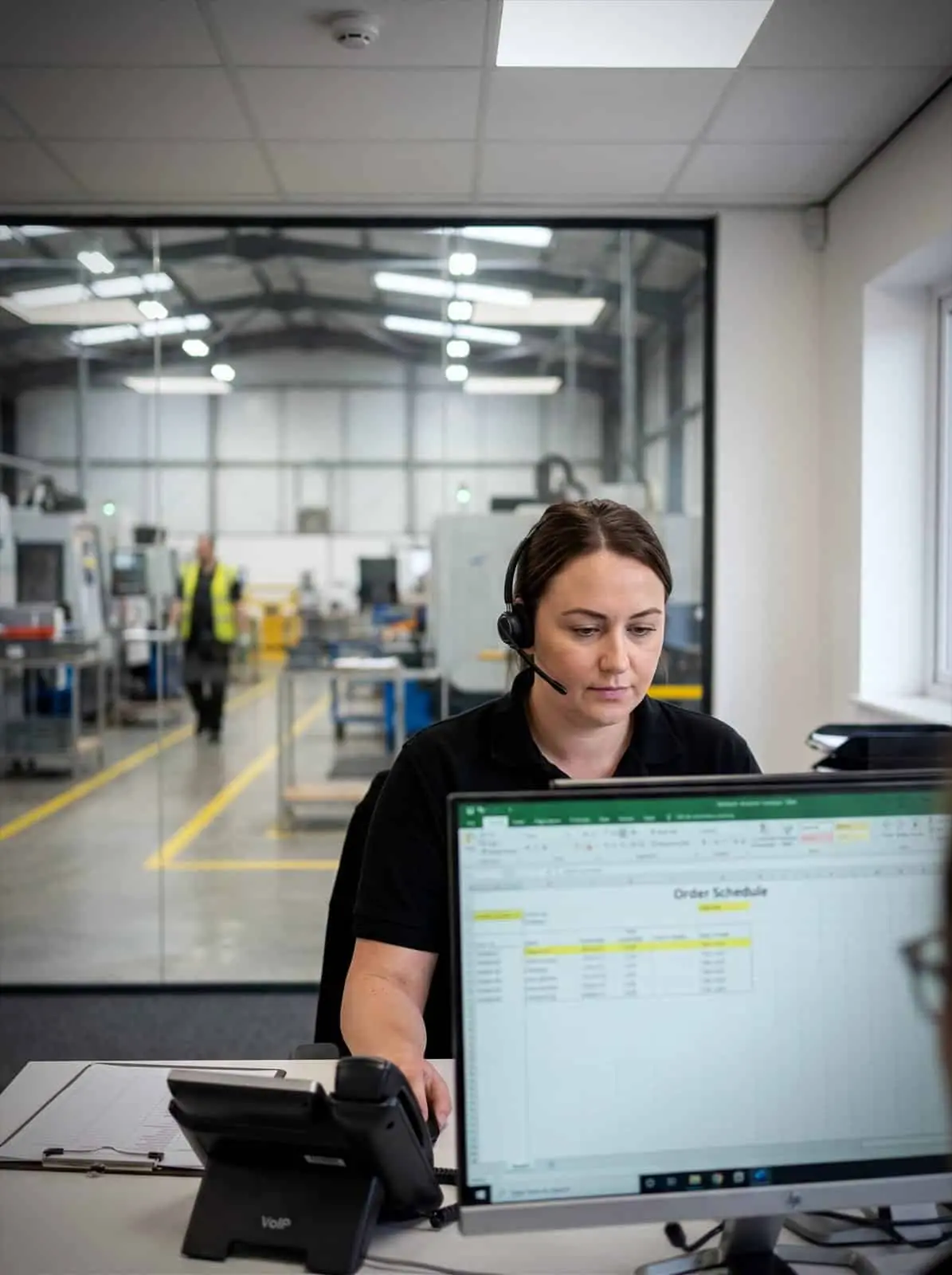

Why use Chrome for manufacturing?
The right person may be in the office, warehouse, factory or another location.
ChromeX helps your team make and receive business calls through desk phones, cordless handsets, mobiles, computers and Microsoft Teams.
Chrome can also support your connectivity, business mobiles, IT and cyber security. Your team has one place to call when something needs sorting.
Direct calls to the right team
Send customers and suppliers to sales, purchasing, production, quality, accounts or dispatch.
Connect different working areas
Bring offices, production teams, warehouses and other sites into the same phone setup.
Give mobile staff a business number
Staff can make and receive agreed business calls without sharing a personal number.
Manage fewer suppliers
Speak to Chrome about phones, mobiles, connectivity, IT and security through one helpful team.

Help calls reach the right team
Manufacturing calls often involve several departments.
A customer may need sales, production planning, quality, accounts or dispatch. A supplier may need purchasing, goods-in or someone responsible for maintenance.
ChromeX can help your business answer calls through desk phones, cordless handsets, mobiles, computers or Microsoft Teams, route calls by department, number, site or opening hours, place callers in a queue when people are busy, forward unanswered calls to another team or suitable device, send voicemail messages to an agreed email address, and review missed calls and call activity.
We’ll look at how calls are handled today before recommending the setup.
This includes what happens during shift changes, which teams handle each type of call and where customers go when a department is unavailable.
Call routes can be changed when teams, working hours or locations change.
Available features depend on the ChromeX licence, devices and connected services included in your setup.
Sales and planning
Customer calls routed to the right desk.
Quality and dispatch
Order and delivery questions handled directly.
Purchasing and goods-in
Supplier calls that skip the switchboard.
Across the floor
Desk phones, cordless handsets and mobiles.
IT support for manufacturing
A factory runs on more than its phone line. Production systems, stock control and the network across the shop floor all have to keep going through every shift.
Chrome looks after that technology, so your people can keep making things instead of waiting on a screen.
Systems that stay available
Production and stock systems are needed on every shift, not just office hours. We’ll watch the network and the devices behind them, and sort faults before they stop a line.
Office and shop floor on one network
Offices, production areas and warehouses often grew their own setups. We’ll bring them onto one network you can manage, with coverage that reaches the far end of the building.
Security and business continuity
A stopped line costs more than a lost file. We’ll handle backups, staff security training and access controls, and agree how you’d keep going if something failed.
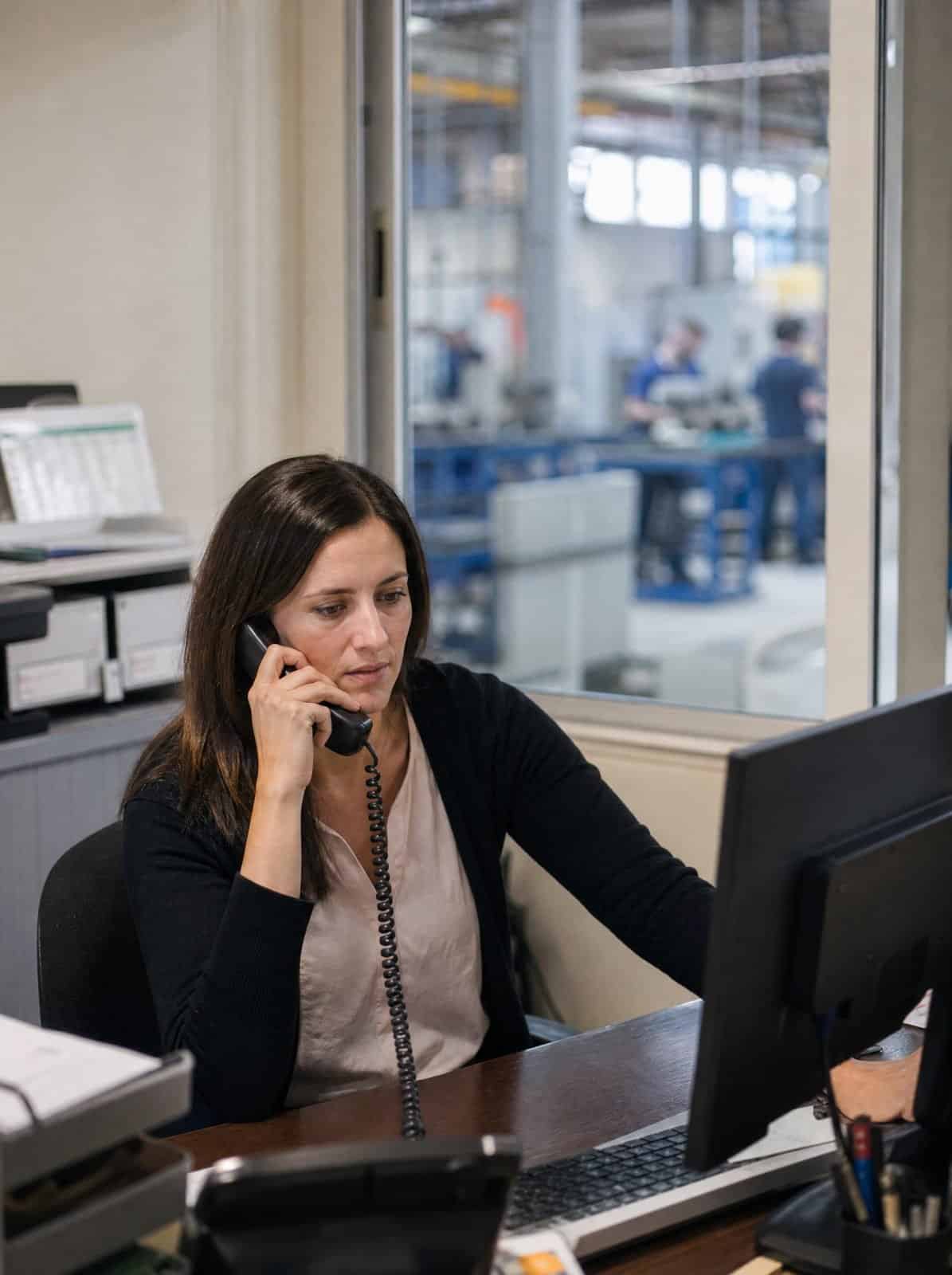
One phone system across your premises
Not everyone in a manufacturing business works at a desk.
Supervisors may move between production areas. Warehouse staff may spend the day away from the office. Engineers and managers may work across several buildings or sites.
Chrome can help plan how calls move between those teams.
Desk phones may suit office staff. Cordless handsets may suit people moving between production, warehouse and goods-in areas. Headsets may help teams handling a high number of calls.
People using different devices can remain part of the same business phone system.
A caller can be transferred from reception to a warehouse worker, another office or someone using the ChromeX mobile application.
Some working areas may need tougher devices or wider cordless coverage. We’ll review the layout, expected use and required coverage before recommending equipment.
Where safety functions are available, they should support your existing procedures rather than replace training, supervision or risk assessments.
Give mobile teams a business number
Managers, sales teams and engineers may spend time away from the main site.
The ChromeX mobile and desktop applications allow users to make and receive calls through the company phone system.
They can present a business number, check voicemail and transfer callers to another team.
This can reduce the need to share personal numbers. It also keeps business calls within the wider company setup.
ChromeX can also support external calling through Microsoft Teams.
Teams users can remain part of the same phone system as colleagues using desk phones, cordless devices and ChromeX applications.
Chrome can also help organise business mobile devices and allowances around different roles.
A sales director, production manager and field engineer may each need a different amount of data and access to different applications.
We’ll review likely use before recommending devices or tariffs. We can also help with account changes, replacement phones and removing business access when someone leaves.
Understand what happens when people call
Calls may include order details, delivery dates, specification changes or supplier instructions.
ChromeX can help your team keep a clearer record of those conversations and understand how calls are being handled.
Depending on your setup, this can include caller information from a connected CRM, click-to-call from supported systems, call times and activity added to customer records, missed and abandoned call data, queue wait times and busy periods, and call recording for authorised users.
Call recording can help staff check what was agreed, review a complaint or use an example during training.
Reports can help managers see when demand is highest, where customers are waiting and whether a call route needs attention.
Live wallboards can also display selected information for supervisors or customer service teams.
The aim is not to add another screen full of figures. It is to make useful information easier to see and act on.
ChromeX connects with several CRM platforms. We’ll confirm what your current system can do before recommending a connection.
Your business remains responsible for deciding which calls should be recorded, who can access them and how long they should be kept.
Connectivity across your premises
Your phone system, cloud applications and office IT depend on the connection underneath them.
Manufacturing premises can present practical challenges. Offices, warehouses and production areas may be spread across large buildings or several units.
Chrome can review the connectivity available at each site.
This may include business broadband, leased connections, mobile data services, workplace Wi-Fi and backup connectivity.
We’ll consider the layout, number of users, coverage requirements and the systems that depend on the connection.
A warehouse may need Wi-Fi across a larger area. An office may need a connection that supports phones, computers and cloud applications. Another site may need backup access if the main service is unavailable.
Where backup connectivity is included, we’ll explain how it works and which services it is intended to support.
Factory machinery and control systems may need separate specialist support. We’ll make responsibilities clear before work begins.
One Chrome team for your wider technology
A phone problem may turn out to be a connectivity issue.
A user may be unable to call because of an account setting. A new production unit may need phones, internet access, Wi-Fi and IT support at the same time.
Chrome can help with business phone systems and mobiles, connectivity and workplace Wi-Fi, managed IT and Microsoft 365, cyber security, CCTV and access control, and workplace technology.
Bringing these services together can reduce the number of suppliers your team needs to contact.
It also gives you a clearer place to start when the cause of a problem is not obvious.
We’ll document what Chrome manages and where another specialist remains responsible.
Related industries: logistics and construction. You can also browse every sector we support.
How we get your teams connected
A manufacturing phone system spans office and floor. This is how we work through it with you.
Understand how the business works
Review the current setup
Plan and prepare the change
Train and support your team
Support that continues after installation
A phone system needs to work for the people using it across the office, warehouse and wider site.
Read what customers say about Chrome’s communication, support and the people behind the service in our reviews.
Manufacturing phone systems FAQs
Common questions about phone systems for manufacturing: reaching the factory floor, routing supplier calls and handling several departments.
Can ChromeX support more than one factory or site?
Yes. Users from several locations can be part of the same ChromeX phone system. Numbers and call routes can be organised around different teams, sites and working hours.
Can staff use cordless phones across a factory or warehouse?
Cordless handsets may be suitable, depending on the layout and required coverage. We’ll review the area before recommending equipment and the number of base stations needed.
Can ChromeX work with Microsoft Teams?
Yes. Microsoft Teams users can make and receive external calls while remaining part of the wider ChromeX phone system. The available functions will depend on the agreed setup.
Can ChromeX connect with our CRM or production software?
ChromeX connects with several CRM platforms. Connections with other web-based systems may also be possible. We’ll check the platform and required functions before confirming the options.
Factory control systems may need separate specialist support.
Can manufacturing calls be recorded?
Call recording is available through selected ChromeX licences. Your organisation should have clear rules covering why calls are recorded, who can access them and how long they are kept.
What happens if our main internet connection stops working?
Backup connectivity may be available, depending on the site and chosen service. We’ll explain how it works and which parts of the setup it is intended to support.
Make it easier for every team to stay in touch
Customers may be waiting for updates. Suppliers may be reaching the wrong department. Staff may be using separate systems across different sites.
We can review your phone system, mobiles and connectivity, then explain the available options in plain English.
You’ll receive a practical recommendation based on the way your manufacturing business works.