
Security systems planned around your premises
Your premises may need more than locked doors and a camera by the entrance.

Why use Chrome Security Services?
You may want to see what is happening on site, manage who can enter certain areas, review incidents, support lone workers or give managers a clearer view across more than one location.
That only works when the setup is planned around the building, the people and the working day. A camera in the wrong place will not help much. An access system with unclear permissions can quickly become hard to manage, and a system that nobody knows how to use is not really doing its job.
Chrome helps UK businesses plan, install and support business CCTV and access control systems that fit the way their sites are used. We can help with CCTV, access control and the wider technology behind them, including networks, connectivity, devices and ongoing support.
The aim is simple: help you protect your people, premises and assets with systems that are easier to manage.
See what is happening
CCTV can help give your team better visibility of entrances, yards, stock areas, shared spaces and other agreed parts of your site.
Control who can enter
Access control can help manage who can enter certain doors, rooms or areas, and when.
Support incident review
The right setup can make it easier to check footage, review access events and understand what happened.
Connect security with wider technology
Security systems work best when they fit with your network, connectivity, IT support and cyber security.

What business security support means
Business security support is not only about choosing cameras or door readers.
It starts with understanding your premises and how people use them. Staff, visitors, contractors, delivery drivers, cleaners and managers may all need different routes, access and support at different times of day.
The site itself matters too. A warehouse, office, retail shop, clinic, school, construction site and multi-tenant building will all need a different approach. Cabling, Wi-Fi, Power over Ethernet, internet connection, camera storage and remote access may also affect what is possible.
Chrome can help you review the site, talk through the risks and decide which systems would be useful. We’ll explain what can be covered, what needs further planning and how the setup should be managed after installation.
The goal is not to add technology for the sake of it. It is to help your team understand what is happening and keep the right areas protected.

Start with the site, not the equipment
Security systems should be planned around how the site is used.
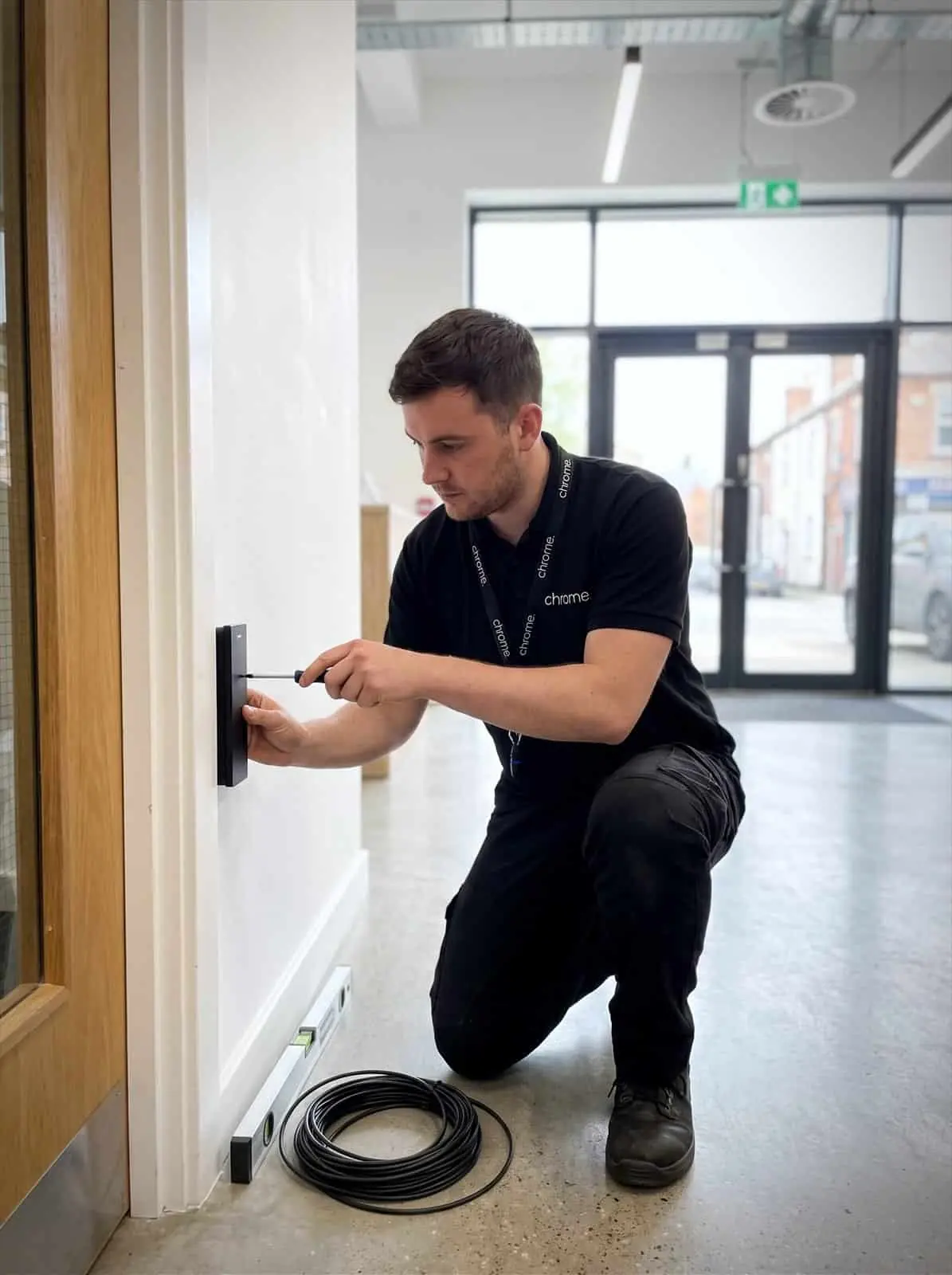
Before recommending anything, Chrome will look at the building, entrances, working patterns and the people who need access. We’ll also look at practical details such as cabling, network points, power, internet access, remote viewing needs and who will manage the system day to day.
These questions help avoid common problems. A camera may cover the wrong angle. A door reader may be fitted without a clear process for user changes. A system may rely on a network that was never planned for video traffic.
Chrome can help you plan the setup before work begins, so the system is easier to support later.
That might mean CCTV only, access control only, or a joined-up setup across both.
Explore our services
Covering the technology most UK businesses rely on every day.
Each one has its own pages explaining what is covered and where Chrome can help.
CCTV
CCTV can help your business monitor agreed areas, review incidents and keep a clearer record of activity around your premises, from IP camera systems on a single site to CCTV installation across several locations.
Chrome can help plan camera locations, recording, remote viewing, storage, user access and support. We’ll also help you think about signage, privacy and how footage should be managed.
Access Control
Access control can help your business manage who can enter agreed areas, using options such as fob access control, cards, keypad access control, mobile credentials or other approved methods.
Chrome can help plan doors, users, permissions, schedules, leavers and support, so access does not depend on a drawer full of keys.
Prefer to start with your industry?
Some businesses would rather see how this works in their own sector than pick a service from a list.
Our industry pages cover fifteen sectors, from dental practices and care homes to logistics, retail and construction. Each one starts from the working day rather than the technology.

CCTV for clearer visibility
CCTV can help your business see what is happening in agreed areas.
That might include entrances, car parks, stockrooms, yards, warehouses, reception spaces, loading bays or shared spaces.
The right setup depends on what you need the cameras to do. You may want to monitor arrivals and exits, review incidents, check stock areas, support health and safety reviews, view footage remotely through remote CCTV monitoring, or manage several sites from one place.
Chrome can help you plan camera positions, image quality, recording, storage and access, whether the project is commercial CCTV for an office or warehouse CCTV across a larger site. We can also discuss how footage is viewed, who can access it and what happens when a recording needs to be found.
CCTV should be useful when you need it, not confusing when something has already happened.

Access control for doors and restricted areas
Keys can become hard to manage as a business grows.
People join, people leave, contractors need access and managers need different permissions. A door that should stay closed can also become part of someone’s shortcut across the building.
Access control can help bring more structure to entry. Depending on the system, users may be given access through fobs, cards, keypads, mobile credentials or other agreed methods, including cloud based access control where the setup supports it. Permissions can be set around doors, areas, times or user groups, depending on the setup.
Chrome can help your business plan which doors need access control, whether that means door entry system upgrades or a full access control installation, and who should manage user changes. That may include staff access, visitor access, contractors, leavers, out-of-hours access and emergency procedures.
The aim is to make access easier to manage without making everyday movement around the site frustrating.
Data protection, privacy and user access
CCTV and access control systems can involve personal information, so the setup needs careful thought.
Your business may need to consider signage, who can view footage, how long recordings are kept, how access logs are used and what happens when someone asks about their information.
Chrome can help with the practical setup, including system access, user permissions and support routes.
We will not guess legal or compliance wording for you. Where data protection, staff monitoring, public areas or regulated environments are involved, your business may need legal, compliance or specialist advice.
The important point is to think about these questions before the system goes live.
Security systems and your wider technology
Modern security systems often rely on the same technology as the rest of the business. Cameras may need network points, switches, storage, remote access and a connection that can be trusted. Access control may need user records, door controllers, software, credentials and support when someone joins or leaves.
That is where Chrome can help. We support business technology across phones and mobiles, connectivity, managed IT, cyber security, CCTV and workplace tools.
A CCTV issue may involve a camera, switch, recorder, internet connection or user account. An access problem may involve a door controller, user permission, fob, network connection or leaver process.
Having one team that understands more of the setup can make support easier, especially when premises change or new sites are added. We’ll explain what Chrome manages and where another provider remains responsible.
How Chrome plans security around your site
Five steps from walking the site to supporting the system once it is in use.
You’ll know what happens at each stage and what needs deciding before work begins.
Understand your premises
Review what needs attention
Recommend the right setup
Install and explain
Support as things change
Security that is actually used, not just installed
Security works best when the system fits the premises, and the people using it know what to do.
Read what customers say about Chrome’s communication, support and the people behind the service in our reviews.
Security systems questions we are often asked
The questions businesses usually ask before adding cameras, changing door access or joining several sites together.
What security services does Chrome provide?
Chrome can help with business CCTV and access control for UK businesses, from CCTV installers who understand the wider network to access control installation across single or multiple doors. We can also connect security systems with wider services such as connectivity, managed IT, cyber security and support.
Is this the same as cyber security?
No. This section is about premises security, including CCTV and access control. Cyber security focuses on protecting accounts, systems, data and users from online risks.
Can Chrome help with more than one site?
Yes, where the service scope supports it. Chrome can help review security needs across multiple offices, shops, sites or premises.
Can CCTV be viewed remotely?
In many setups, remote viewing may be possible. This depends on the CCTV system, permissions, internet connection and security settings. Chrome can explain what is suitable before recommending a setup.
Does Chrome install Hikvision CCTV?
Chrome works with Hikvision as one of its technology partners. As a Hikvision installer, whether Hikvision is the right fit depends on your site, budget and requirements, and Chrome can confirm current options during a review.
What should we think about before installing CCTV or access control?
Think about which areas need coverage, who needs access, who can view footage or logs, how long records are kept and how the system will be managed. Chrome can help with the practical setup and explain where specialist advice may be needed.
Need a clearer plan for site security?
Your premises may need better visibility, clearer access control or a more joined-up security setup.
Chrome can help you review your current systems, plan the right coverage and support your team after installation.
You’ll get practical advice on CCTV, access control and how security fits with the rest of your business technology.