
See which calls your business is missing
Understand when customers call, how long they wait and what happens when nobody answers.

Why use Chrome Call Tracking and Reporting?
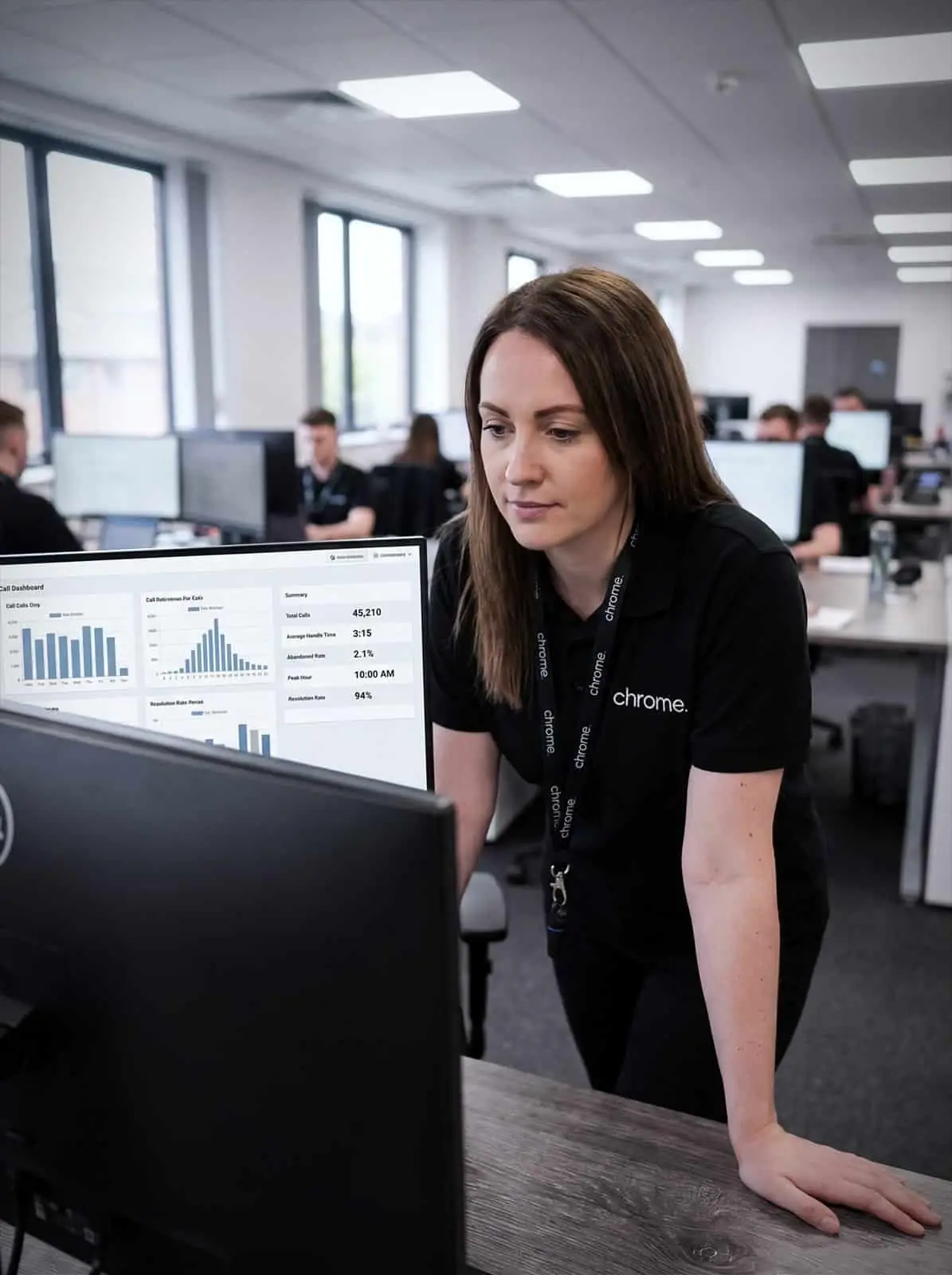
ChromeX call reports can show missed calls, busy periods and call activity across your teams.
We’ll help you choose the information that matters and explain how to use it.
Follow up missed calls
See when a call went unanswered and give your team the information needed to respond.
Find your busiest times
Check when call volume rises and whether your current cover still suits the business.
Understand the caller experience
Review queue time, abandoned calls and how calls move through your phone system.

Do you know what happens when a call is missed?
A missed call may be a new enquiry, an existing customer or someone who needs support.
Without call reporting, it can be difficult to know how many calls are going unanswered or when the problem occurs.
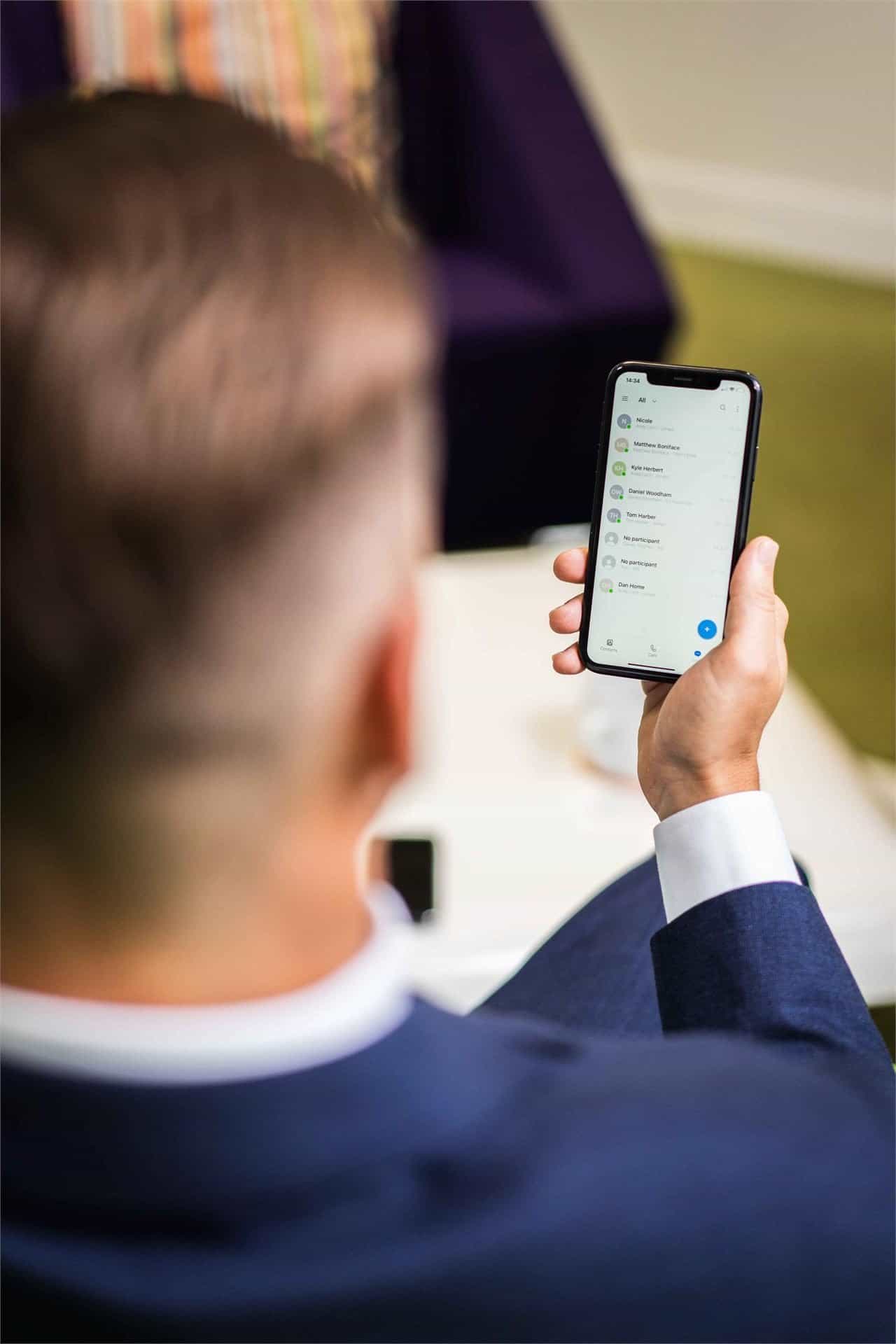
ChromeX can give authorised people a clearer view of incoming and outgoing calls. Depending on your setup, reports may show the caller’s number where available, the date and time of the call, the number or department they contacted, whether the call was answered, how long the caller waited, and the person or group the call was sent to.
Your team can use this to decide which missed calls need a response.
A report does not return the call for you. A clear process is still needed so people know who checks missed calls, who follows them up and when the task is complete.
Find out when customers call most often
Call volume can change throughout the day and week.
Your team may manage comfortably most of the time but struggle during lunch, early mornings or the end of the working day.
Reports can help you compare incoming and outgoing calls, answered and unanswered calls, call volume by hour or day, queue time, call handling times and activity by team or department.
This can help managers ask better questions. Do break times need adjusting? Are calls reaching the correct department? Does the phone system reflect your current opening hours?
The answer will not always be more staff. A change to call routes, queues or menus may help.
Your busiest hours
See when call volume rises so cover matches demand.
The quieter periods
Spot the times when fewer people are needed on the phones.
Patterns across the year
Compare weeks and months to plan ahead for the busy spells you already expect.
Cover that fits
Use the pattern to agree rotas, opening hours and where calls should route.
Understand what callers experience
Call reports can show what happened before a customer spoke to someone or ended the call.
Unanswered calls show how many calls were not answered and when they occurred. Abandoned calls show how many callers ended the call while waiting. Queue time shows how long customers usually wait before someone answers. Call handling times show how long different calls take. Call volume compares the number of calls reaching different numbers, teams or departments.
These figures need context. A longer call may mean someone received patient and thorough help. A short call may mean the question was simple, or that the customer was transferred elsewhere.
Chrome will explain what each report measures before you use it to make changes.
Give your team useful information
Reports should help people manage calls, not leave them feeling watched.
A high number of missed calls may be caused by calls reaching the wrong group, too few people during a busy period, long or difficult enquiries, incorrect opening hours, an unclear call menu, a phone or application problem, or people needing more training.
Talk to the team before drawing conclusions from the figures. Chrome can help you check whether a change to the phone setup may improve the situation.
See call activity as it happens
A ChromeX wallboard can display current call information on a screen, working as a call centre wallboard or contact centre wallboard depending on how your team is set up.
Depending on the setup, it may show calls waiting, current queue time, people available to answer, calls answered or missed, and activity during the day. A wallboard is most useful in a room where several people handle calls together, since a report a manager checks once a day and a wallboard the team sees continuously are solving different problems.
This can help reception, sales and customer service teams see when queues are building. Choose information that helps people respond. Avoid filling the screen with figures that have no clear purpose.
Reports for different parts of the business
Reception and customer service teams can review missed calls, queue time and busy periods, which helps them follow up callers and see when extra cover may be needed.
Sales teams can check unanswered enquiries and call activity across the team, reducing the chance of a new opportunity being left without a response.
Operations can compare call activity between departments, offices or telephone numbers, showing whether calls are still following the right routes.
Business owners and directors can receive a summary of call volume, missed calls and waiting times, supporting decisions about staffing, opening hours and customer service.
Get the reports you will actually use
More reports do not always mean better information.
A reception team may need to check missed calls several times a day. A director may only need a weekly summary.
ChromeX reports can be viewed when needed or sent to agreed recipients at set times.
We’ll help you decide what needs to be measured, who needs to see it, how often they need it, and what action should follow. This keeps reporting connected to a real business need.
How Chrome helps
Call reporting is most useful when it answers a question you actually have. This is how we work through it with you.
We understand the problem
We check the phone setup
We set up the right reports
Call reporting as part of ChromeX
Call reports are most useful when they sit within a phone system that reflects the way your business works.
ChromeX can also support call menus, call queues, hunt groups, opening-hours routing, desktop and mobile applications, Microsoft Teams calling, CRM connections and call recording, alongside the live wallboards and call analytics covered on this page.
Call analytics sits closest to reporting, turning the raw numbers into a picture of where calls are going and where they are getting stuck.
Chrome can review how calls enter the business, where they go and what happens when nobody answers.
You have one team to call when the reports point to something that needs attention.
Call reporting that leads to a useful action
Customer reviews are one of the clearest measures of the service we provide.
Read what customers say about Chrome’s communication, support and the people behind the service in our reviews.
Call reporting FAQs
Common questions about business call reporting: what it measures, what it can show by person or department, and how it differs from call recording.
What is business call reporting?
Business call reporting records information about incoming and outgoing calls, which may include the time, number, destination, duration and whether the call was answered.
Can we see which calls were missed?
Yes. ChromeX reporting can show unanswered calls. The available details will depend on your setup and reporting package.
Can we see when the business receives the most calls?
Reports can compare call volume across selected hours, days or longer periods, which can help you identify regular busy periods.
Can reports show activity by person or department?
Activity information may be available by individual, team or department. We’ll explain what the figures show and how they should be used.
Can reports be sent automatically?
Reports can be scheduled for agreed times and recipients. We’ll help you choose a schedule that suits the people using the information.
Does call reporting record conversations?
No. Call reporting records information about the call. Call recording is a separate function that records the conversation itself.
Get a clearer view of your business calls
Missed calls are easier to deal with when your team can see them.
Chrome can help you track unanswered calls, understand busy periods and review what customers experience when they contact you.
We’ll recommend reports based on what you need to know, without adding measures your team will not use.