
Your billing and account details in one place
Chrome customers can view billing information online through the Chrome billing portal.
If you need to check an invoice, review your services or send a query about your account, this page explains where to go and what to include so we can help quickly.
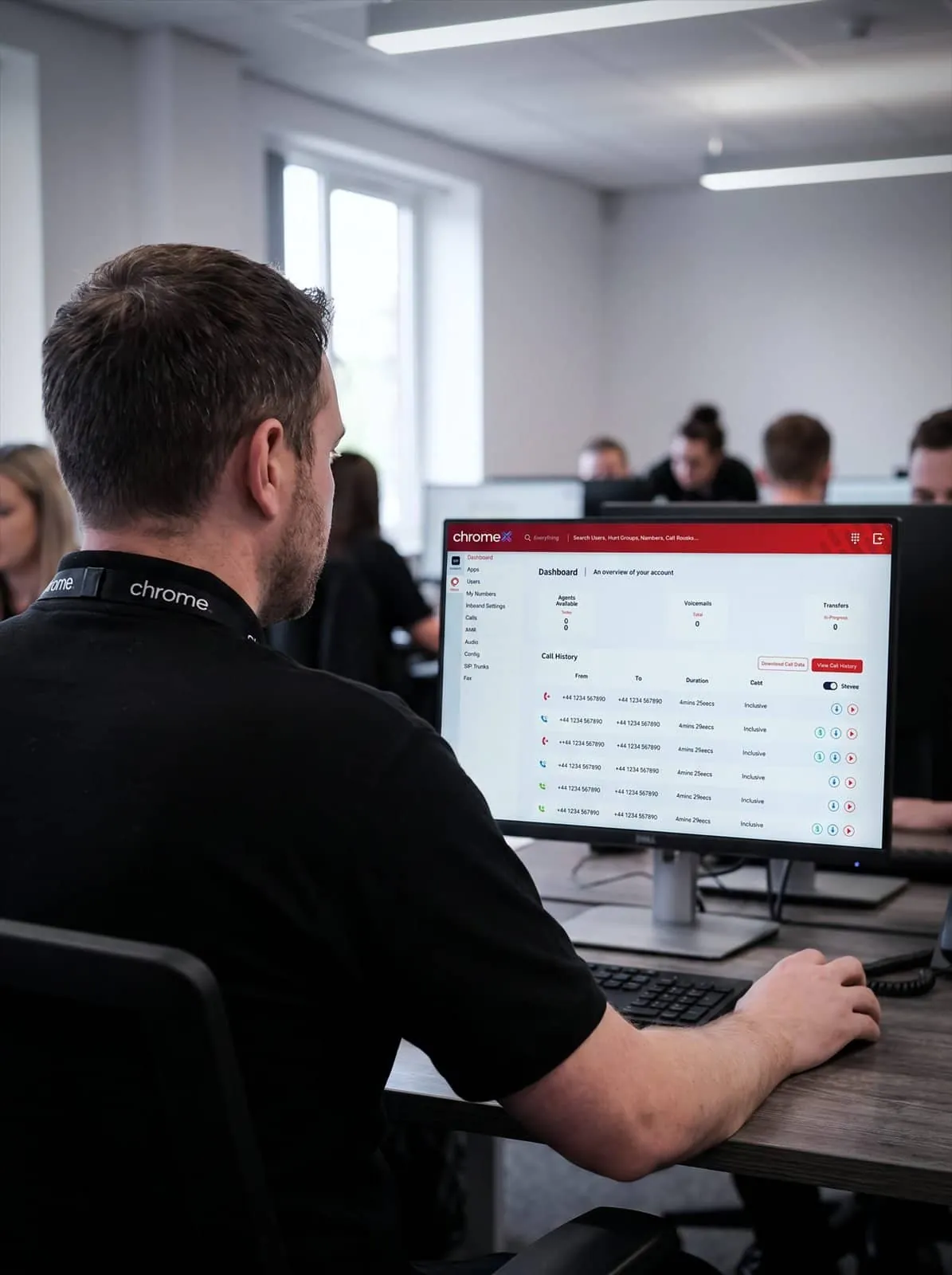


The Chrome billing portal
The billing portal is where you can view your Chrome bills online.
If you have not used it before, or you are not sure whether your account has access, contact us and we’ll check what applies to your services.
Please keep your login details private. Chrome will never ask you to send a password by email or through a web form.
If a login is not working, contact us rather than sharing credentials with anyone. We can check the account and arrange access.
View your bill
See your Chrome invoices online rather than searching back through email.
Other service portals
Some services have their own sign-in, such as ChromeX or Microsoft 365. The right one depends on the services you take. We can confirm which apply to your account.
If something does not look right
Contact us with your business name, the invoice or service in question and a short description of what looks wrong. We’ll review it and explain what happens next.
Need access?
If you cannot sign in, or the right person in your business needs access, contact us and we’ll check what can be arranged for your account.

What to include in a billing query
The more specific the query, the faster we can answer it.
Please include your business name, your account or invoice number if you have it, the service the query relates to and a short description of what you would like us to check.
If the query relates to a change you have asked for, it also helps to mention roughly when the change was requested and who you spoke to.
Please do not send passwords or card details in an email or web form. If payment information is needed, we will explain the correct way to provide it.
Customer portal FAQs
Common questions about billing and account access.
Where do I view my bill?
Through the Chrome billing portal. Use the button on this page to open it.
I cannot sign in. What should I do?
Contact us and we’ll check the account. Please do not share your password with anyone, including Chrome.
Is the billing portal the same as ChromeX?
No. The billing portal is for invoices and account information. ChromeX is the phone system platform and has its own sign-in.
Can someone else in my business have access?
Contact us with the name and email address of the person who needs access and we’ll check what can be arranged for your account.
Who do I contact about a bill I think is wrong?
Contact Chrome with your business name, the invoice or service in question and what looks wrong. We’ll review it and come back to you.
Need help with your account?
Send us the details and we’ll check it. Please include your business name and the invoice or service the query relates to.