
Phones and IT support for law firms and accountants
Help clients reach the right fee earner, keep staff working from any office or at home, and keep the case, accounting and document systems behind the work running.


Why use Chrome for professional firms?
ChromeX supports professional firms with call routing, voicemail, reporting, recording and applications for different working locations.
We’ll understand how your firm works, prepare the setup and train your team. We’ll remain available when you need help or something changes.
Route calls clearly
Help new enquiries and existing clients reach the correct person or department.
Support different working locations
Answer business calls through desk phones, computers, mobiles and Microsoft Teams.
Connect calls with business software
Supported connections can help staff recognise callers and open useful records.

A client should not have to keep chasing
A client may be calling about a deadline, account, case, project or piece of advice.
The person they need may be in a meeting, working from home or visiting another client.
ChromeX can help you agree what happens when that person is unavailable.
Your setup may include direct telephone numbers, call groups, short call menus, agreed overflow routes, opening-hours rules, voicemail to email, calls shared between offices, and desktop and mobile applications.
We’ll begin by looking at how calls are handled today.
The aim is to help clients reach the right team and give staff a clear way to respond.
IT support for law firms and accountants
A professional firm runs on case management, accounting platforms, document systems and the email archive behind them. When any of it stops, chargeable time stops with it.
Chrome looks after that technology so fee earners stay working and client information stays where it should.
Systems that stay available
Case management, accounting software and document systems have to be there when a deadline is. We monitor the network and the devices behind them and deal with faults before they cost billable hours.
Client files where you need them
Document management, shared drives and email archives grow quickly. We keep storage, search and access working, so the right people can reach the right matter from any office or from home.
Security and client confidentiality
Solicitors, accountants and consultants all hold data that carries obligations. We handle backups, staff security training and access controls, and keep the records your professional body and your insurer ask for.
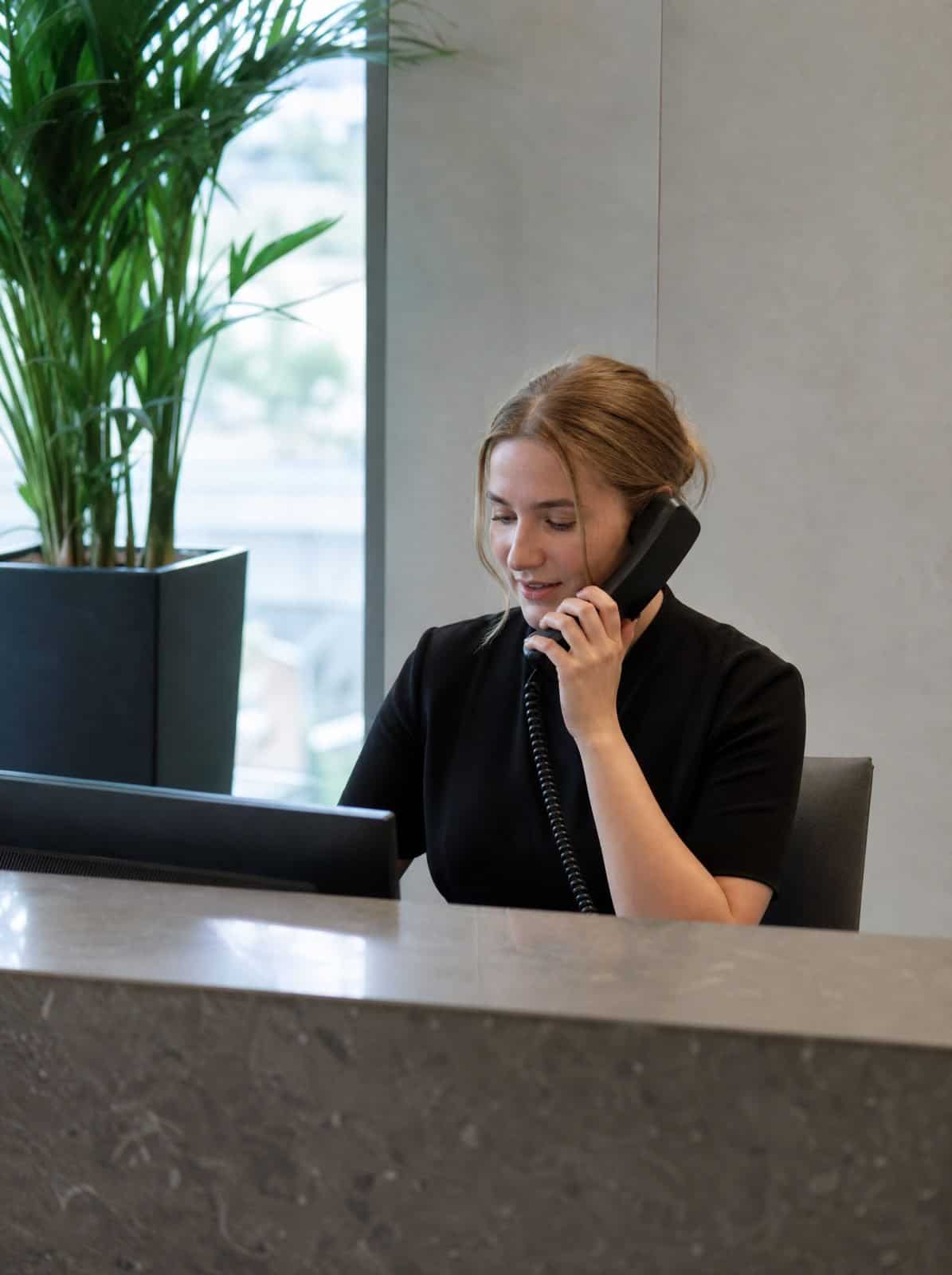
Route calls around the way your firm works
Some firms want every call answered by reception.
Others give advisers, consultants, fee earners or account managers their own direct numbers.
Many need a mixture of both.
ChromeX can route calls for new business enquiries, existing clients, accounts, individual staff, particular departments, different offices, and out-of-hours calls.
When someone is unavailable, a call can return to reception, ring another team member or move to voicemail.
A short call menu may also help when callers regularly need different services.
Keep the choices simple. A client should not need a map to find the right extension.
Reception first
Every call answered by a person, if that is your preference.
Direct numbers
Advisers and fee earners reachable on their own line.
A mixture of both
Different routes for different teams.
New business calls
Enquiries sent where they will actually be followed up.
Keep staff contactable wherever they work
Professional teams may divide their time between the office, home, client meetings and other sites.
Depending on the role, staff may use desk phones, wireless headsets, desktop applications, mobile applications, Microsoft Teams or supported web browsers.
Staff can make and receive business calls without sharing a personal mobile number.
They may also be able to check voicemail, view recent call activity and contact colleagues through internal extensions.
Not every call should follow someone into a meeting.
We’ll help you decide when a call should reach an individual and when it should return to the wider team.
Connect calls with your business software
Your CRM, case management, accountancy or project system may already hold the information a member of staff needs during a call.
ChromeX can connect with supported business platforms.
Depending on the software, staff may be able to see available caller information, open a matching client record, click a telephone number to begin a call, add call details to a record, and access contacts through both systems.
This can reduce the time spent searching for information while a client waits.
Functions differ between platforms, whether your firm relies on general practice management software or a more specific accountancy, legal or project system.
We’ll check the software your firm uses and explain what is supported before recommending anything.
See which calls need attention
A missed call could be a new client, an existing matter or someone trying to meet a deadline.
ChromeX reports can help authorised staff review information such as unanswered calls, the date and time, the office or number contacted, queue waiting times, call volumes, activity by staff member or team, and outbound call activity.
Reports can help managers understand whether calls are reaching the correct team and whether messages are being returned.
They may also show up busy periods or calls that are being transferred too often.
A report does not respond to a client by itself.
Your firm still needs a clear process for assigning and recording follow-up work.
Chrome can help you choose reports that support that process.
Review important conversations
Call recording may help when there is a clear reason to listen again.
A professional firm might use suitable recordings to check what was discussed, review a complaint, support staff training, understand a difficult call, or help resolve a disagreement about information given or received.
Recordings should not replace written agreements, client records or file notes.
They may contain personal, confidential or sensitive information.
Your firm should decide why calls are recorded, who can listen and how long recordings are kept.
Some regulated firms may have additional requirements, including anything set by the SRA, ICAEW or another relevant professional body.
Chrome can explain the technical recording, access and storage options. Your legal or compliance advisers should confirm the rules that apply to your work.
Bring several offices together
ChromeX can bring staff, telephone numbers and call routes together across several locations.
Depending on the setup, teams may be able to transfer calls between offices, share busy call groups, use a central contact directory, manage opening hours through one portal, view reports across agreed teams, and answer through supported applications.
One office may also be able to help when another reception team is busy.
We’ll agree how calls should be shared before setting up any overflow route.
One team for more of your business technology
Your phone system depends on the technology around it.
Chrome can also support internet connectivity and Wi-Fi, business mobiles, managed IT, Microsoft 365, cyber security, and CCTV and access control.
This gives your firm fewer suppliers to manage and one team to call when responsibilities overlap.
We can also discuss what should happen if the main internet connection becomes unavailable. This may include sending calls to another number, mobile or office.
We’ll make it clear what Chrome supports and when another provider needs to be involved.
Related industries: estate agents and technology companies. You can also browse every sector we support.
How Chrome helps
A professional firm phone system should reflect how your people work. This is how we work through it with you.
We understand your firm
We recommend and prepare the setup
We train and support your team
Why professional firms choose Chrome
What working with Chrome looks like in practice.
Clear advice
We explain the options in plain English before you commit.
A setup based on how you work
We look at your clients, staff, software and working patterns before recommending anything.
Training for your team
We show your team how to use the tools that matter to their roles.
Support after installation
Speak to people who understand your setup when you need help or a change made.
We’ll talk through the options and agree what suits you before anything changes.
Professional services phone systems FAQs
Common questions about phone systems for professional firms: direct numbers, call recording and keeping client calls properly handled.
Which professional firms can Chrome support?
Chrome can discuss phone systems for accountants, solicitors, consultants, architects, surveyors, financial firms and other professional service organisations. The right setup will depend on your work, locations and any sector requirements.
Can we keep our existing telephone numbers?
In most cases, existing business numbers can be moved. We’ll check them before the project begins and explain any restrictions or timescales.
Can ChromeX connect with our business software?
ChromeX can connect with supported CRM, accountancy, case management and other business platforms. The functions differ between systems. We’ll check your current software and explain what is available.
Can staff answer calls away from the office?
Staff may be able to use desktop applications, mobile applications or Microsoft Teams. The right choice will depend on their role and working location.
Can calls be recorded?
Call recording is available through certain ChromeX options. Your firm will need a clear reason for recording and suitable rules for access and retention.
What happens if our internet connection goes down?
The available options depend on your phone and connectivity setup. Calls may be sent to another number, mobile or office. A backup connection may also be suitable. We’ll agree the approach before the service begins.
Is your phone system helping your firm respond?
Clients may be reaching the wrong team. Important messages may be sitting in personal inboxes. Staff may be using personal numbers when working away from the office.
Chrome can review your call routes, business software, reporting and current setup.
You’ll receive clear recommendations based on how your firm works.