
Phones and IT support for garages
Help customers reach the right person, give staff more ways to answer, and keep the systems behind the workshop running.

Why use Chrome for garages?
ChromeX gives garages more control over call routes, voicemail, reporting and business numbers.
We’ll understand how your garage works, prepare the setup and train your team. We’ll remain available when you need help or something changes.
Follow up missed calls
See which calls went unanswered and give your team the information needed to respond.
Reach staff around the garage
Use desk phones, cordless handsets and applications based on where people work.
Keep customers informed
Share opening hours, booking information and agreed service updates.
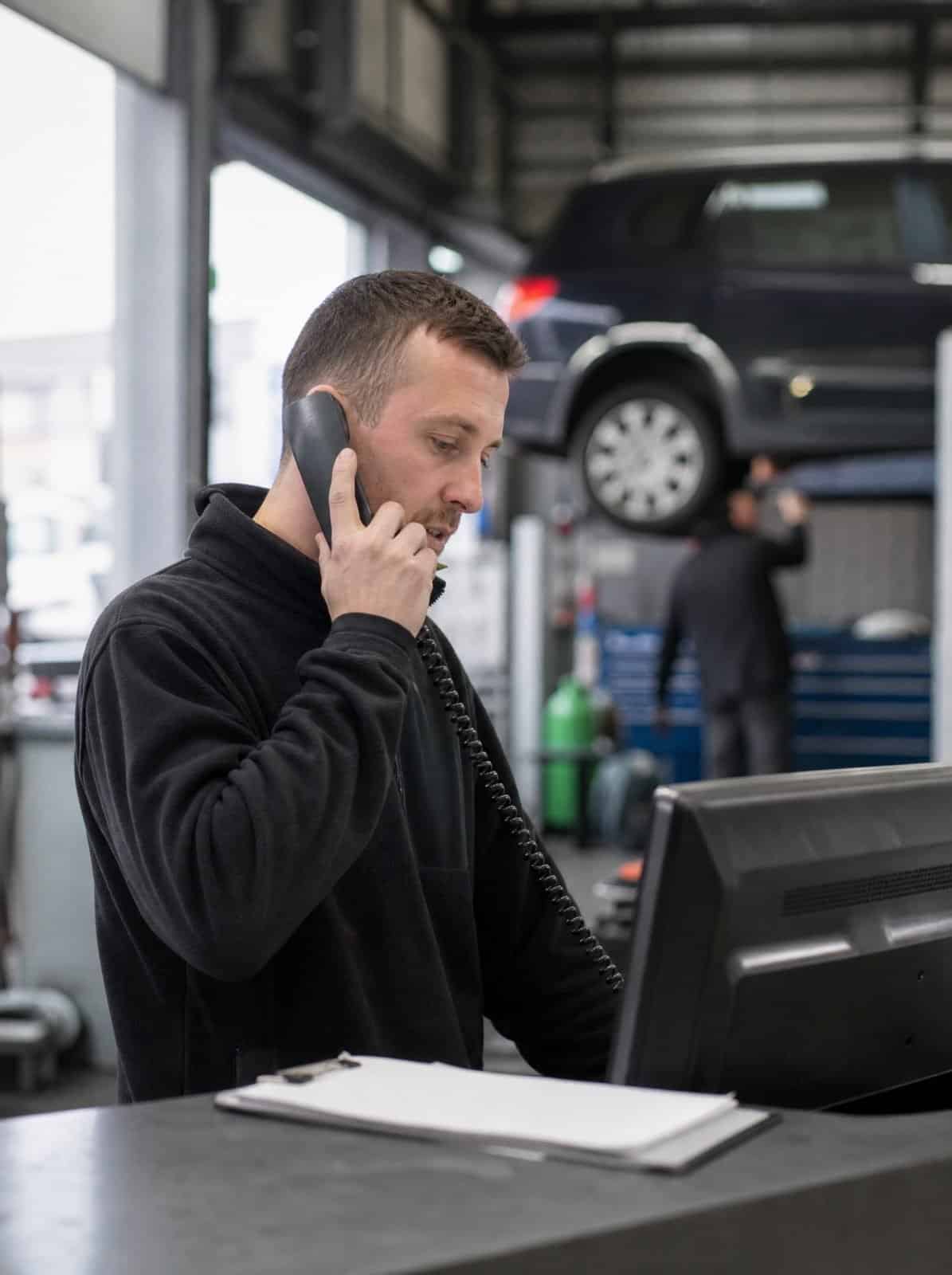
The phone often rings when everyone is busy
A customer may be booking an MOT, checking whether their vehicle is ready or asking about a repair.
At the same time, your staff may be helping someone at reception, working on a vehicle or moving between the office, workshop and yard.
Stopping work to answer every call may not be practical. Sending every caller to voicemail is not much better.
ChromeX can help you agree what happens when several calls arrive together.
Your setup may include call groups, call queues, short call menus, agreed overflow routes, opening-hours rules, voicemail to email, missed-call reports and calls shared between locations.
We’ll begin by looking at how calls are handled today.
The aim is to help customers reach the correct team and make calls easier for staff to manage.
MOT bookings
New work booked in without stopping a job.
Is my vehicle ready?
The call every customer makes, handled quickly.
Repair enquiries
Questions routed to someone who can answer them.
Office, workshop and yard
Reach staff wherever they are on site.
IT support for garages and workshops
A garage runs on more than its phone line. Your job system, diagnostic equipment and the network across the workshop all have to work while cars are on the ramps.
Chrome looks after that technology, so your team can stay on the tools.
Systems that stay available
Your job and parts systems are needed all day. We’ll watch the network and the devices behind them, and sort faults before a booking is held up.
Workshop and office on one network
Diagnostic kit, tablets and the office computers all need the same connection. We’ll get coverage across the workshop, and keep the office side separate and secure.
Customer data and card payments
Taking payments and holding customer details both carry obligations. We’ll handle backups, staff security training and the access controls your card provider asks about.
Direct calls to the right team
Customers may be calling for very different reasons.
A short call menu can help them reach MOT and service bookings through your own MOT booking system, repairs and estimates, vehicle sales, parts, accounts, collection and delivery, or a particular location.
Keep the choices simple.
A caller should not have to listen to a long list before reaching the service desk.
Some garages may prefer every call to reach reception first. Others may send bookings, parts and sales enquiries to different teams.
We’ll build the call routes around the way your garage works.
When the garage is closed, callers can hear the opening hours and leave a message for the relevant team.
Voicemails can be sent to an agreed email inbox so they are easier to find and follow up.
Keep staff contactable around the workshop
Garage staff are rarely sitting beside the same telephone all day.
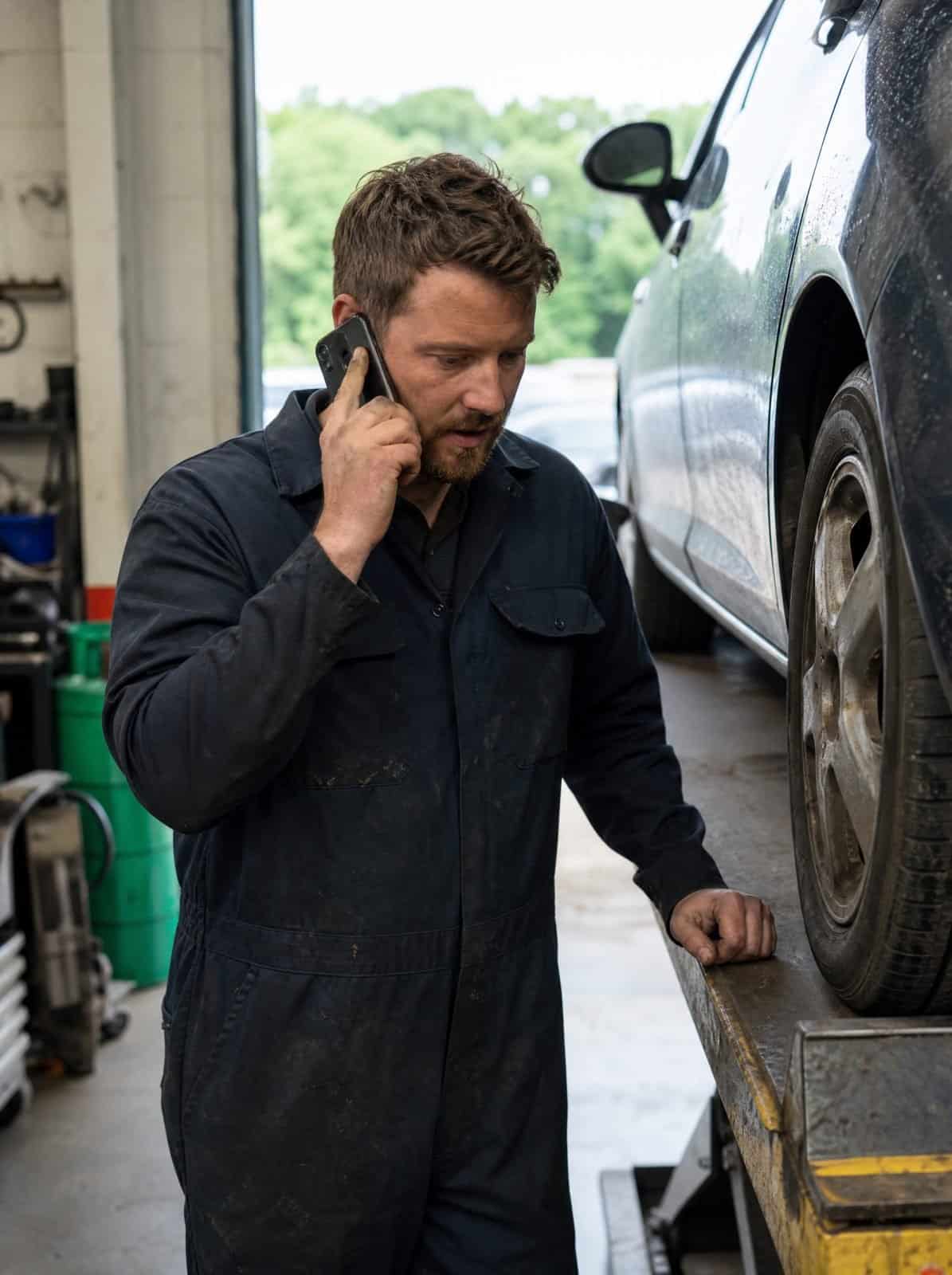
They may be carrying out an MOT, checking stock, working beneath a vehicle or speaking with a customer outside.
Depending on the building and role, staff may use cordless handsets, desk phones, wireless headsets, desktop applications, mobile applications or additional ringing or visual alert equipment.
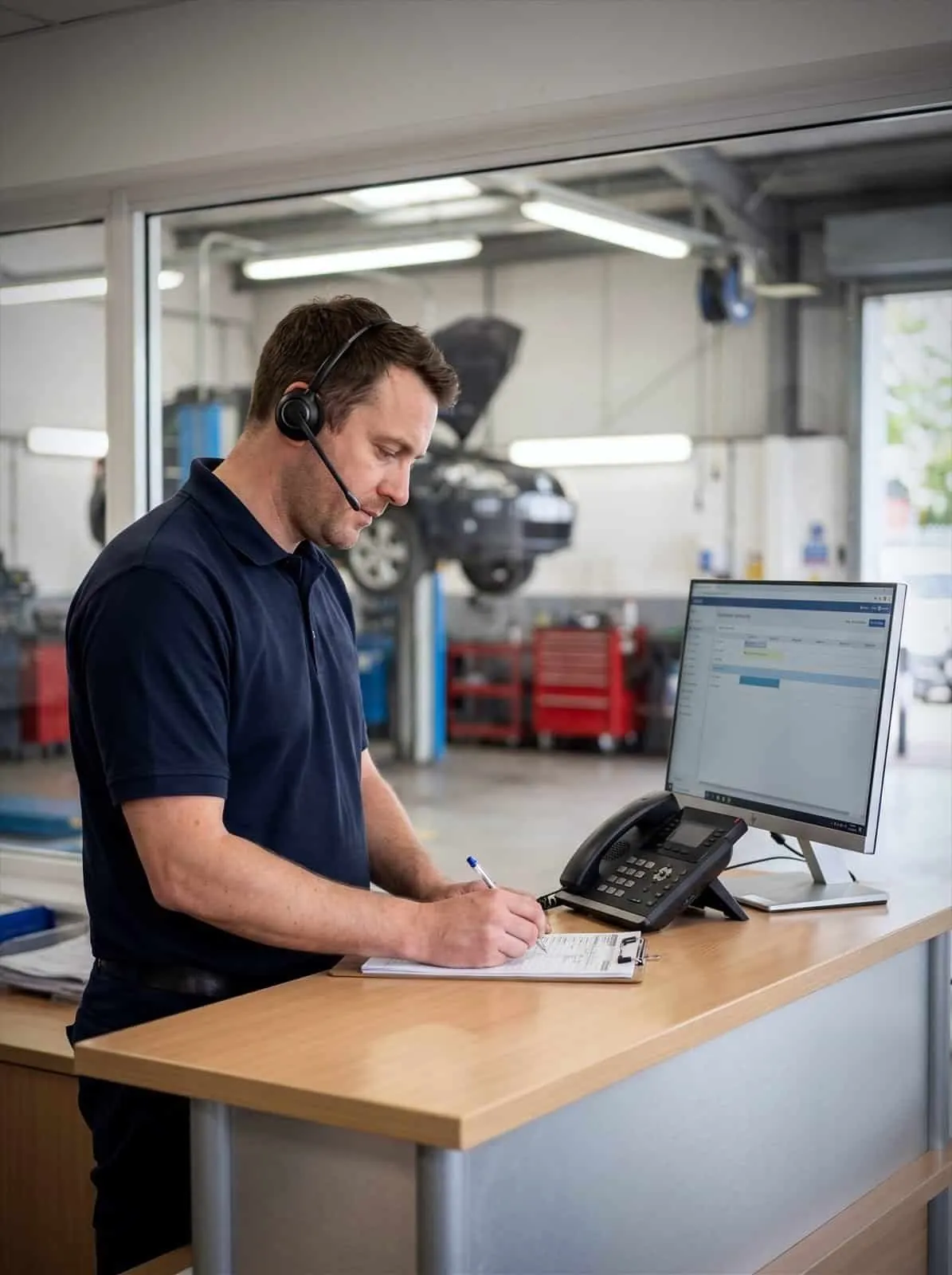
A headset can help reception staff check bookings or enter vehicle details during a call.
Supported applications can let authorised staff make calls, check voicemail and view recent activity through a computer or smartphone.
The garage number can be shown instead of a staff member’s personal mobile number.
Workshop layout, walls, distance and noise can all affect the right choice of equipment. We’ll review the premises before making a recommendation.
See which customers need a response
A missed call may be a new booking, an existing customer or someone asking whether you can carry out a repair.
ChromeX reports can help authorised staff review information such as unanswered calls, the date and time, the number or location contacted, queue waiting times, call volumes, activity by staff member or team and outbound call activity.
Some reporting setups may also help identify missed calls that have not yet received an outbound response.
An outbound call does not always mean the enquiry has been dealt with.
Your garage still needs a clear process for checking missed calls, assigning responsibility and recording when the customer has been contacted.
Reports can also help managers ask useful questions: are bookings reaching the correct person, when do callers wait longest, are calls being returned, does reception need more cover at certain times, are customers being transferred too often, and could another location help when the phones are busy?
The answer will not always be another member of staff. A change to a call group, queue or overflow route may help.
Connect calls with your garage software
Your garage management system or CRM may already hold the information staff need during a call.
ChromeX can connect with supported business platforms.
Depending on the software, staff may be able to see available caller information, open a matching customer record, click a telephone number to begin a call, add call details to a record, and access contacts through both systems.
This may help your team find the customer, vehicle or previous work more quickly.
Functions differ between platforms.
We’ll check the software your garage uses and explain what is supported before recommending anything.
Keep customers updated
A quick update can save a customer from calling reception several times.
Where supported, business text messages may help with MOT and service reminders, booking confirmations, appointment changes, collection information, notification that a vehicle is ready, and other agreed updates.
Your garage remains responsible for the message content, contact permissions and information used.
Recorded greetings and on-hold messages can also share opening hours, MOT booking information, collection and drop-off arrangements, the services you offer, and temporary changes to opening hours.
Messages should be brief and useful. Someone calling about a vehicle problem is unlikely to enjoy a lengthy advert while they wait.
Chrome can help prepare the wording, arrange the recording and add it to the agreed parts of the system.
Connect several garages
ChromeX can bring staff, numbers and call routes together across several garages, workshops or dealerships.
Depending on the setup, teams may be able to transfer calls between locations, share busy booking queues, use a central contact directory, manage opening hours through one portal, view reports across selected sites, and keep greetings and call menus consistent.
One location may also be able to help when another reception team is busy.
We’ll agree how calls should be shared before setting up an overflow route.
Record calls for a clear reason
Call recording may help when your garage needs to check what was discussed, review a complaint or support staff training.
Recordings should not replace job cards, estimates, invoices or written approval for work.
Your garage should decide why calls are recorded, who can listen, how long recordings are kept and how callers and staff are informed.
Chrome can explain the recording, access and storage options.
Your business remains responsible for its data protection and employment requirements. Legal advice may also be needed.
Plan for a connection problem
A cloud phone system uses an internet connection and power.
Before the service begins, we’ll discuss what should happen if the main connection becomes unavailable.
Options may include sending calls to another number, selected mobiles or another garage. A suitable backup connection may also form part of the setup.
The right approach will depend on your premises, opening hours and which calls need to remain available.
Chrome can support your phone system, internet connection and business mobiles through one team.
How Chrome helps
A garage phone system has to work around the actual work. This is how we work through it with you.
We understand your garage
We recommend and prepare the setup
We train and support your team
One team for more of your garage technology
Your phone system depends on the technology around it.
Chrome can also support internet connectivity and Wi-Fi, business mobiles, managed IT, Microsoft 365, cyber security, and CCTV and access control.
This gives your garage fewer suppliers to manage and one team to call when responsibilities overlap.
We’ll make it clear what Chrome supports and when another provider needs to be involved.
Related industries: retail and logistics. You can also browse every sector we support.
Why garages choose Chrome
What working with Chrome looks like in practice.
Clear advice
We explain the options in plain English before you commit.
A setup based on your garage
We look at the premises, staff, callers and working patterns before recommending anything.
Training for your team
We show your team how to use the phones and tools needed for their roles.
Support after installation
Speak to people who understand your setup when you need help or a change made.
We’ll talk through the options and agree what suits you before anything changes.
Garage phone systems FAQs
Common questions about phone systems for garages: handling booking calls, reaching staff in the workshop and managing busy mornings.
Can we keep our existing garage number?
In most cases, existing business numbers can be moved. We’ll check them before the project begins and explain any restrictions or timescales.
Can cordless phones work throughout the workshop?
That depends on the size, layout and construction of the premises. We’ll review the building and explain where additional equipment or another option may be needed.
Can ChromeX connect with our garage management software?
ChromeX can connect with supported CRM and business platforms. Functions differ between systems. We’ll check your software and explain what is available.
Can we see which calls were missed?
ChromeX reporting can show unanswered calls and other call information. Some setups may also help identify missed calls that have not received an outbound response.
Can we send appointment or service updates by text?
Business text messaging is available through certain options. We’ll confirm what can be sent and how it would work with your current processes.
Can several garages use the same phone system?
Yes. ChromeX can connect staff and call routes across several locations. We’ll agree how numbers, booking queues and overflow calls should work between them.
How many bookings are hidden in your missed calls?
A customer may ring while the service adviser is already speaking with someone.
The phone may go unheard while staff are working in the workshop.
A voicemail may sit in an inbox without a clear owner.
Chrome can review your call routes, garage software, handset coverage and reporting.
You’ll receive clear recommendations based on how your garage works.