
Check fibre availability at your business address
Not every connection is available at every address.
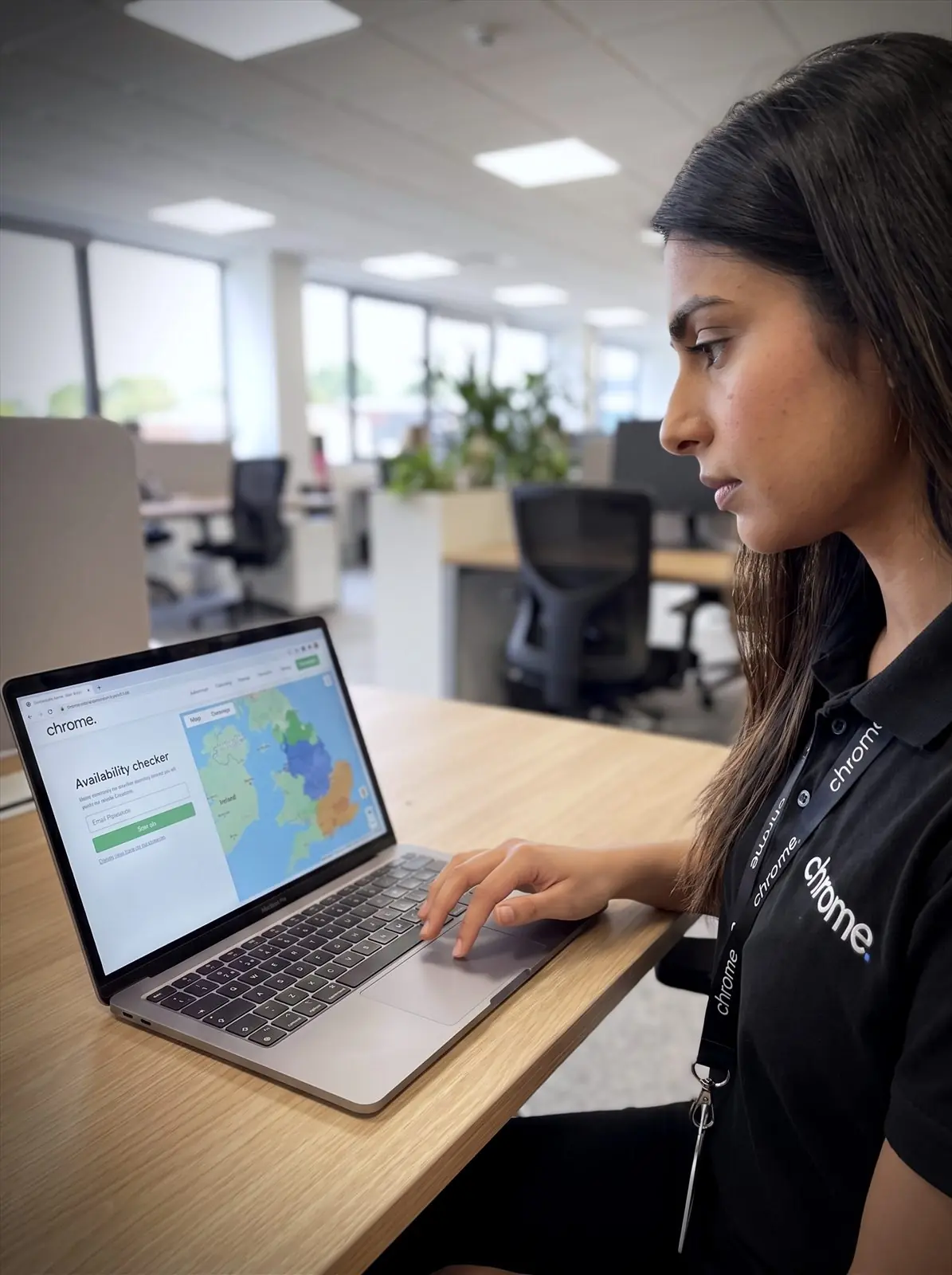

Why use Chrome Fibre Services?
Use our fibre checker to see which business internet options may be available at your premises.
The result gives you a useful starting point. Chrome can then explain what it means, what each option is designed to support and what may need confirming before an order is placed.
See what may be available
Check whether fibre, business broadband or other fixed connectivity options are listed for your address, using our business broadband checker.
Understand the difference
We’ll explain the options in plain English, without the broadband alphabet soup.
Choose around the work you do
A good choice depends on your users, cloud services, calls, files and the impact if the connection stops working.
Speak to one Chrome team
Chrome can support your connectivity alongside your phone system, IT and other agreed services.
Check your address
Enter your details below and we’ll check which connectivity options may be available.
We ask for your contact details so we can explain the result and help with the next step.
Availability, speeds and installation details still need to be confirmed before an order is placed.
The options you may see
A postcode check can return several options. Here is what each one usually means.
Full fibre
Full fibre, also called Fibre to the Premises or FTTP, brings fibre cabling directly to the premises. Our FTTP availability checker result will show this option where it applies. It may suit businesses using cloud phones, Microsoft 365, online meetings, shared files and several connected devices.
Business broadband
Business broadband may suit everyday online work such as email, browsing, cloud applications and a modest number of internet-based phone users.
Leased line
A leased line gives your business dedicated capacity. It may suit organisations that move large files, rely heavily on cloud systems or need the same agreed speed for sending and receiving information.
Other options
If fixed services are limited, Chrome can also discuss 5G or satellite connectivity. These may suit temporary sites, harder-to-connect locations or businesses looking for another route online.
We will confirm what is genuinely available at your site rather than relying on the postcode alone.
We’ll help you make sense of the result
A checker result is useful. A clear explanation of what it means is better.
Two businesses at the same address may still need different connections.
One may use email and cloud documents. Another may use cloud calls, payment services, video meetings and large file uploads throughout the day.
Chrome can help you look beyond the headline speed and choose around the work your team needs to do.
Planning a move or new site?
Connectivity can take longer to arrange than people expect.
Some services may use existing infrastructure. Others may need surveys, permissions or work at the premises.
Checking early can help you understand what is likely to be available before you commit to a move, opening date or change of provider.
It also gives you time to discuss backup access if the site needs another route online.
Your connection supports more than browsing
Your internet connection may also carry calls, connect payment services, support Microsoft 365 and provide access to cloud applications.
The connection reaches the premises. Your internal network and Wi-Fi then need to carry it to the people and devices using it.
Chrome can help with the connection, workplace Wi-Fi and the services that depend on them.
That gives your team one place to start when something needs investigating.
Why we check the full address
A postcode can cover several premises.
Those premises may not all have the same services available.
One building may have access to full fibre. Another may need a different fibre to the premises checker result because of the local network, building access or installation requirements.
That is why the checker asks you to select the business address.
We’ll use the address-level result as a starting point, then confirm availability before any order is placed.
Clear advice before you order
A checker result is useful. Knowing what to do with it is where Chrome can help.
Read what customers say about Chrome’s communication, support and the people behind the service in our reviews.
What the result does and does not tell you
Common questions about checking fibre availability: what the results mean, how accurate they are and what to do next.
What does the fibre checker do?
The checker searches for connectivity options that may be available at your business address. It gives you a starting point for comparing business internet services.
Why do you need my full address?
Connectivity can vary from one building to the next. Using the exact address gives a more useful result than using the postcode alone.
Are the checker results guaranteed?
No. Checker results are a guide. Availability, speeds and installation details still need to be confirmed before an order is placed.
What if full fibre is not available?
There may still be other options, such as business broadband, a leased line, 5G or satellite connectivity. Chrome can explain what is available and which option may suit the way your team works.
Does the checker cover leased lines too?
Yes. Alongside fibre and business broadband, the result can point you towards a leased line checker conversation where dedicated capacity may suit your business better than a shared connection.
Can Chrome check more than one address?
Yes. We can help businesses check several offices, sites, stores or practices. Different locations may need different services.
Ready to see what your address can get?
Your current connection may no longer suit the way your team works.
You may also be planning a move, opening another site or replacing an older service.
Check what may be available at your address, then speak to Chrome about the option that fits your business.