
Business phone systems that work wherever your team does
Make it easier for customers to reach the right person, whether your people are at a desk, at home or out on the road.
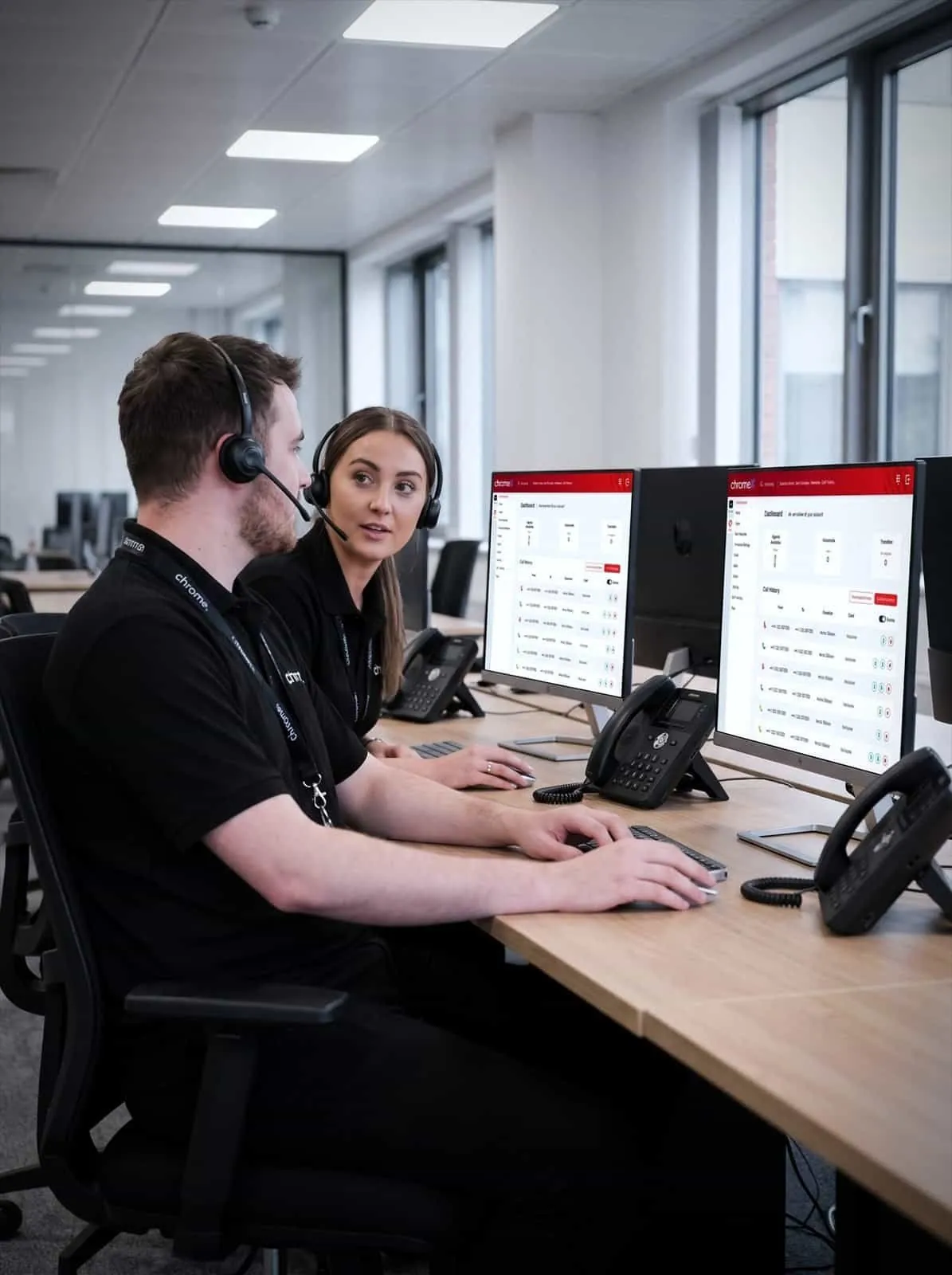

Why use Chrome Business Phone Systems?
ChromeX is a cloud business phone system built for UK small and medium businesses. It brings calls, messages, meetings and call management together, so your team can use desk phones, computers, mobiles or Microsoft Teams while keeping the same business number.
We’ll set it up around the way your business works, train your team and stay available afterwards.
Help callers reach the right person
Use call menus, queues, opening hours and forwarding rules to direct calls without unnecessary transfers.
Answer business calls from more places
Your team can use desk phones, computers, mobiles, web browsers or Microsoft Teams.
Make changes as your business changes
Add people, update numbers and adjust call routes when teams, locations or opening hours change.
Get support after installation
Speak to people who understand your setup when you need help, training or a change made.

One cloud phone system for every place your team works
ChromeX is a hosted business phone system, sometimes called cloud telephony or VoIP. Your team makes and receives calls through an internet connection rather than traditional phone lines at every site.
That matters more than it used to. Traditional analogue and ISDN lines are being withdrawn across the UK, so most businesses will move to an internet-based system at some point. We can explain what the PSTN switch-off means for your sites and when to act.
With ChromeX, people use the same business number and the same call tools whether they are in the office, working from home, visiting customers or moving between sites.
You can choose desk phones, cordless handsets and headsets based on how each person works. We’ll check what equipment you already have before recommending anything new.
Your team can reach business contacts, voicemail and call history without using their personal number.
In the office
Desk phones that work the way your team already expects.
At home
The same number and features from a laptop or headset.
On the move
Take business calls on a mobile without giving out a personal number.
In Microsoft Teams
Supported users can call from the app they already work in.
Mobile and desktop applications
Company directory
Call routing rules
Conference calling
Video meetings
Instant messaging and availability
Voicemail and email transcription
Text messaging, including bulk send
Screen and document sharing
Customisable call menus
Call queuing and parking
Call recording
Links to your CRM
Works with Microsoft Teams
Live wallboards
Scheduled reports
Whisper, listen and barge
Multi-factor authentication
Work with the tools your team already uses
Microsoft Teams calling
Supported Microsoft 365 and Teams users can make and receive external business calls through Teams, using the same ChromeX call menus, queues and routing as everyone else. Other people can carry on with desk phones or the ChromeX applications, and everybody stays part of the same phone system.
CRM connections
ChromeX connects with widely used customer relationship management systems, including Salesforce, HubSpot, Pipedrive, Zoho, Vtiger, Capsule and Copper.
Depending on the system, your team may be able to open the right customer record when a call arrives, click a number to start a call and add call times to customer records automatically.
ChromeX also has an open application programming interface, known as an API, which supports connections with other web-based systems. See Integrations & Analytics or ask us to check whether your CRM is on the list.
Desktop and mobile applications
Your team can make calls, check voicemail and view contacts through the ChromeX applications. ChromeX PulseHD adds video meetings, screen sharing, messaging and document sharing.
Handle calls in a way that works for your customers
Missed calls can mean missed work.
ChromeX gives you control over what happens when someone rings your business. Calls can be directed by time of day, department, caller choice or who is available.
Call tools include call menus such as press 1 for sales, queues, hunt groups, time-of-day routing, forwarding, voicemail, conferencing, call parking and on-hold marketing. You can see the full list of phone system features if you want the detail.
The drag-and-drop call flow builder lets authorised people update routes themselves when responsibilities or opening hours change, including different routes for evenings, weekends, holidays and times when the office is closed.
See what happens when customers call
Call reports show managers what customers experience when they contact the business.
ChromeX reporting covers call volumes, unanswered calls, queue wait times and activity by person or department. Live wallboards put the same information on an office screen, so teams can see when queues are building or calls are being missed. There is more on this on our call tracking and reporting page.
ChromeX can also record calls and hold them in a secure 90-day rolling archive, which supports training and record keeping. What you are responsible for depends on why calls are recorded and how the recordings are used.
Your team can send business text messages to one person or to a scheduled list, which suits appointment reminders, service updates and delivery information.
Manage your phone system online
The ChromeX portal gives authorised people access to the main account settings.
From the portal they can add users and extensions, manage numbers, update call routes, set opening hours, send text messages and view reports.
Multi-factor authentication adds another check when someone signs in, which helps protect an account even if a password is stolen. Single sign-on is available for supported Microsoft and Google accounts.
Account controls and call restrictions reduce the risk of unauthorised use. We’ll explain the security options and how they should be set up alongside your wider cyber security arrangements.
Choose the features your team needs
We’ll explain what is included, what needs an extra licence and what each person actually needs.
The ChromeX licence covers the everyday essentials: inclusive UK calls subject to your package, the desktop, mobile and web applications, a UK number, call forwarding, time-of-day routing, greetings, on-hold music, hunt groups, conferencing, call parking and secure sign-in.
ChromeX Pro+ suits businesses with more involved call handling, collaboration or reporting needs. It adds Microsoft Teams calling, CRM connections, bulk text messaging, multi-level call menus, video meetings, voicemail transcription, 90-day call recording, call queues with wallboard reporting and contact centre tools.
We’ll confirm the licences, additions and costs before you commit.
We'll plan the move and stay available afterwards
Changing phone systems needs careful planning. We’ll take the time to understand your current setup, busy periods, contract dates and the numbers you need to keep.
Review your current setup
Plan and prepare ChromeX
Transfer your numbers
Train your team
Keep supporting you
Phone systems installed by people who stay available
Customer reviews are one of the clearest measures of the service we provide.
Read what customers say about Chrome’s communication, support and the people behind the service in our reviews.
One team for your business technology
A cloud phone system depends on the technology around it. Call quality rests on your business internet, and your phone system needs to work alongside the rest of your setup.
Chrome can support your connectivity, business mobiles, managed IT and cyber security as well. That means fewer suppliers to manage and less confusion about who to call when something goes wrong. We’ll make responsibilities clear and help your services work together.
Business phone system FAQs
What is a VoIP phone system?
VoIP stands for Voice over Internet Protocol. It allows business calls to travel over an internet connection instead of a traditional phone line. Your team can make and receive calls using desk phones, computers, mobiles and other supported devices.
Can we keep our existing telephone numbers?
In most cases, yes. We’ll check your numbers before the project starts and explain any restrictions or timescales.
Can our team use ChromeX away from the office?
Yes. People can use the supported computer, mobile and web applications wherever they have a suitable internet connection. Calls can display the company number rather than someone’s personal mobile.
What happens if our internet connection goes down?
The options depend on your phone and connectivity setup. Calls can be diverted to mobiles or another number, and a backup connection suits some businesses. We’ll agree what should happen before the service goes live.
Is a cloud phone system suitable for a small business?
Yes. A hosted system removes the need for phone hardware at every site and you pay for the users you have, which is why most small business phone systems in the UK now work this way. We’ll recommend the licences that match how your team works.
Does ChromeX work with Microsoft Teams and CRM systems?
Supported Microsoft Teams users can make and receive external business calls through Teams. ChromeX also connects with a range of CRM systems, covering contact matching, opening customer records, click-to-dial and call logging. Ask us to check the systems your team uses.
If your team already works in Teams, see how a Microsoft Teams phone system from Chrome compares with Microsoft Teams Phone.
Can you help if we are still in contract with another provider?
Yes. We can review your current agreement and explain the options. We’ll make the costs, dates and responsibilities clear before recommending a change.
Is your current phone setup still right for your team?
Calls may be getting missed. Changes may take too long. Your team may struggle to answer when they are away from the office.
We can review your current setup, explain the options in plain English and give you a clear recommendation based on the way your business works. Start with a free Chrome Audit.