
Business call recording, set up for a clear reason
Listen back when you need to check what was agreed, understand a complaint or support your team’s training.
Chrome helps you choose the right business call recording setup, control who has access and agree how long recordings are kept. We’ll explain what the technology does and what your business needs to think about before switching it on.

Check agreed details
Listen back when two people remember a conversation differently.
Support your team
Use suitable recordings for training, feedback and difficult call reviews.
Manage access and storage
Decide who can hear recordings and how long they remain available.

Why record business calls?
Telephone conversations often contain information that is difficult to recreate later.
A customer may confirm an instruction. A member of your team may explain the next step in a support case. A complaint may involve several conversations across different departments.
Call recording for business gives authorised people a way to listen again when there is a genuine reason to. It can help you check what was said or agreed, review a complaint, support training, look into a difficult or abusive call, or keep records where your industry requires them.
Recording should have a clear purpose. It should not be switched on simply because the feature is available. In some sectors the decision is made for you: care homes and professional services firms often have record-keeping requirements that shape the setup from the start.

Check what was agreed and review complaints fairly
People do not always remember telephone conversations in the same way.
A recording may help confirm what the customer requested, which service or price was discussed, what your team explained, what action was promised, whether permission was given and which next steps were agreed. That can save time otherwise spent searching through notes, emails and different accounts of the same conversation.
A complaint often involves more than one call and more than one person. Listening to the relevant recording may help you understand what the customer was told, whether the correct process was followed, where information was misunderstood and what could be handled differently next time.
Recordings should be considered alongside emails, account notes and other relevant information. The aim is to understand what happened and respond fairly, not to build a case.
A recording does not replace good written records. Important decisions, orders and contract details may still need to be confirmed in writing.
Use real calls to support training and look after your team
Training tends to land better when it relates to conversations your team recognises.
A suitable recording can help managers and colleagues discuss whether the customer’s question was understood, how clearly information was explained, whether the correct process was followed, how a difficult situation was handled and where more knowledge or guidance may help. It is just as useful for pointing to calls that went well.
One call rarely gives the full picture. Managers should consider the type of enquiry, the caller’s behaviour and the information available at the time.
Most customer calls are straightforward. Some are not. Your team may occasionally receive threatening, abusive or inappropriate calls, and a recording can help the business understand what happened and decide what support or action is needed.
That should sit alongside a clear internal policy. Your team should know when they can end a call, how to report unacceptable behaviour and where to ask for help.
How ChromeX call recording works
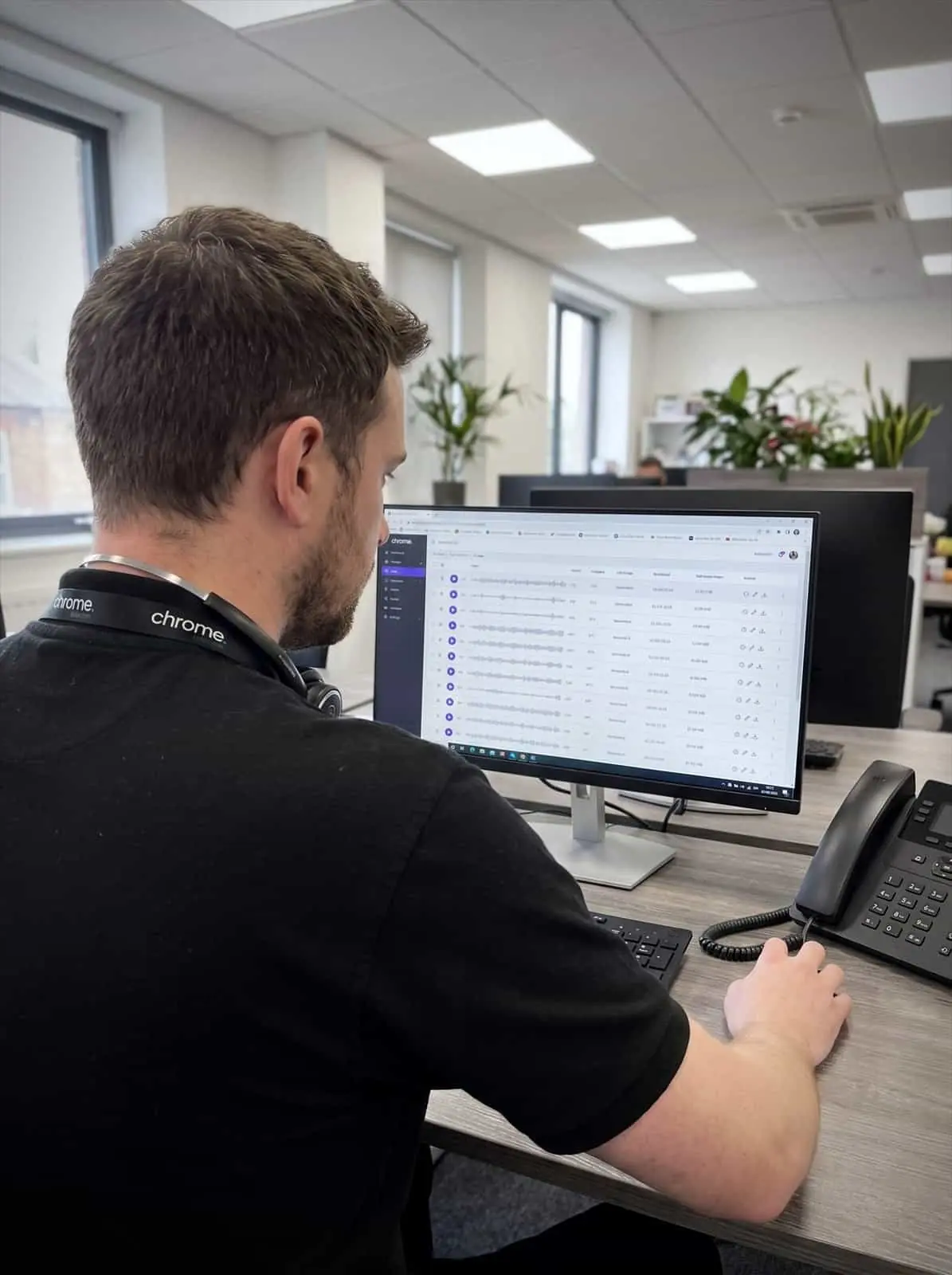
ChromeX records calls made over your internet connection, so VoIP call recording is built into the business phone system rather than bolted on with separate hardware. There is nothing extra to install at your premises.
Recordings are held in a 90-day rolling archive. Further storage options may be available where you have longer retention or industry requirements, and we’ll confirm the licences, storage periods and costs before you commit.
Your setup will need to cover which people or numbers are recorded, whether incoming calls, outgoing calls or both are included, who can listen, how long recordings are kept, whether some calls need different treatment and what happens when payment information is discussed.
The available options depend on the licence and recording service being used. We’ll explain the setup in plain English before recording begins, and you can see the wider phone system features if you want the full picture.
Give access only where it is needed
Recordings may contain personal, commercial or sensitive information. Access should be limited to people with a genuine reason to listen.
That might be a manager reviewing a complaint, a team leader supporting a colleague, an authorised person checking an agreed detail, someone investigating a reported incident or a member of staff responsible for an industry requirement.
Chrome can explain the available technical permissions and set them up for you. Your business remains responsible for deciding who should have access and how recordings may be used. Where access control matters to you, it is worth looking at it alongside your wider cyber security arrangements and Cyber Essentials if you hold that certification.
Decide why you are recording before you switch it on
Your business should agree the purpose of recording before the service goes live.
You will also need to consider which calls need recording, how callers will be informed, how your team will be informed, who can listen, how long recordings are kept, how requests for recordings will be handled and when recordings should be deleted.
A message at the start of the call can tell callers that recording is taking place. Further privacy information may also be needed to explain how recordings are used. Your team should understand why calls are recorded and how the recordings may affect them.
Chrome can help with the phone announcement and the technical setup. Your business remains responsible for meeting its data protection, employment and industry requirements, and legal or compliance advice may be needed. We’re happy to explain what the technology can do, but we cannot advise on whether your intended use meets your obligations.
Calls involving card payments
Tell us if your team takes card payments during recorded calls.
Payment card information brings further security and industry requirements. The recording setup may need a different approach so that sensitive card details are not stored.
We’ll explain the technical options available through your phone service. Your payment provider or compliance adviser should confirm which approach is right for your business.
How Chrome helps
Recording should be set up around a reason, not a feature. Here is how we work through it with you.
We understand why you need recording
We agree the setup
We set it up and remain available

Call recording alongside the rest of your phone system
Call recording works better when it sits next to the rest of your call handling. It can run alongside call tracking and reporting, queues, call menus, opening-hours routing, the desktop and mobile applications, Microsoft Teams calling and supported CRM connections.
Call reports show when a conversation happened, where it went and how long it lasted. Call recording lets an authorised person hear what was said. Together they give managers more context when reviewing customer service or looking into a particular call.
Chrome can support the wider phone setup as well, which gives you one team to contact when something needs attention.
Call recording set up with a clear purpose
Customer reviews are one of the clearest measures of the service we provide.
Read what customers say about Chrome’s communication, support and the people behind the service in our reviews.
Business call recording FAQs
The questions businesses ask most often before switching recording on.
Can a business record telephone calls?
Businesses can record calls in certain circumstances, but they need a clear reason and must meet their data protection and other legal responsibilities. The right approach depends on why the calls are recorded and how the recordings are used. Chrome can explain the technology. Legal or compliance advice may also be needed.
Do callers need to know?
Callers should be informed when calls are being recorded and why. This is usually done through an announcement at the start of the call, supported by further information in your privacy policy.
Does our team need to know?
Yes. Everyone whose calls are recorded should understand which calls are covered, why recording takes place and how the recordings may be used.
How long are recordings kept?
ChromeX can include a 90-day rolling archive. Further storage options may be available, and your chosen retention period should reflect why the recordings are needed.
Who can listen to the recordings?
Access can be limited to authorised users. Your business should decide who needs access and document how recordings may be used.
Does call recording work with VoIP and Microsoft Teams?
Yes. ChromeX records calls made over your internet connection, and recording can cover supported Microsoft Teams users on the right licence. We’ll confirm what your setup covers before anything is switched on.
Is call recording included with ChromeX?
Call recording is available through certain ChromeX licences and options. We’ll confirm what is included, the storage period and any extra costs before you agree to the service.
Record calls with a clear purpose
Business call recording can help you review important conversations, support your team and understand what happened when a question or complaint arises. Used well, it makes conversations easier to check rather than harder to have.
Chrome will help you choose the right setup, explain the available options and put the agreed controls in place.