
IT support that works around your business
Your team needs technology that helps them get on with their work.
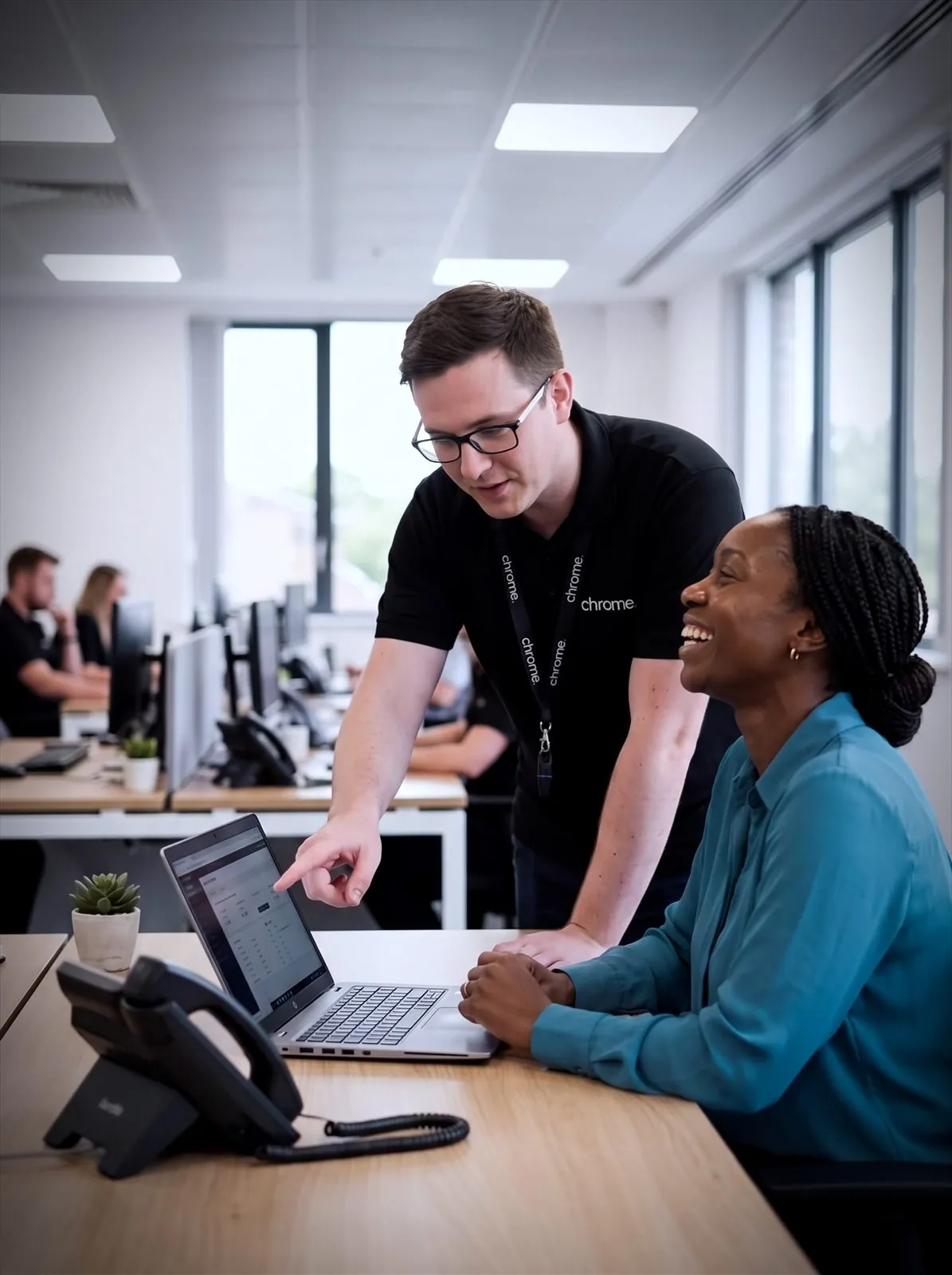

Why use Chrome IT Services?
When something goes wrong, they also need a clear route to someone who can help.
Chrome supports UK businesses with day-to-day IT, out-of-hours cover, remote working, project support and longer-term advice, as part of business IT support services built around how your team actually works.
We can manage your IT or provide extra help for the people you already have in place.
Help for everyday problems
Your team can ask for help with devices, accounts, software, Microsoft 365 and other agreed services.
Support that fits your setup
Choose full IT management, extra help for an internal team or support for a specific piece of work.
Clear responsibilities
We’ll agree what Chrome looks after, how your team requests help and when another supplier needs to be involved.
Advice for what comes next
Get practical guidance when you are opening a site, changing systems or planning future IT spending.
Choose the support that fits your business
Some businesses need a complete IT team. Others already have people in place but need more time, cover or technical knowledge. You may need help outside normal working hours, support for remote staff or advice about a particular project.
Chrome offers several IT support packages and managed IT services. Each one has its own page with more detail about what is covered, how it works and typical IT support pricing.
Managed IT
Let Chrome look after your day-to-day IT.
Managed IT gives your business a fully managed IT team to support your people and look after agreed parts of your technology, covering helpdesk requests, devices, Microsoft 365, updates, servers, backups and security controls.
Your team will know where to go when they need help, with a clearer view of what is being managed and what may need attention next.
24/7 Monitoring
Keep an eye on your systems, even when the office is closed.
Some IT problems do not wait for the next working day: a server running low on space, a failed backup or a security alert that needs review.
Chrome can monitor agreed systems around the clock, so issues are spotted and handled through the right process. This is not the same as 24/7 helpdesk support; we’ll explain the difference clearly, along with the support hours and priorities included in your agreement.
Remote Working
Help your team work from different locations.
Remote and hybrid working can make life easier for your team, provided they can access the right systems and get help when needed.
Chrome can review devices, Microsoft 365, user access, file sharing, sign-in security and connectivity, then take the time to understand where your team works and which systems they need.
IT Consultancy
Make IT decisions with a clear business reason.
Technology decisions can affect costs, security and the way your team works for years.
Our IT consultancy service helps you review your current setup and plan sensible changes, covering technology reviews, office moves, cloud planning, supplier decisions, backup planning and IT policies.
Patch Management
Keep updates under control without chasing everyone.
Patch management helps keep supported devices and software up to date through a planned process, reducing known security gaps and cutting down on manual chasing.
Password Management
Make work passwords easier to manage.
Chrome can support password managers, multi-factor authentication, account access and starter and leaver processes, helping your team use stronger passwords without making sign-in harder than it needs to be.
Mobile Device Management
Manage work mobiles, tablets and laptops more clearly.
Chrome helps businesses manage work devices through Mobile Device Management, often called MDM, covering settings, apps, access and lost device handling.
Signature Management
Keep email signatures consistent across your team.
Chrome helps manage email signatures centrally, so names, job titles, contact details and disclaimers stay accurate without relying on every person to update their own.
Business IT Hardware
Hardware chosen around how your team works.
Chrome can help you choose, source and manage business laptops, desktops and servers, including buying outright or spreading the cost with hardware as a service.
Prefer to start with your industry?
Some businesses would rather see how this works in their own sector than pick a service from a list.
Our industry pages cover a number of sectors, from dental practices and care homes to logistics, retail and construction. Each one starts from the working day rather than the technology.
One team for more of your business technology
IT rarely works on its own. Phones depend on connectivity. Remote staff need suitable devices and mobile access. Security controls need to cover the systems your team uses.
Chrome can support your IT, phones and mobiles, connectivity, cyber security, CCTV and workplace technology.
Bringing these services together can mean fewer suppliers for your team to manage. It also gives you a clearer starting point when a problem involves more than one service.
How we work out the right support for you
Four steps from a first conversation to an agreed piece of work.
You’ll know what happens at each stage and what we need from your team.
Understand your setup
Review the main gaps
Recommend the right support
Agree the next steps
Helpful support from people who understand the setup
Good IT support should help people get back to work without making the problem harder to understand.
Read what customers say about Chrome’s communication, support and the people behind the service in our reviews.
IT support questions we are often asked
The questions businesses usually ask when deciding how much of their IT to hand over.
What type of IT support do we need?
That depends on your internal resources, working hours, systems and the level of responsibility you want Chrome to take. A Chrome Audit can help identify which type of support suits your business.
Can Chrome become our IT team?
Yes. Managed IT allows Chrome to take responsibility for agreed parts of your day-to-day IT. The exact scope will be set out before the service begins.
Can Chrome work with our internal IT team?
Yes. Co-managed IT allows your team to keep control of agreed areas while Chrome provides extra capacity, cover or technical knowledge.
Do you provide support outside normal office hours?
24/7 monitoring is available through selected packages, and covers agreed systems being watched around the clock. This is different from 24/7 helpdesk support; we’ll explain the hours, priorities and response arrangements included in your agreement.
Can you help people working from home?
Yes. We can support agreed devices, accounts, Microsoft 365 services and access arrangements for remote and hybrid workers.
Do you provide one-off IT help?
Yes. Our IT consultancy and specific IT services can help with projects, office moves, equipment, networks, Microsoft 365 and other agreed work.
What is the difference between managed IT and the specific services, like patch management or password management?
Managed IT and co-managed IT are ongoing support models covering a broad range of your technology. Patch management, password management, Mobile Device Management, signature management and business IT hardware are more specific services that can be delivered on their own or as part of a wider managed IT agreement.
Not sure which type of IT support is right for you?
You may need a complete IT team, extra help for the people you already have or advice about a particular project.
We can review your current setup and explain the available options in plain English.
You’ll receive a practical recommendation based on the way your business works.