
Choose features that fix real call problems
Calls going unanswered? Customers reaching the wrong department? Your team struggling to answer away from their desks?
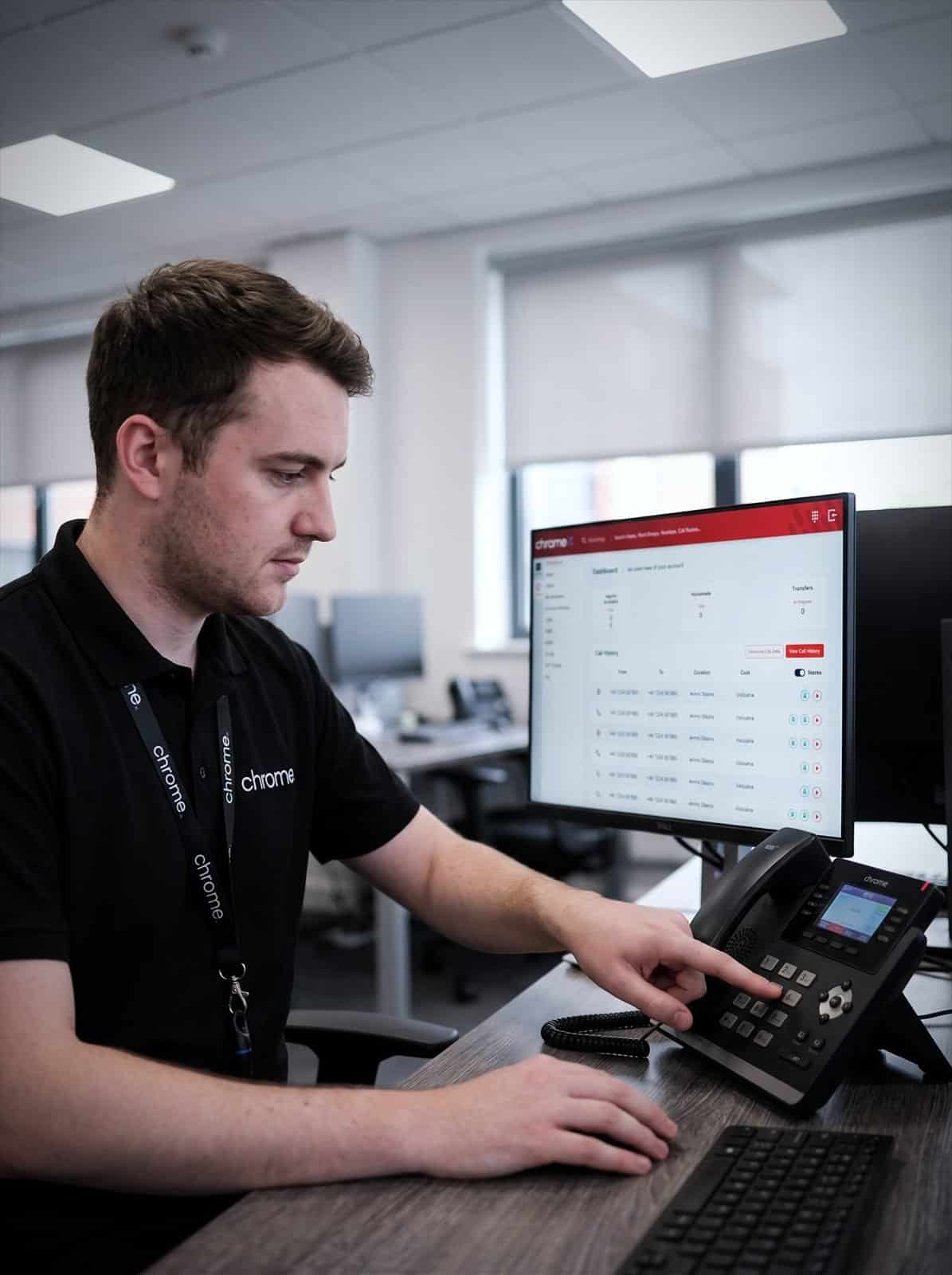

Why use Chrome Phone System Features?
The right phone system features can make calls easier to handle. They can also give your team more ways to answer and help managers understand what happens when customers get in touch.
You probably do not need every feature available.
Chrome will look at how your business handles calls, then explain which tools are worth considering.

Start with what needs to work better
A long list of features does not tell you what your business needs.
Begin with the problem. Are too many calls being missed? Are callers being passed between departments? Do people need to answer away from the office? Is it hard to see when call queues are building? Does your team spend time copying call information into other systems?
Once the problem is clear, it becomes easier to choose the right tools. We’ll explain what each feature does, what it costs and who is likely to use it.
Calls going unanswered
Route them somewhere useful instead of letting them ring out.
Callers reaching the wrong team
Send people to the right department the first time they ring.
No clear view of what happens
See how calls are being handled before deciding what to change.
Features nobody uses
Pay for what your team actually needs, not the longest list.
Help callers reach the right person
A call menu, sometimes called an IVR or auto attendant, gives customers a choice when they contact your business. For example: press 1 for sales, press 2 for support, press 3 for accounts.
This helps calls reach the correct team without several transfers. Short menus usually work best, since too many choices can make it harder for customers to get help.
Call queues
A call queue holds callers until someone becomes available. Messages can let customers know they are in a queue or explain other ways to contact you.
Queue reports can show how long people wait and how many callers hang up before someone answers.
Hunt groups and ring groups
A hunt group, sometimes called a ring group, sends an incoming call to a chosen group of people. The phones can ring together or in an agreed order.
This can help teams share responsibility for answering calls, rather than relying on one person.
Opening hours and call routing
Calls can follow different routes depending on the time or day. During working hours, calls may go to reception or a department. Outside those hours, they may go to voicemail, an on-call person or another number.
Different arrangements can also be set for bank holidays, training days and company events. If you play music or messages while customers wait, that sits under on-hold marketing rather than call routing itself.
Answer business calls from more places
Your team will not always be sitting at a desk. These are the ways they can make and take a business call wherever they are working.
Desktop applications
A desktop application lets your team make and receive calls through their computer. They can also view contacts, check voicemail and see recent call activity.
This may suit people who already spend most of their day using a laptop and headset.
Mobile applications
A mobile application lets your team use their business number through a supported smartphone. Customers see the company number rather than the personal number.
This can help people answer calls when they are working from home, visiting customers or moving between sites. A suitable Wi-Fi or mobile data connection is needed.
Read your voicemail without dialling in
Voicemail transcription turns a voicemail into text, so your team can read what was said instead of dialling in to transcribe it themselves by listening back.
That matters most for people in back-to-back meetings or driving between sites, where reading a message is quicker than finding a moment to call in and listen. Transcribed voicemails can be sent through the desktop or mobile application, so nothing sits unheard in a mailbox your team has not had time to check.
Microsoft Teams calling
Supported Microsoft Teams calling users can make and receive external business calls through Teams, and remain part of the same phone system as colleagues using desk phones or ChromeX applications. Call menus, queues and reporting can still sit around those calls.
The right combination depends on how your people work. We will go through the options with you.

Connect calls with customer records
A customer relationship management system, or CRM, stores information about your customers and prospects. Connecting your phone system with a supported CRM can open the right record when a call arrives, let your team click to dial from a record, and add call times automatically.
ChromeX works with several widely used systems, and the full detail is covered on our ChromeX integrations and analytics page. Ask us to check whether your CRM is supported.

Understand what happens when customers call
Call reports can show managers how calls are being handled: volumes, unanswered calls, queue waiting times and activity by person or department. Missed calls at the same time each day may point to a staffing, opening-hours or routing issue, though the numbers still need context. A short call is not automatically a good call, and a longer one is not always a problem.
Live wallboards put the same information on a screen, so your team can see when queues are building before they become difficult to manage. This is covered in full on our call tracking and reporting page.
Call volume
See how many calls arrive and when they come in.
Answer times
Check how long callers wait before someone picks up.
Missed calls
Find the calls that went unanswered so your team can follow them up.
Team activity
Review how calls are shared across people and departments.
Record calls for a clear reason
Call recording can support training, customer service reviews and record keeping. Before switching it on, your business should be clear about why calls are being recorded, who can listen, how long recordings are kept and what callers and your team need to be told.
Chrome can explain the available recording and storage options in full on our call recording page. You may also need legal or compliance advice.
Bring calls and team communication together
ChromeX can bring voice calls, video meetings, instant messaging, screen sharing, document sharing, conferencing and business text messaging into one place, so your team can communicate across different locations without managing several separate applications.
These tools should have a clear purpose. Adding another application without a genuine need just gives your team more to manage. We’ll look at what you already use before recommending anything new.
Manage everyday changes online
Authorised people can manage parts of the phone system through the ChromeX portal, including adding users and extensions, managing numbers, changing opening hours, updating call routes and viewing reports.
Access should only be given to people who need it. Multi-factor authentication adds another check when someone signs in, and single sign-on is available for supported Microsoft and Google accounts. We’ll help you choose appropriate access levels.
Choose equipment around each role
Not everyone needs the same phone or headset.
A receptionist handling calls all day may need a different setup from someone who only answers occasionally. Options include desk phones, cordless handsets, headsets, conference equipment and the desktop and mobile applications.
We’ll ask how each person works before recommending equipment, and check whether devices you already own can continue to be used.
Features for different teams
Reception and customer service teams may benefit from call queues, hunt groups, call menus, reporting and wallboards.
Sales teams often find CRM connections, click to dial, mobile applications and call recording most useful.
People working in different locations may need desktop applications, mobile applications, call forwarding or Microsoft Teams calling.
Managers typically want scheduled reports, queue information, missed-call reports and user controls.
These are examples rather than fixed packages. We’ll recommend features based on how each team actually handles calls.
Features chosen for how your team actually works
Customer reviews are one of the clearest measures of the service we provide.
Read what customers say about Chrome’s communication, support and the people behind the service in our reviews.
Business phone system features FAQs
Common questions about business phone system features: which ones you actually need, what works away from the office, and what your team can change themselves.
Do we need every phone system feature?
No. Some businesses only need straightforward calling and voicemail. Others need queues, reporting, recording and CRM connections. We’ll explain what is included and what needs an additional licence.
Can different people have different features?
Yes. Licences and equipment can be chosen around different roles, which helps avoid paying for tools that some people will not use.
Can our team answer calls away from the office?
Yes, where suitable applications and an internet connection are available, through computers, smartphones, supported browsers or Microsoft Teams.
Can voicemails be transcribed to text?
Yes. Voicemail transcription is available on supported ChromeX licences, so messages can be read rather than played back. We’ll confirm whether it is included in your package.
Can the system connect with our CRM?
Yes. ChromeX supports connections with several CRM platforms. The available functions differ between systems, and we’ll check the CRM your business currently uses.
Can we change call routes ourselves?
Authorised people can make many changes through the ChromeX portal. Chrome can also help when you need advice or would prefer us to make the change.
Is call recording included?
Call recording is available with certain licences and packages. We’ll confirm the storage period, functions and costs before you commit.
Will Chrome train our team?
Yes. We’ll show people how to use the features that matter to their role, and help again when new people join or someone needs a refresher.
Find the right features for your team
Your phone system should reflect how your customers call and how your team works.
We’ll review your current setup, identify where problems occur and explain the available options in plain English. You’ll get a clear recommendation without being pushed towards features your team does not need. Or see the full picture on our business phone systems page.