
Turn calls and meetings into clearer notes and actions
Meetings and calls often create useful information.
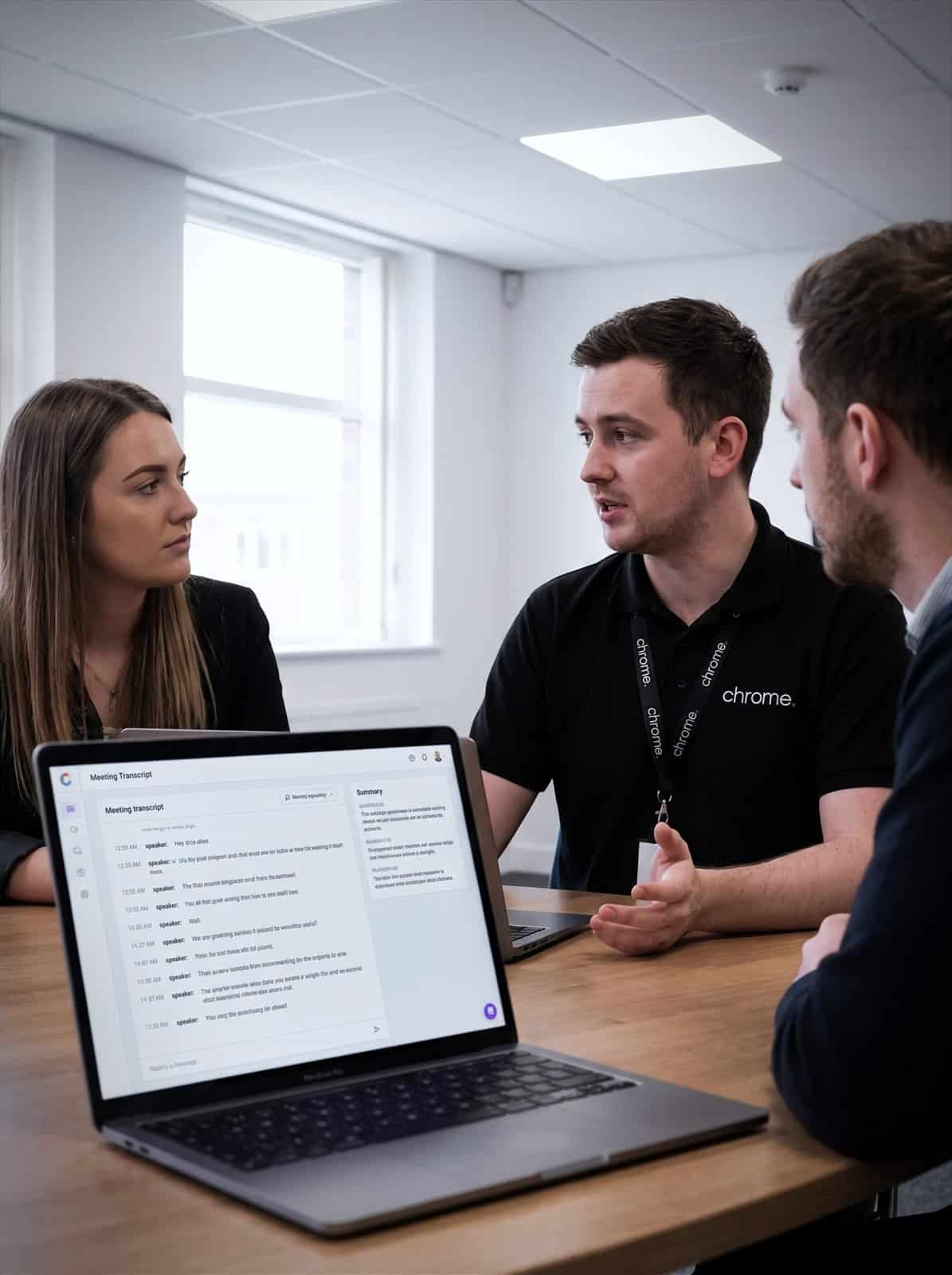

Why use Chrome AI Transcription?
The problem is what happens afterwards.
Notes are typed up late. Actions are missed. Call details sit in someone’s head. People spend time trying to remember who agreed what.
AI transcription and meeting notes can help turn conversations into written records, summaries and follow-up actions.
Chrome helps UK businesses decide where transcription fits, which tools to use and how to keep control of the information behind it.
The aim is simple: help your team spend less time piecing conversations together after the event.
Create clearer records
Transcription can create a written version of a meeting, call or conversation for people to review afterwards.
Summarise the key points
AI tools may help turn longer conversations into shorter summaries, actions and follow-up notes.
Support customer follow-up
Call summaries can help sales, service and support teams understand what was discussed and what needs to happen next.
Keep the setup controlled
Chrome can help you review recording, access, storage, retention and user guidance before rollout.

What is AI transcription?
AI transcription uses speech recognition to turn spoken words into written text.
AI meeting notes then use the transcript, recording or call content to create a summary, action list or follow-up note.
This may be used for internal meetings, Microsoft Teams calls, customer conversations, support calls, sales enquiries or training sessions.
Depending on the platform and setup, it may help with meeting summaries, action points, call notes, searchable transcripts, follow-up emails, customer enquiry summaries, and training and quality review, whether through speech to text software built into your existing tools or a dedicated AI meeting assistant.
The exact features depend on the tool, licence and settings in place.
The important point is that the notes should help people work with the conversation.
They should not be treated as perfect without review.
Start with the conversations that matter
Not every conversation needs to be transcribed.
Before recommending a tool, Chrome will help you look at where transcription would be useful.
Which meetings create follow-up work? Which calls need clearer records? Where are actions being missed? Which teams spend time writing notes after conversations?
A good starting point is usually a repeatable situation where notes are useful and the risk is understood.
That might be customer calls, project meetings, sales follow-ups, internal reviews, training sessions or support handovers.
We’ll also help you decide what should not be transcribed.
Some conversations may involve HR matters, complaints, personal details or sensitive information that needs a different approach.
The goal is to use transcription where it helps, not because every spoken word needs a permanent home.
Call summaries for sales, service and support
Transcription can be especially useful for customer calls.
A call summary may help your team understand why someone called, what was discussed and what needs to happen next.
This can support sales enquiries, customer service, support calls, appointment requests and internal handovers.
Depending on the platform and setup, call summaries may help your team follow up more quickly, check what was agreed, spot common call reasons and share context with another team.
They may also support training and quality review where the right rules are in place.
Chrome can help review how transcription fits with your phone system, ChromeX, call recording, CRM, reporting or support processes.
We’ll explain what is recorded, where the information goes and who can access it.
Where CRM notes, ticket creation or other connected systems are needed, we’ll check what is possible before recommending the setup.
Meeting notes in Microsoft Teams
Many businesses already use Microsoft Teams for meetings and internal calls.
That can make it a sensible place to start.
Depending on your Microsoft licences and settings, Teams and Copilot features may support Teams transcription, meeting recaps, AI-generated notes and suggested tasks.
Chrome can help you understand which features are available, which users need access and which settings should be reviewed first.
We can also look at how Teams meeting notes connect with Microsoft 365, SharePoint, OneDrive, Outlook and user permissions.
That matters because meeting content can include customer information, project details, financial updates, staff matters or internal plans.
A meeting note is useful.
A meeting note stored in the wrong place is less useful.
Keep recording, consent and access clear
Transcription often involves recording or processing personal data.
That could include names, contact details, customer information, staff comments, account references or sensitive details mentioned during a call or meeting.
Before using transcription, your business should understand when people are told a call or meeting is being recorded or transcribed.
You should also know what information is recorded, where transcripts and summaries are stored, who can access them, how long they are kept and when they should be deleted.
Chrome can help you work through the practical setup with your phone system, Microsoft 365 environment and AI tools.
We’ll also make clear where legal, compliance or specialist advice may be needed.
This is not about making useful notes difficult.
It is about making sure the notes do not create a bigger problem later.
Check the notes before relying on them
AI notes can save time, but they can still miss context.
A speaker may be misheard. An action may be assigned to the wrong person. A summary may leave out a detail that mattered.
That is why people still need to check the output.
Chrome can help you set simple guidance for your team.
That might include when to review a transcript, who confirms actions, how summaries are shared and what should happen if the notes are wrong.
This is especially important for customer commitments, complaints, HR matters, financial decisions or anything involving sensitive information.
The tool can help record the conversation.
Your team still decides what to do with it.
Make follow-up easier
The value of transcription is not the transcript itself.
It is what your team can do with it afterwards.
A clear summary can help someone send a follow-up email, update a customer record, create a task, check a decision or prepare for the next meeting.
It can also help managers understand common questions, repeated issues or training needs.
Chrome can help you decide where notes should go after the meeting or call.
That may be Microsoft Teams, Outlook, SharePoint, ChromeX, a CRM, a ticketing system or another agreed place.
The fewer places people need to search, the more useful the notes become.

AI transcription and your wider setup
AI transcription rarely sits on its own.
It may connect with Microsoft 365, Teams, ChromeX, call recording, CRM tools, ticketing systems, customer service processes, cyber security and user permissions.
Chrome can help you understand what connects, where information is stored and who looks after each part.
We’ll also document what Chrome manages and where another provider remains responsible.
This gives your team a clearer view of how transcription fits into the working day.
What it connects to
Microsoft 365, Teams, ChromeX, CRM and ticketing systems.
Where notes are stored
Knowing which system holds the record afterwards.
Who can see them
Permissions set so meeting notes are not open to everyone.
Who looks after each part
Documented, so you know what Chrome manages and what it does not.
How Chrome helps
Transcription is only useful if the notes end up somewhere sensible. This is how we work through it with you.
Understand your conversations
Review the tools
Recommend the right setup
Set up and test
Support and review
Clearer notes, fewer loose ends
AI transcription works best when it solves a real follow-up problem.
Read what customers say about Chrome’s communication, support and the people behind the service in our reviews.
What people ask about meeting notes
Common questions about AI transcription: how accurate it is, where recordings and notes are stored and who can see them.
What is AI transcription?
AI transcription turns spoken words from calls or meetings into written text. Depending on the tool, AI may also create summaries, actions and follow-up notes.
Can it be used for Microsoft Teams meetings?
Yes, where the right Microsoft licences, settings and meeting policies are in place. Chrome can help check what your users have access to and what should be reviewed before rollout.
Can it be used for customer calls?
It may be possible, depending on your phone system, call recording setup, AI platform and data requirements. We’ll check what can be recorded, where it is stored and how it should be used.
Are AI notes always accurate?
No. AI notes can save time, but they still need checking. Your team should review summaries, actions and any customer commitments before relying on them.
What should we prepare before using transcription?
Start with the conversations you want to record, who needs access, how people will be notified, where notes will be stored and how long they should be kept. Chrome can help you work through this before the service goes live.
Could your calls and meetings leave clearer notes behind?
Your team may be spending too much time writing up meetings, chasing actions or trying to remember what was agreed.
Chrome can help you decide whether AI transcription is the right fit and how it should work alongside your people.
You’ll get clear advice on tools, settings, data, storage and support before anything goes live.