
IT support that keeps your team working
When someone cannot sign in, a laptop stops working or Microsoft 365 needs attention, your team needs help quickly.
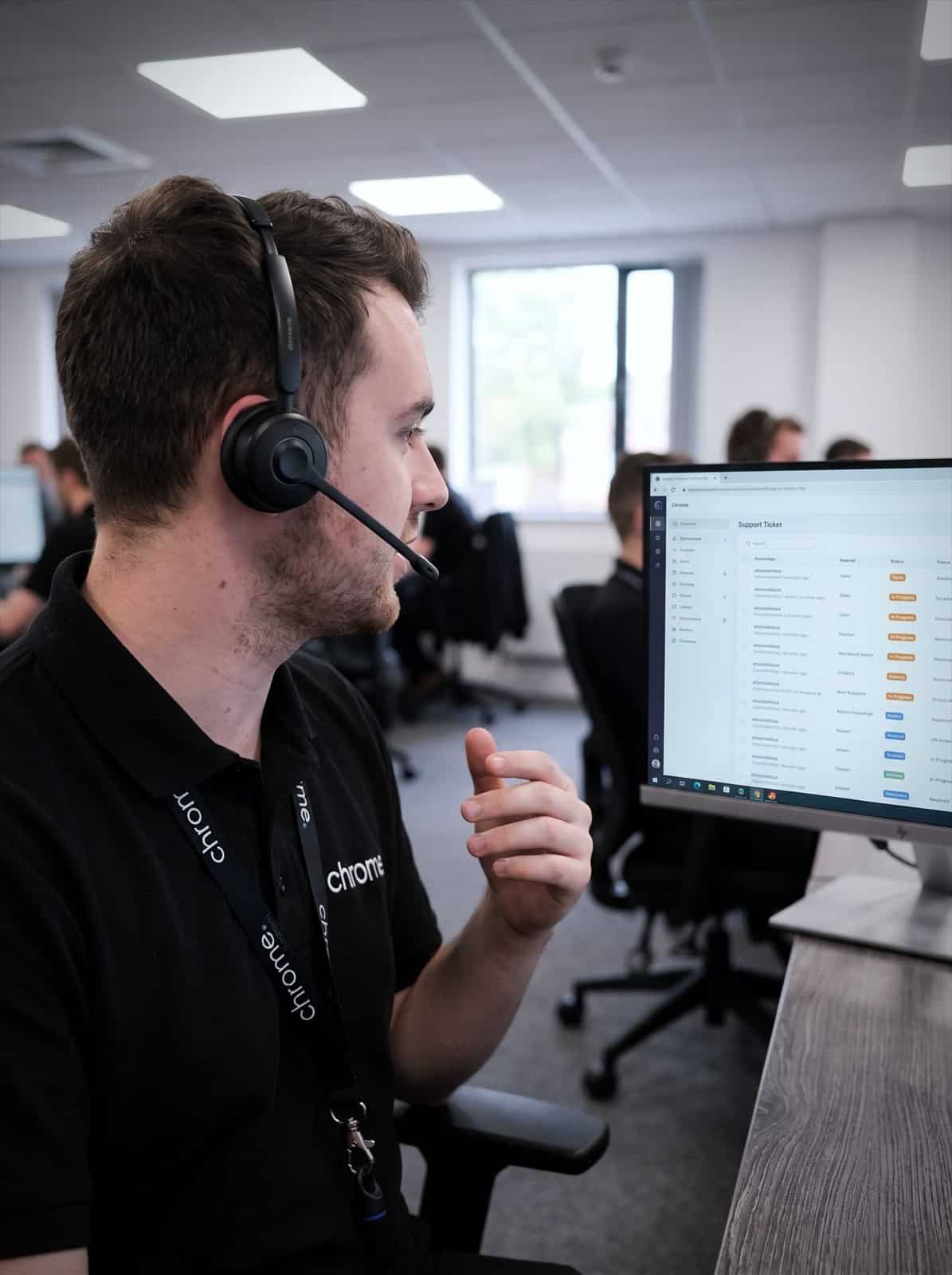

Why use Chrome Managed IT Support?
Chrome looks after your day-to-day IT, users, devices, updates, backups and security as your managed IT support and IT support and maintenance provider. Your team has one place to call and clear information about what happens next.
We can act as your outsourced IT support or provide extra support, sometimes called co-managed IT, for the people you already have in place.
Help when your team needs it
Your team can contact our IT helpdesk for support with devices, accounts, software and Microsoft 365.
Checks behind the scenes
We monitor agreed devices and servers, manage updates and look for signs that something needs attention.
Clear responsibility
We look after the technology covered by your agreement and can speak to agreed suppliers when another service is involved.
Advice based on your business
Your account manager will get to know your setup, discuss your plans and help you decide what needs attention next.

What managed IT support covers
Your team should not have to spend hours working around IT problems or deciding which supplier to call.
Managed IT support gives your business an ongoing team to look after agreed parts of your technology, including IT helpdesk support, laptops and desktop computers, Microsoft 365 users and licences, software updates and security patches, servers and network equipment, backup management, email and account security, password management, security training, and reporting and account reviews.
Common helpdesk requests include sign-in problems, email access, slow devices, software faults, user changes and suspicious messages.
We’ll look into the issue, explain what we know and tell the user what happens next.
Where an issue needs further investigation, an on-site visit or another supplier, we’ll make that clear.
Support hours, response targets and escalation routes will be set out in your service agreement.
Everyday helpdesk
Sign-in problems, email access, slow devices and software faults.
Devices and users
Laptops, desktops, Microsoft 365 accounts and licence changes.
Updates and security
Software updates, security patches, backups and account protection.
Reporting and reviews
Regular account reviews so you can see what is actually happening.
One team with clear responsibilities
An IT problem does not always sit neatly with one provider.
A laptop may be working, but the broadband is down. A printer may be offline, but it is covered by another supplier. A business application may have stopped working, but Chrome did not provide it.
Where agreed, we can speak to third-party suppliers on your behalf and help establish where the problem sits. This gives your team a clearer starting point and reduces the time spent being passed between companies.
Some businesses want managed IT support for business covering everything day to day. Others already have an internal IT team but need more capacity or support in specific areas, which is where co-managed IT fits.
Fully managed IT support
Chrome takes responsibility for the agreed helpdesk support, device management, Microsoft 365 administration, updates and monitoring.
Support alongside your IT team
Your internal team keeps control of agreed areas while Chrome provides extra help. This may include user support, monitoring, security, project work or additional cover during busy periods.
In both cases, responsibilities will be documented before the service starts.
Devices and updates
Updates are easy to postpone when everyone is busy. Over time, this can lead to security gaps, software problems and inconsistent devices.
Chrome can manage agreed updates and patches, sometimes called patch management, across supported computers and applications.
We can also monitor managed devices and servers for signs of performance, capacity or security problems.
This can help you keep supported software up to date, spot some issues before users report them, reduce avoidable disruption, keep device settings consistent and plan replacements for ageing equipment.
Managed devices can be under device monitoring 24 hours a day, but 24/7 IT support does not automatically mean the helpdesk itself is open around the clock. We’ll make the monitoring and support arrangements clear before the service starts.
Microsoft 365
Microsoft 365 support covers email, documents, meetings and much of the daily work in many businesses. It can become difficult to manage as people join, leave or change roles.
Chrome can help with user setup, licence management, mailboxes and email access, password and sign-in support, user permissions, Microsoft Teams, onboarding and offboarding, security settings and Microsoft 365 backup, where included.
We’ll help you understand which licences your team needs and remove access when someone leaves.
Backups & Security
Files can be lost through deletion, device failure, account problems or a security incident.
Depending on your service, Chrome can check agreed backups, investigate failed jobs and help restore supported files or data.
Chrome Protect+ can also include controls around devices, email, passwords and how your team works day to day, such as antivirus and antimalware protection, ransomware protection, email security, password management, Microsoft 365 backup, security training, phishing exercises, device monitoring and account monitoring, and help investigating security alerts.
No service can remove every cyber risk. Our role is to help you understand the main gaps, put sensible controls in place and respond clearly when something needs attention. For the fuller picture on protecting your business, see our cyber security page.
Choose the right level of cover
We’ll explain what is included, what is priced separately and which services your business needs.
Chrome Protect+
Chrome Protect+ covers the main areas of day-to-day IT management, including IT helpdesk, on-site support within the agreed terms, Microsoft 365 management, software patching, device protection, account management, backup management, email security, password management, security training and an annual IT audit.
Chrome 360+
Chrome 360+ adds further security monitoring and workplace tools, including round-the-clock security operations centre monitoring, further Microsoft 365 security, security training for your team, email signature management, support towards Cyber Essentials, further device and account monitoring, and a company intranet licence.
We’ll confirm the package, number of users, managed devices and monthly cost before you commit. Any separate charges will be shown clearly in your proposal.
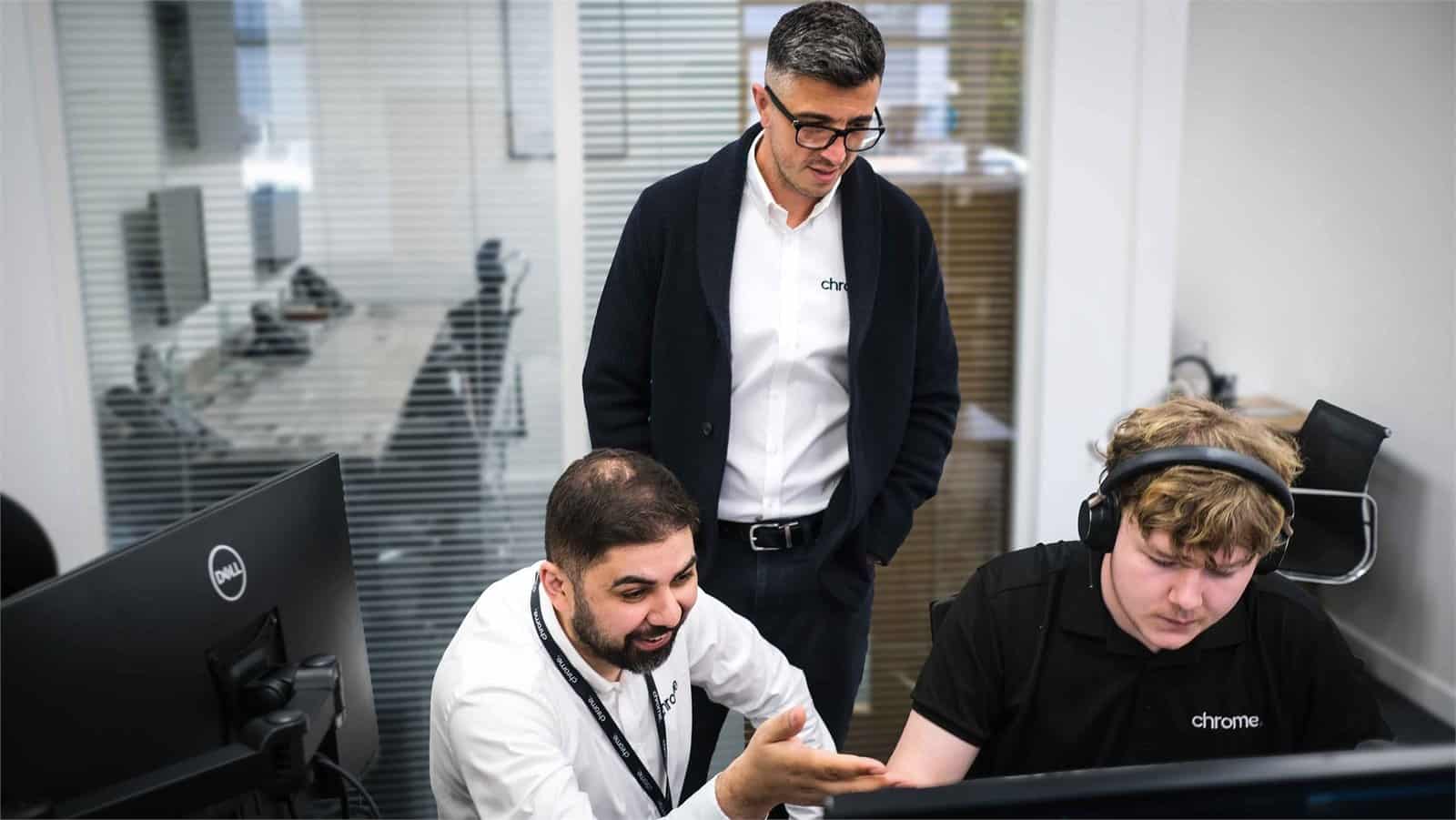
One team for your wider business technology
IT problems are often connected to broadband, phones, mobiles or security.
Chrome can support these services through one team, including managed IT, business phone systems, business mobiles, connectivity, cyber security, CCTV and access control, and workplace technology. This means fewer suppliers for your team to manage and less confusion about who to contact.
We’ll take the time to understand how the services work together before recommending changes.
Helpful support from people who know the setup
The clearest evidence of a good IT service comes from the people using it.
Read what customers say about Chrome’s communication, support and the people behind the service in our reviews.
Before you switch IT support
Common questions about managed IT support: what is covered, how requests are raised and what happens when something urgent goes wrong.
What is managed IT support?
Managed IT support gives your business an ongoing team to look after agreed parts of your IT. This can include user support, devices, Microsoft 365, updates, servers, backups, security and account reviews.
What can our team contact the helpdesk about?
Your team can request help with agreed devices, accounts and services. Common examples include sign-in problems, Microsoft 365, email, laptops, software, printers and user access. We’ll confirm the full scope before the service starts.
Does 24/7 monitoring mean the helpdesk is open 24/7?
Not necessarily. Managed devices and servers can be checked 24 hours a day. Helpdesk hours and out-of-hours arrangements depend on the agreed package, and these hours will be clear in your proposal and service agreement.
Can Chrome work with our internal IT team?
Yes. We can take responsibility for specific areas, provide extra user support, or help your internal team with monitoring, security and project work through a co-managed IT arrangement.
Can you help us move from another IT support company?
Yes. We’ll plan the handover, gather the available information and work with the existing provider where needed. We’ll also identify missing access, documents or account details before support begins.
How is managed IT support priced?
The cost depends on the number of users, devices, locations and services being managed. Some equipment or additional services may carry a separate monthly charge. Your proposal will explain what is included before you commit.
Is managing IT taking too much time away from your team?
Your team may be waiting too long for help. Microsoft 365 may be difficult to manage. Updates, backups or security tasks may be getting missed.
We can review your current setup, explain where the main gaps are and recommend a sensible way forward.
You’ll receive clear advice based on the way your business works.