
Business IT hardware chosen around how your team works
New laptops, upgraded servers, replacement desktops. Buying business IT hardware should be straightforward, but it rarely feels that way.
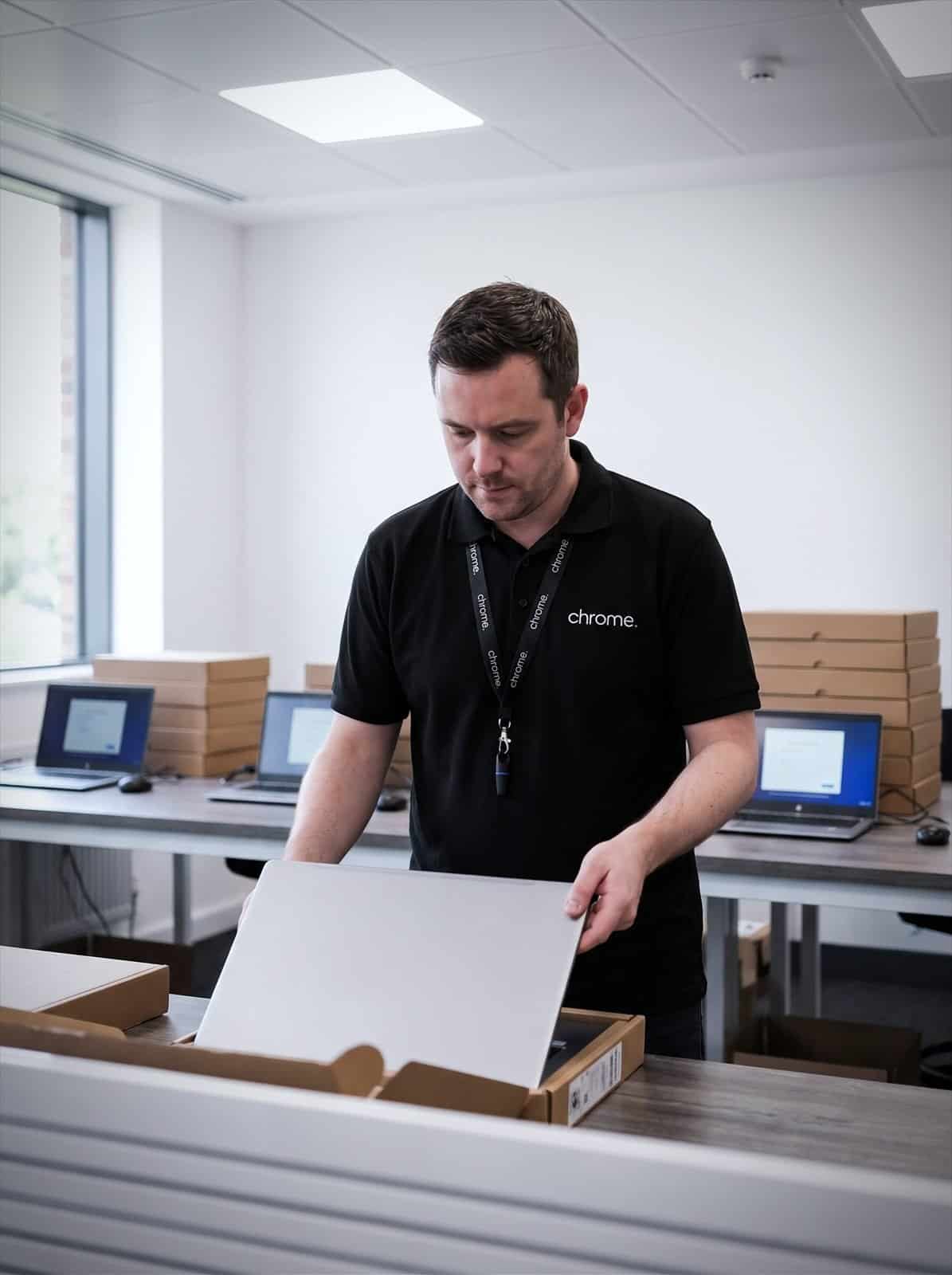

Why use Chrome for Business IT Hardware?
Too much spec and you have paid for power nobody uses. Too little and your team is waiting on slow machines within a year. Buy without a plan and every device ends up slightly different, which makes support harder for everyone.
Chrome helps UK businesses with IT procurement and business IT equipment, from individual laptops to servers supporting the whole team.
We’ll help you work out what your business actually needs, source it, get it configured properly and support it for as long as you use it.
The right spec for the job
Get business laptops, desktops and servers chosen around each role, not a one-size-fits-all catalogue.
Set up before day one
New starters get a working, secured device ready to go, not a box to configure themselves.
Buy, lease or both
Compare purchasing outright against hardware as a service, so cash flow fits how your business runs.
Support for the full lifecycle
Chrome can help with IT asset management from delivery through to replacement.
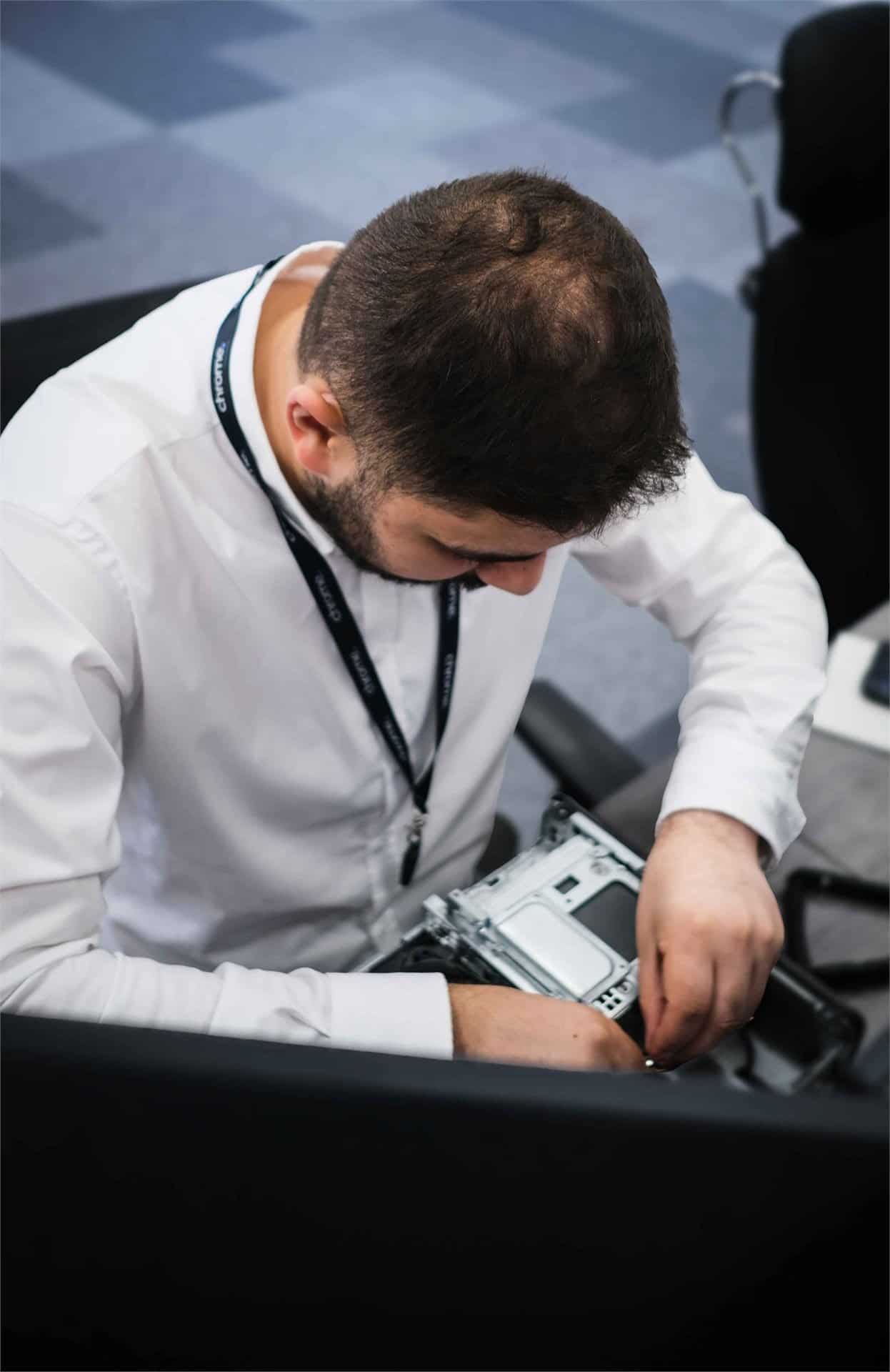
What counts as business IT hardware
Business IT hardware covers the physical technology your team relies on every day.
That includes business laptops and business desktop computers, servers, monitors, docking stations, keyboards and mice, networking equipment such as switches and access points, and peripherals like printers and scanners.
Getting it right is not really about the equipment itself. It is about matching hardware to how each person works, keeping devices consistent enough to support easily, and having a plan for what happens when something breaks or a laptop reaches the end of its useful life.
Chrome can help with all of this as part of your wider IT support, not as a one-off purchase with no plan afterwards.
Business laptops chosen for the role , not just the spec sheet
A laptop for someone editing video all day looks nothing like one for a person mostly using email and a browser.
Buying business laptops without thinking this through usually means overspending for some people and underspending for others.
We’ll look at what each role actually needs: processing power, battery life, screen size, ports, weight for people who travel, and whether the device needs to work with existing docking stations or monitors.
Where refurbished business laptops or a slightly older model would genuinely do the job, we’ll say so. The aim is a device that suits the person using it, not the biggest number on a spec sheet.
Once the right laptops are chosen, we can help with sourcing, UK-wide delivery, and getting every device set up consistently before it reaches your team. For businesses that would rather buy business laptops as and when they are needed, that option stays open too.
Servers and infrastructure
Not every business needs an on-site server, and not every business should move everything to the cloud either.
Some businesses run comfortably on Microsoft 365 and cloud services alone. Others still rely on a small business server for local files, older software or specific applications that need to stay in the building.
Chrome can help you work out which is right for your setup, and if a server for small business use is the answer, we’ll help you choose one that fits your team now rather than a much larger business you might become in ten years.
That includes planning storage, backups, and how the server fits alongside your existing network and cyber security.
Buy outright or spread the cost with hardware as a service
Not every business wants to spend a large amount upfront on new equipment.
Hardware as a service, sometimes called laptop leasing for business or device leasing, lets you pay a regular amount for hardware instead of buying it outright. Devices are often refreshed on an agreed cycle, so your team is not still using the same laptops five or six years later.
IT equipment leasing can suit businesses that want predictable monthly costs, prefer to keep capital free for other things, or want hardware refreshed automatically rather than managed as a series of one-off purchases.
Buying outright still makes sense for many businesses, particularly for equipment expected to last a long time or where ownership matters for other reasons.
We’ll explain both options in plain English and help you work out which fits your business, rather than pushing one model over the other.
Keep hardware supported for its whole lifecycle
A device does not stop needing attention once it has been delivered.
IT asset management means knowing what hardware you have, who is using it, how old it is, and when it is likely to need replacing.
Chrome can help track your devices, plan updates and patches, and flag equipment that is approaching the end of its useful life before it starts causing problems.
Device lifecycle management also matters when someone leaves the business. A laptop should be collected, wiped and either reissued or retired properly, not left sitting in a drawer with company data still on it.
This connects with your wider IT support, so hardware, software, security and access are all managed together rather than as separate jobs.
One team for your business technology
New hardware rarely arrives in isolation.
A new laptop needs the right software, a secure setup and access to email and files from day one. A new server needs to work with your network, your backups and your cyber security.
Chrome can support your hardware alongside managed IT, mobile device management, patch management and remote working, so a new device is ready to use rather than a separate project for someone to manage.
We’ll explain what Chrome supplies, what we manage afterwards, and where responsibility sits if a manufacturer warranty is involved.
How Chrome helps
Getting the right hardware starts with how your people actually work. This is how we work through it with you.
Understand what your team needs
Recommend the right hardware
Source and configure
Deliver and support
Plan for what comes next
Hardware that is ready to use, not just delivered
The most useful measure of good IT hardware is how little your team has to think about it afterwards.
Read what customers say about Chrome’s communication, support and the people behind the service in our reviews.
What people ask about choosing kit
Common questions about business IT hardware: what we supply, how devices are set up and what happens when something needs replacing.
What counts as business IT hardware?
Business IT hardware includes laptops, desktops, servers, monitors, docking stations and networking equipment such as switches and access points. Chrome can help with sourcing, setup and ongoing support for agreed hardware.
Should we buy hardware outright or lease it?
Both are reasonable options. Leasing, sometimes called hardware as a service, suits businesses that prefer predictable monthly costs and a regular refresh cycle. Buying outright can suit equipment expected to last longer. We’ll explain both and help you decide.
Do you sell refurbished laptops?
Where a refurbished or slightly older device genuinely suits the role, we’ll say so rather than always recommending the newest model. We’ll confirm what is available before you commit.
Do we need a server, or can we run everything in the cloud?
It depends on your setup. Many businesses run well on cloud services alone; others still need a local server for specific applications or files. We’ll help you work out which fits your business.
Can Chrome manage our hardware after it is delivered?
Yes. Chrome can support hardware through managed IT, patch management and mobile device management, so devices stay updated and supported for as long as you use them.
What happens to a laptop when someone leaves the business?
We can help build device collection, wiping and reissue or disposal into your starter and leaver process, so company data does not sit on a device nobody is tracking.
Is your business hardware still doing its job?
Ageing laptops, an overdue server or equipment bought without much of a plan can quietly slow a team down.
Chrome can review what you have, recommend what needs attention and help you plan what comes next, whether that means buying, leasing or simply supporting what you already own.