
Phones and IT support for construction
Construction work rarely happens in one place.
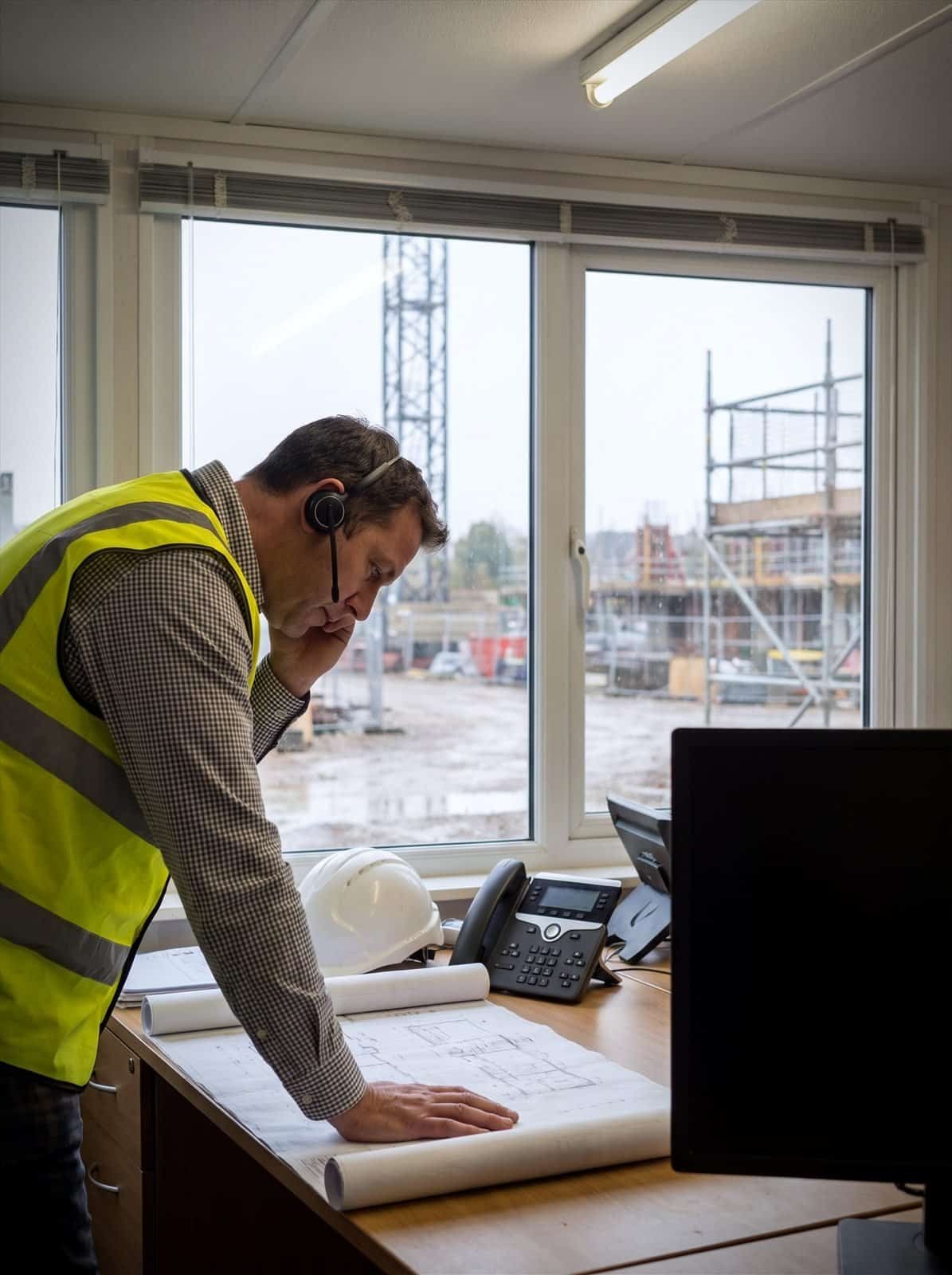

Why use Chrome for construction?
Project managers may be on site. Commercial teams may be in the office. Directors, contractors and suppliers may be moving between several locations.
ChromeX helps your team make and receive business calls through desk phones, mobiles, computers and Microsoft Teams.
Chrome can also help with business mobiles and site connectivity, giving you one team to call when something needs sorting.
Use the same business number in more places
Your team can answer business calls from the office, at home, on site or while travelling.
Help calls reach the right person
Call menus, queues and forwarding rules can direct customers, suppliers and contractors to the right team.
Connect offices and sites
Bring different locations into the same phone setup without managing a separate system for every project.
Get support from one Chrome team
Speak to us about phones, mobiles and connectivity rather than being passed between several suppliers.
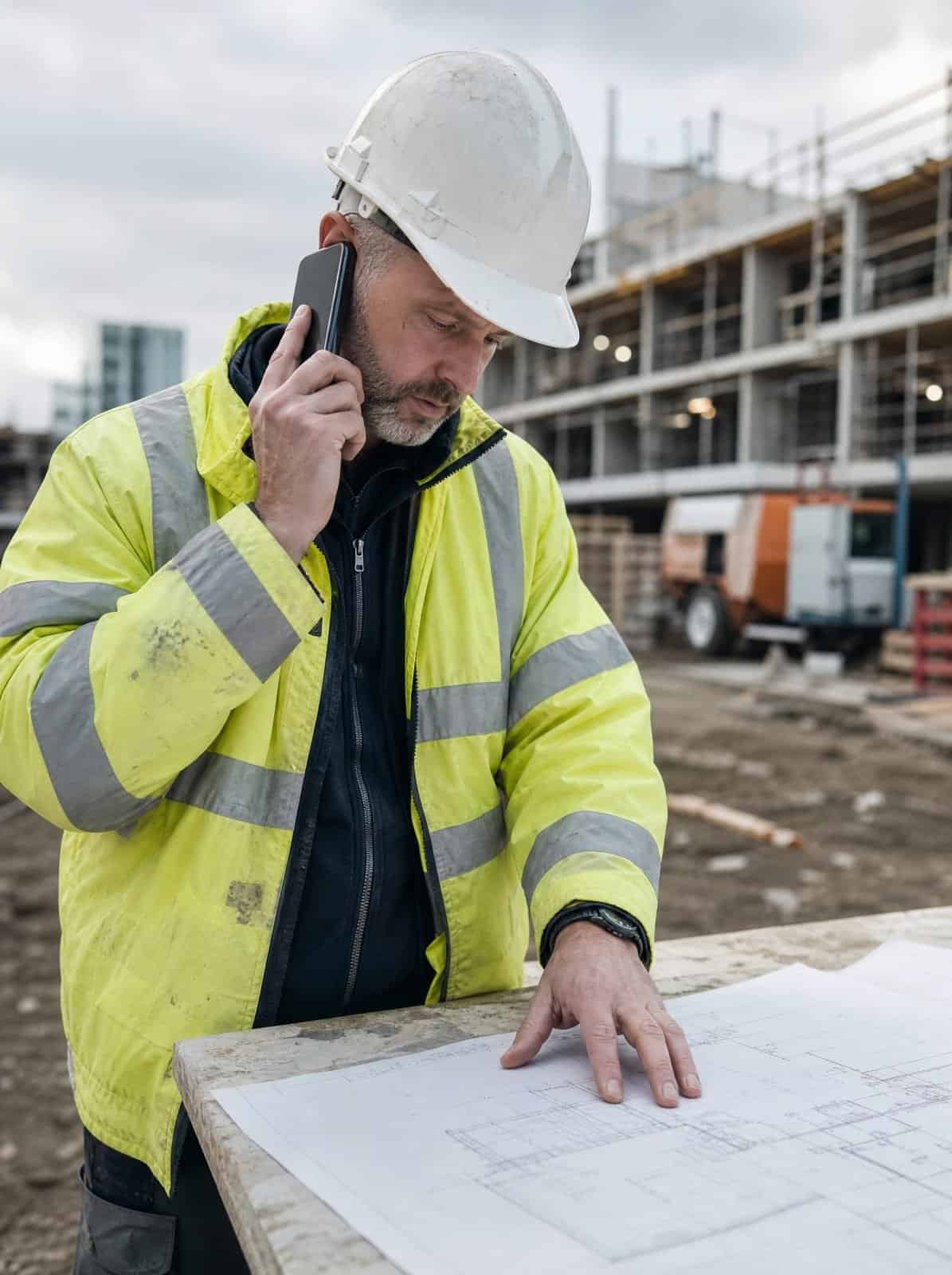
A phone system built around construction work
Calls may come from customers, subcontractors, suppliers, site managers and members of the public.
They may need to reach estimating, procurement, accounts, a project manager or someone working away from the main office.
ChromeX can help your team answer calls through desk phones, mobiles, computers or Microsoft Teams, route calls by team, location or opening hours, place callers in a queue when people are busy, divert unanswered calls to another person or device, review missed calls and call activity, and add or remove users as projects and teams change.
You’ll get a setup based on who handles each type of call, checked properly before anything is recommended.
Site and office
Calls answered wherever the person actually is.
The right department
Estimating, procurement, accounts or a project manager.
Working away
Reach people on mobiles without giving out personal numbers.
Suppliers and subcontractors
One number that handles every kind of caller.
IT support for construction
A build runs on more than its phone line. Drawings, project software and the connection on site all have to work before the first pour, not after it.
Chrome looks after that technology, so your teams can get on with the job.
Systems that stay available
Project and drawing systems are needed on site as much as in the office. We’ll watch the network and the devices behind them, and sort faults before a programme slips.
Connectivity on new sites
A new site starts with no line and no signal. We’ll get connectivity and Wi-Fi into the cabin quickly, then take it out again when the job finishes.
Security and site data
Drawings, tenders and staff records all carry obligations. We’ll handle backups, staff security training and the access controls your clients ask about at pre-qualification.

Keep site teams reachable
Your site teams should not have to use personal numbers for every work conversation.
The ChromeX mobile and desktop applications allow supported users to make and receive calls through the company phone system.
A project manager can answer a business call while on site, check voicemail and transfer the caller to someone in another location.
Colleagues using desk phones, mobiles and Microsoft Teams can remain part of the same setup.
When responsibilities or locations change, call routes can be updated without replacing the whole phone system.
Connectivity for temporary and changing sites
A construction site may begin with a small temporary office, then change as the project develops.
The right connection will depend on the location, available services, project timescale and number of users.
Chrome can review the site and discuss options such as business broadband, mobile data connections, backup connectivity, construction site Wi-Fi for agreed working areas, and network equipment for site offices.
You’ll know what is available at the location and what it can reasonably support.
For temporary sites, we’ll also consider how equipment can be moved, reused or removed when the project ends. Construction site broadband is often only needed for the length of a project, so we’ll plan the contract around that from the start.
Business mobiles for different roles
A commercial director and a site supervisor may need very different devices and allowances.
Chrome can help organise your business mobiles around job roles, expected usage and the locations where people work.
This may include smartphones, tougher site devices, suitable voice and data plans and multi-network options where available.
We can also help manage the account when someone joins, leaves or needs a replacement device.
The aim is to give each person what they need without adding services they are unlikely to use.
Look after company information on mobile devices
Phones and tablets can hold company email, customer details, files and access to business applications.
If a device is lost, stolen or passed to another person, that access needs to be managed properly.
Mobile device management can help an authorised administrator apply security settings, manage company access and remove business information from an enrolled device.
It can also help when someone leaves or changes role.
The available actions depend on the device, its enrolment and its connection at the time. We’ll explain what the system can and cannot do before it is introduced.
Handsets suited to the working environment
A standard desk phone may not suit every location.
Chrome can help you choose between office handsets, cordless phones, headsets and suitable mobile devices based on where they will be used.
Rugged cordless handsets may suit people moving around a larger site or working in places where equipment is more likely to be dropped.
Some supported devices may also include safety alerts, such as man down alarm functions built for lone worker device situations.
These features should support your existing site procedures rather than replace suitable supervision, training or risk assessments, including anything expected under HSE guidance or CDM regulations.
You’ll get the device specifications and available functions confirmed before anything is recommended.
See where calls may be getting missed
When teams are spread across several locations, it can be difficult to see which calls have been answered and which still need a response.
ChromeX reporting can show information such as incoming and outgoing call volumes, missed and abandoned calls, queue wait times, busy periods and call activity by team or user.
This can help managers see whether calls are reaching the right people and where a route or staffing arrangement may need reviewing.
Call recording is also available through supported ChromeX licences. Recordings may help with training, checking project details or reviewing a customer query.
Your business remains responsible for deciding what should be recorded, who can access it and how long it should be kept.
One team for more of your site technology
A phone problem may turn out to be a connectivity issue. A mobile problem may involve a device setting or user account.
Chrome can support more of the technology used across your construction business, including business phone systems, mobiles, site and office connectivity, managed IT, cyber security, CCTV and access control, and workplace technology.
Bringing services together can reduce the number of suppliers your team needs to manage.
It also gives you a clearer place to start when the cause of a problem is not obvious.
Related industries: manufacturing and logistics. You can also browse every sector we support.
How we get your team connected
Construction teams are rarely all in one place. This is how we work through it with you.
Understand how you work
Check the locations and requirements
Plan the change
Set everything up
Train and support your team
Support that continues after installation
A phone system is only useful when the people using it know how it works and where to get help.
Read what customers say about Chrome’s communication, support and the people behind the service in our reviews.
Construction phone systems FAQs
Common questions about phone systems for construction: reaching people on site, handling site offices and keeping one number for the business.
Can site teams use the company number on their mobiles?
Yes. Supported users can make and receive calls through the ChromeX mobile application while presenting an agreed business number.
Can we keep our existing telephone numbers?
Existing business numbers can usually be transferred, subject to availability and the information held by the current provider. We’ll check the numbers before planning the move.
What happens if a site has weak connectivity?
We’ll review the services available at the location and discuss suitable options. This may include a fixed connection, mobile data service or backup connection. Coverage should be checked before an order is placed.
Can you supply phones suited to construction sites?
Chrome can provide a choice of office, cordless and rugged devices. We’ll recommend equipment based on the working area, coverage needs and required functions.
Can Chrome support several offices and sites?
Yes. ChromeX can bring users from several locations into one phone system. Numbers and call routes can be set up around different teams, sites or projects.
Can construction calls be recorded?
Call recording is available through supported ChromeX licences. Your organisation should have clear rules covering why calls are recorded, who can access them and how long they are retained.
Is your current setup keeping every site in touch?
Your office may be struggling to reach project teams. Calls may be going unanswered. New locations may be taking too long to connect.
We can review your phones, mobiles and site connectivity, then explain the available options in plain English.
You’ll receive a practical recommendation based on the way your construction business works.