
Phones and IT support for GP practices without losing patient calls
Help patients reach the right team, give staff more ways to answer, and keep the systems behind every surgery running.
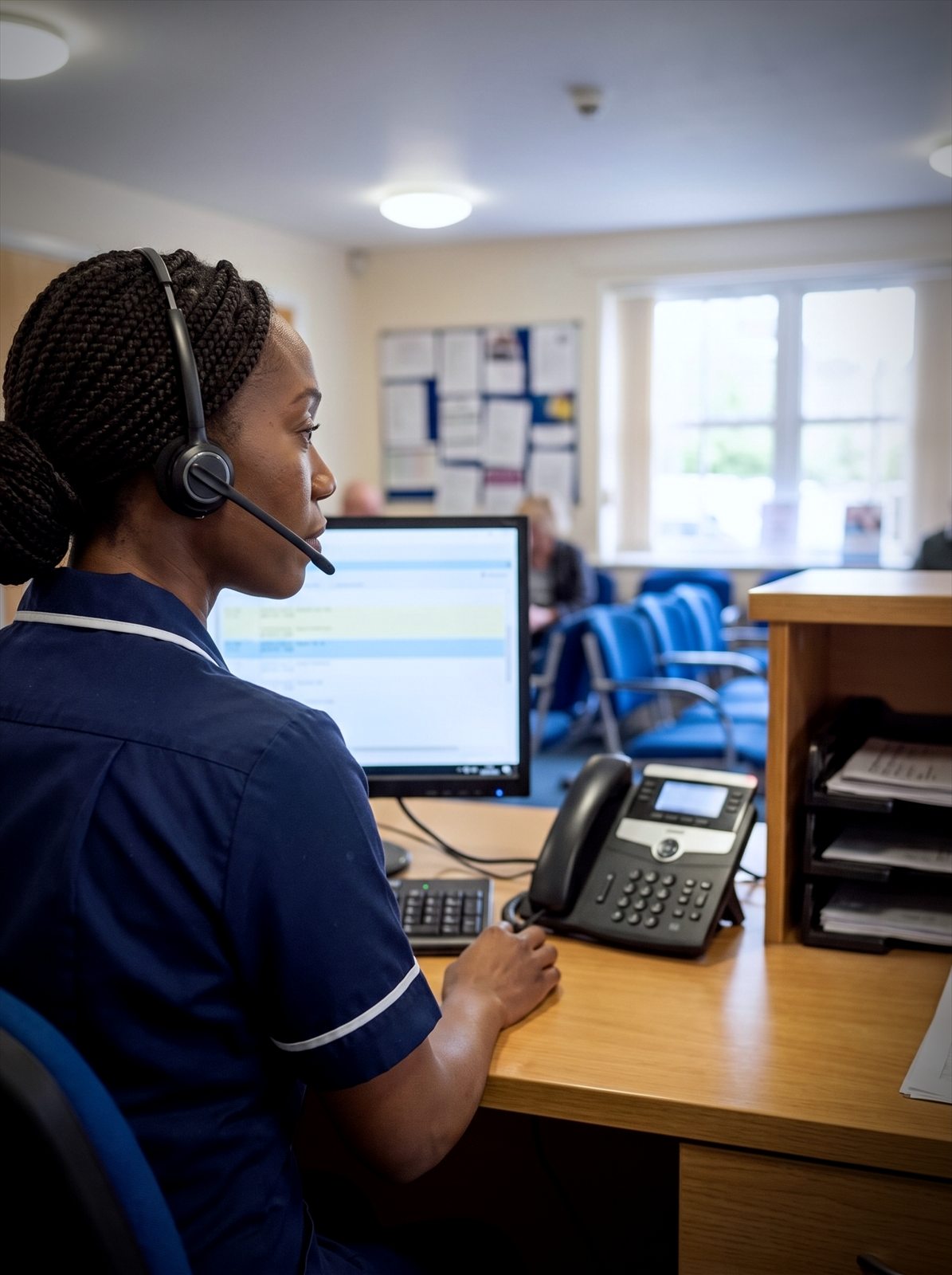

Why use Chrome for GP practices?
ChromeX gives GP practices more control over call queues, routes, voicemail and reporting.
We’ll understand how your practice works, set everything up and train your team. We’ll also remain available when you need help or something changes.
Manage busy periods
Use queues and agreed call routes when several patients contact the practice at once.
Help patients reach the right team
Direct appointment, prescription and other enquiries without unnecessary transfers.
Understand call activity
Review unanswered calls, waiting times and activity across the practice.

Take some pressure off reception
Reception teams rarely deal with telephone calls alone.
They may also be welcoming patients, dealing with online requests, speaking with clinicians and updating records.
When several calls arrive together, older phone systems may play a busy tone or send patients straight to voicemail.
ChromeX can help you agree what happens instead.
Your setup may include call queues, short call menus, hunt groups, agreed overflow routes, opening-hours rules, voicemail, out-of-hours messages and calls shared between practice sites.
We’ll first look at how calls are handled today.
The aim is to give patients a clearer experience and make calls more manageable for your team.
IT support for GP practices
A practice runs on more than its phone line. Your clinical system, the network and the devices in every consulting room all have to work from eight in the morning.
Chrome works alongside your NHS IT arrangements and looks after the rest.
Systems that stay available
Your clinical system and consulting room devices are needed from the moment the doors open. We’ll watch the network behind them and sort faults before a surgery is affected.
Working alongside NHS IT
Some of your technology comes through the NHS and some doesn’t. We’ll look after the parts that are yours, and talk to the people who look after the rest.
Patient data and information governance
Patient data carries real obligations. We’ll handle backups, staff security training and the access controls your information governance lead asks about.
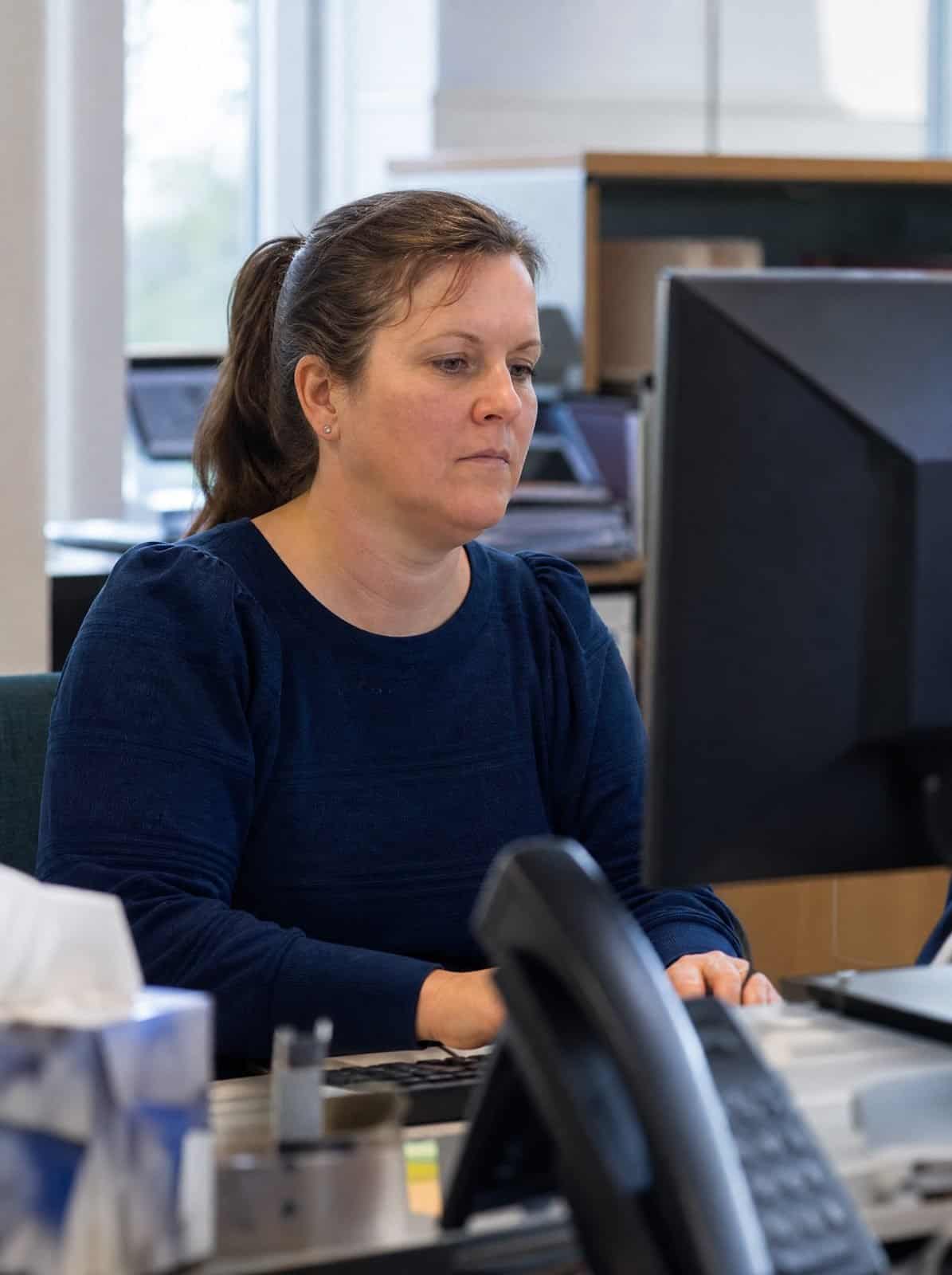
Help patients reach the right service
A call menu can help people reach the team they need.
It should be short and use language patients understand.
Options might include appointments, prescriptions, test results, referrals, accounts or private services, a particular practice site or another agreed team.
Some patients may find long call menus difficult to use.
Your practice may decide that certain choices should go directly to a person. We’ll build the call routes around the approach you agree.
When the practice is closed, patients can hear a message explaining the opening hours and what they should do next.
Any wording about symptoms, emergencies or clinical advice must be agreed by the practice and checked regularly.
Appointments and prescriptions
The two routes most patients need.
Results and referrals
Clear options rather than one general queue.
Accounts and private services
Separate routes for non-clinical calls.
Keep it short
Long menus lose patients before they choose.
See which calls need following up
An unanswered call could be a patient changing an appointment, another healthcare professional or someone who needs help accessing a service.
Without reporting, the practice may not know how many calls went unanswered or whether they were returned.
ChromeX reports can help authorised staff review information such as unanswered calls, the date and time, the number or practice site contacted, queue waiting times, call volumes and activity by staff member, group or department.
Reports can also show when demand rises and where patients wait longest.
This can help practice managers ask useful questions: are calls reaching the correct team, does reception need more cover at certain times, are opening hours set correctly, does the call menu help or cause delays, could another site help during busy periods, and are voicemail messages being returned?
The answer will not always be more staff.
A change to a queue, call route or opening-hours setting may help.
A report does not return a call by itself. Your practice still needs a clear process for checking missed calls and deciding who should respond.
Support different ways for patients to contact you
Patients may contact the practice by phone, online or in person.
Your phone system should support the wider process agreed by the practice.
Chrome can help you review which enquiries should reach reception, which calls should go to another team, how online and telephone requests are handled, what patients hear while waiting, how missed calls are followed up, and how information is passed between staff.
Technology cannot decide how a patient’s request should be assessed.
We’ll set up the call routes around the process your practice has chosen.
Connect calls with the systems your team uses
Your GP practice management software or clinical system may already hold information staff need during a call.
ChromeX can connect with supported business systems.
Depending on the platform, staff may be able to see available caller information, open a matching record, click a telephone number to begin a call, add call information to a record, and access contacts through both systems.
Functions differ between platforms, and the connections available for clinical systems can be more limited than those for general business software given the sensitivity of patient records.
We’ll check the software your practice uses and explain what is supported before recommending anything.
Keep patients informed
Clear messages can help patients understand what will happen next.
Recorded greetings and on-hold messages can share opening hours, other ways to contact the practice, short answers to common questions, information patients may need before an appointment, temporary changes to a service, and details about where to find further information.
The wording should be calm, brief and easy to follow.
It should not feel like a long sales message.
Business text messages may also help with appointment reminders and agreed service updates.
Your practice remains responsible for deciding what is suitable to send and how patient information is used.
Give staff more ways to answer
Practice staff may work at reception, elsewhere in the building, from home or across several sites.
Depending on the setup, they may use desk phones, wireless headsets, cordless handsets, desktop applications, mobile applications or Microsoft Teams.
Supported applications can allow staff to make calls, check voicemail and view recent call activity through a computer or smartphone.
The practice number can be shown instead of a staff member’s personal number.
Cordless coverage should be checked before equipment is chosen, as walls and building layout can affect the signal.
We’ll recommend equipment and applications based on each role.
Connect several practice sites
ChromeX can bring users, telephone numbers and call routes together across several locations.
Depending on the setup, teams may be able to transfer calls between sites, share responsibility for busy queues, use a central contact directory, manage opening hours through one portal, view reports across agreed services, and answer through supported applications when working elsewhere.
One site may also be able to help when another team becomes particularly busy.
We’ll agree how calls should be shared before setting up overflow routes.
Review important calls for a clear reason
Call recording may help when there is a genuine reason to listen again.
A GP practice might use suitable recordings to review a complaint, check what was discussed, support staff training, understand a difficult or abusive call, or review whether an agreed process was followed.
Recordings may contain personal or sensitive information.
Your practice should decide why calls are recorded, who can listen and how long recordings are kept.
Chrome can explain the technical options. Your practice remains responsible for its data protection, employment and healthcare requirements, including anything set by CQC or relevant NHS commissioning bodies.
Legal or compliance advice may also be needed.
Plan for a connection problem
A cloud phone system uses an internet connection and power.
Before the service begins, we’ll agree what should happen if the main connection becomes unavailable.
Options may include sending calls to another number, diverting calls to selected mobiles, using supported applications through mobile data, sharing calls with another practice site or adding a suitable backup connection.
The right approach will depend on your services, opening hours and the calls that need to remain available.
Chrome can support the phone system, internet connection and business mobiles through one team.
One team for more of your practice technology
A phone system depends on the technology around it.
Chrome can also support internet connectivity and Wi-Fi, business mobiles, managed IT, Microsoft 365, cyber security, and CCTV and access control.
This gives your practice fewer suppliers to manage and one team to call when responsibilities overlap.
Related industries: healthcare providers, dental practices and care homes. You can also browse every sector we support.
Connectivity and Wi-Fi
Business internet and the network your site runs on.
Business mobiles
Handsets and tariffs managed alongside your phone system.
Managed IT and Microsoft 365
Day-to-day support for devices, accounts and licences.
Cyber security and CCTV
Protection for your data and your premises.
Why GP practices choose Chrome
What working with Chrome looks like in practice.
Clear advice
We explain the options in plain English before you commit.
A setup based on your practice
We look at your patients, staff, locations and working hours before recommending anything.
Training for your team
We show your team how to use the tools that matter to their roles.
Support after installation
Speak to people who understand your setup when you need help or a change made.
We’ll talk through the options and agree what suits you before anything changes.
How Chrome helps
A practice phone system should reduce pressure rather than add to it. This is how we work through it with you.
We understand your practice
We recommend and prepare the setup
We train and support your team
Support matters after installation
Planning, training and day-to-day support all affect how confidently a practice can use its phone system.
Read what customers say about Chrome’s communication, support and the people behind the service in our reviews.
GP practice phone systems FAQs
Common questions we hear from GP practices about phone systems.
Can we keep our existing practice number?
In most cases, existing business numbers can be moved. We’ll check them before the project begins and explain any restrictions or timescales.
Can ChromeX connect with our clinical system?
ChromeX can connect with supported business and patient systems, though clinical record systems often allow more limited connections than general business software. The functions differ between platforms. We’ll check your software and explain what is possible.
Can several staff answer calls at once?
Yes, subject to the phone licences, internet connection and agreed setup. Calls can be sent to a group, held in a queue or shared with another site.
Can several practices use the same phone system?
Yes. ChromeX can connect users and call routes across several sites. We’ll agree how numbers, queues and overflow calls should work between them.
Can staff answer away from reception?
Staff may be able to use cordless phones, desktop applications, mobile applications or Microsoft Teams. The right choice will depend on their role and working location.
What happens if our internet connection goes down?
The available options depend on your phone and connectivity setup. Calls may be sent to another number or location. A backup connection may also be suitable.
Is your current phone system helping your practice?
Patients may be waiting too long. Calls may be reaching the wrong service. Staff may be working around a setup that no longer reflects how the practice operates.
Chrome can review your phone system, call routes and reporting.
You’ll receive a clear recommendation based on how your practice works.