
| Device | On an HT802? | What to check |
|---|---|---|
| Analogue desk and cordless phones | Yes | Some UK phones need a plug adapter. Cordless bases need mains power |
| Loud ringers and bells | Yes, within the ringing limit | Up to 2 REN per port, so check the REN on each bell |
| Door entry and gate intercoms | Often, test first | The door release uses keypad tones, so we test it end to end |
| Fax machines | Possible, not guaranteed | An online fax service is the steadier route |
| Monitored intruder and fire alarms | Only if your alarm company approves | Many alarm companies fit IP and 4G signalling instead |
| Lift emergency phones | Not on its own | Needs battery back-up. Usually a 4G unit from your lift maintainer |
| Telecare and care alarms | Not recommended | Government advice is a fully digital alarm from your telecare provider |
| Card terminals, franking machines, dial-up modems | No | An internet or 4G model from the supplier |
// Hardware guide
Grandstream HT802 buyer's guide
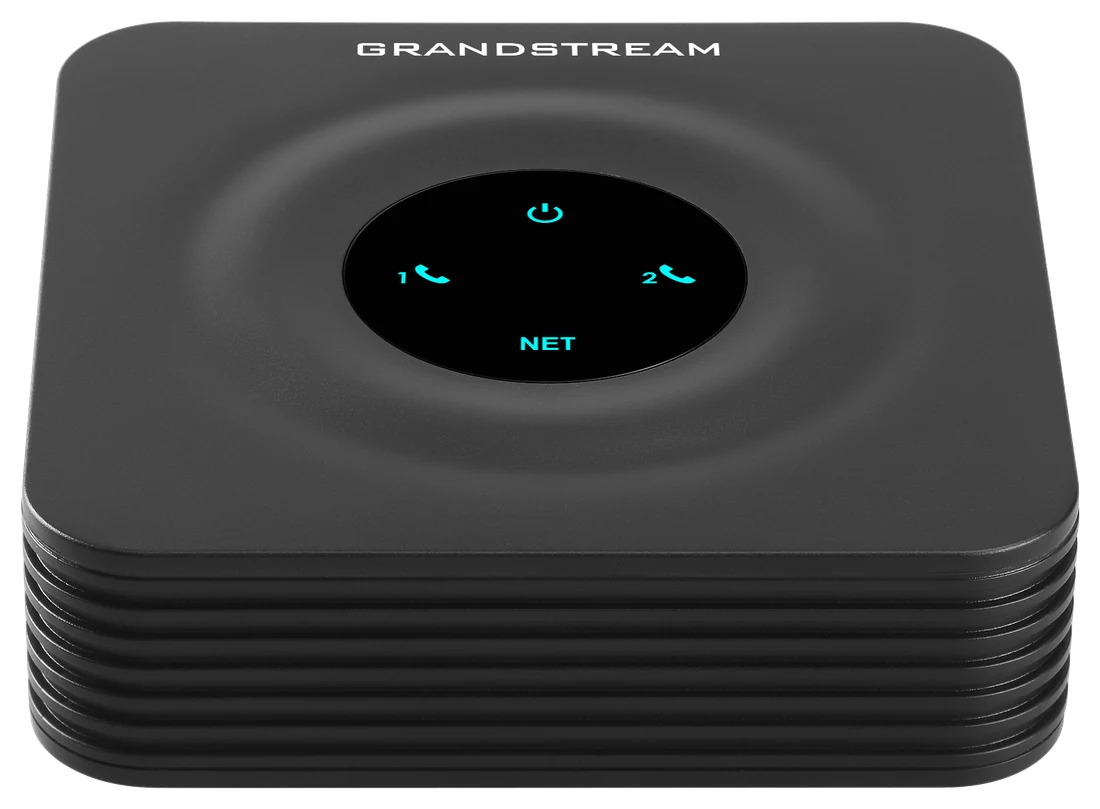
Keep your analogue phones and ringers working after the switch-off. The Grandstream HT802 is an analogue telephone adapter (ATA): a small box that connects two analogue devices to ChromeX, our cloud phone system, over your network.
BT’s old phone network closes on 31 January 2027. Some devices move across with an adapter. Others, such as monitored alarms and lift phones, usually need their own digital equipment.
This guide explains what the HT802 can run, how it’s set up and what to check before you order.
Updated 12 November 2026 · 7 minute read · Covers the HT802 V2
Two analogue phone ports
UK ringing and caller ID
Set up for you on ChromeX
The short answer
Choose the HT802 when you have one or two analogue devices in one place that you want to keep, such as a desk phone, a cordless phone or a loud ringer on a warehouse floor. Each port gets its own extension or number on ChromeX.
For more than two devices in one spot, a second adapter or new IP phones make more sense.
Monitored alarms, lift emergency phones and telecare units need more care. Check with your alarm company, lift maintainer or telecare provider before the line moves. Most will recommend their own digital or 4G equipment.
2
Analogue ports, each with its own extension or number on ChromeX
2 REN
Ringing load each port can drive, added up across everything plugged into it
31 Jan 2027
The date BT's old phone network closes, according to Openreach
Which HT802 will you get?
We supply the HT802 V2, the current version since October 2024. Already have an original HT802? It has the same phone features and can usually move to ChromeX too, so tell us and we’ll check it.
A closer look at the HT802
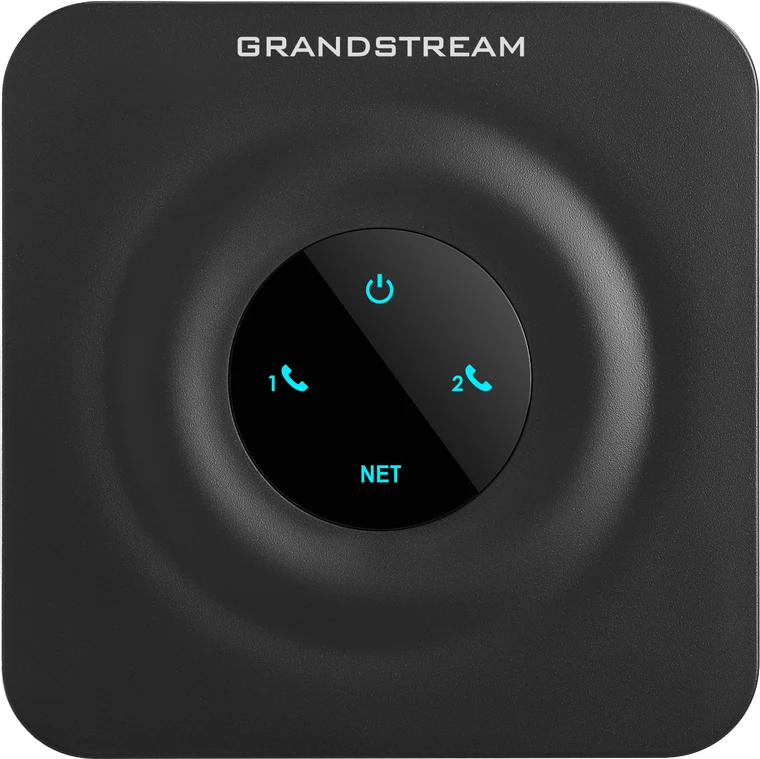
Lights you can read at a glance. Power, network and a light for each phone port. A steady port light means that device is connected to ChromeX.
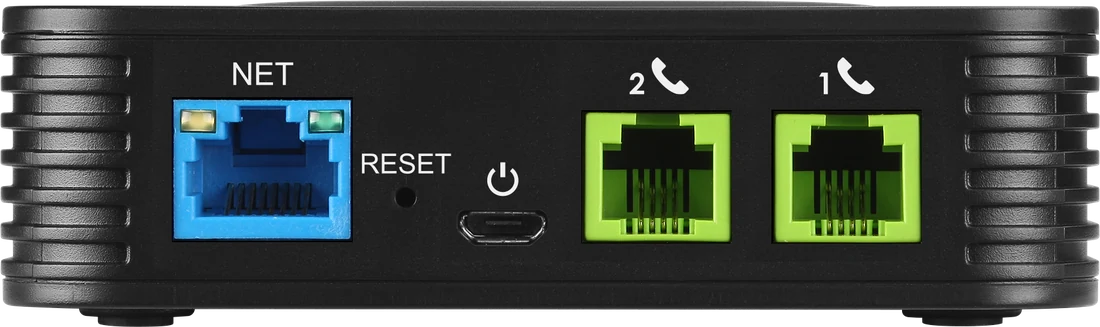
Everything plugs in at the back. One network port, the power socket and two phone ports. Some older UK phones need a small plug adapter to ring.
Who the HT802 suits
The HT802 is for businesses with analogue devices that still do their job. These are the places it’s most useful.
Phones that still work
Desk and cordless phones can carry on, each with its own extension, until you're ready to replace them.
Warehouses and workshops
A loud ringer or bell rings with incoming calls, so nobody misses the phone over the noise.
Receptions and entrances
A door entry phone, gate intercom or courtesy phone can often move across. We test it with your installer first.
What can you plug into an HT802?
The switch-off affects anything that uses a phone line, not only phones. Here’s what an adapter can take over, and what to check with someone else first.
REN (ringer equivalence number) is printed on most phones and bells. Add up the numbers for everything on one port.
What the features mean day to day
The datasheet runs to pages. These are the features you’ll notice.
Two devices, one box
Each port has its own account, so a phone and a ringer, or two phones, can have different extensions or numbers.
Set up for UK phones
We set the adapter up for UK ringing and BT caller ID, so your phones ring and show numbers as before. Pulse dialling is there for old rotary phones.
Louder ringing when you need it
On the V2, ring power can be turned up for a long cable run or an old bell. Each port drives up to 2 REN.
Hotline phones
Lifting the handset can dial a set number straight away, which suits a courtesy phone at a front desk or gate.
Its own password
The V2 comes with a unique password printed on its label, not a shared default, and supports encrypted calls.
Managed remotely
It collects its settings from ChromeX, so we can change an extension or a setting without a site visit.
How the HT802 works with ChromeX
ChromeX is Chrome’s cloud phone system. The HT802 registers each of its ports to ChromeX over your network, so whatever is plugged in works like any other extension.
1
We add the adapter to your account
We register it on ChromeX and give each port its own extension or number.
2
You plug it in
A network cable to your router or switch, the mains adapter, then your phones or ringer into the two phone ports.
3
It sets itself up
The adapter collects its settings from ChromeX, including UK ringing and caller ID, and the port lights come on.
4
We test each device with you
We call in and out on each port. For a door entry phone, we check the door release works too.
Moving a monitored alarm, lift phone or telecare unit? Don’t move it to the adapter without checking. Talk to your alarm company, lift maintainer or telecare provider before the line moves, and tell us which lines they use.
Check these before you order
What’s on your lines. List every device that uses a phone line, including ringers, door entry, alarms, card machines and franking machines. Some can move to an adapter. Others need checking with the company that maintains them.
Ringing load. Each HT802 port rings up to 2 REN. Add up the REN printed on each phone and bell on a port. If the total is higher, spread the devices across the two ports or a second adapter.
Plugs and wiring. The adapter has RJ11 phone ports, and there’s no phone cable in the box. Some older UK phones and bells need a plug adapter to ring. Extension wiring from your old master socket stops carrying calls once the line moves, so tell us where each device is.
Power. The HT802 runs from a mains adapter and has no battery, so it stops in a power cut, and so does your router. If a device must keep working, plan a battery back-up for both, and keep a mobile phone for 999 calls.
Fax. The HT802 supports fax, but a fax sent over the internet isn’t guaranteed to arrive. If you fax regularly, an online fax service is the more dependable route.
Door entry. Most panels open the door when you press a key on the phone. We test it with your installer before your old line is switched off.
Your internet connection. Every call uses your broadband. We can check your business internet is ready, and plan around the PSTN switch-off.
Grandstream HT802 V2 specifications
| Phone ports | 2 analogue (FXS) ports, RJ11, each with its own account |
|---|---|
| Ringing | Up to 2 REN per port, up to 1 km of cable; ring power 45, 50 or 55 V |
| Network | 1 x 10/100 Mbps Ethernet port. No router or second port |
| Power | 5 V 1 A mains adapter (supplied), micro-USB socket. No PoE, no battery |
| Caller ID | BT and ETSI, among others |
| Dialling | Tone (DTMF) and pulse |
| Fax | T.38 fax up to 14.4 kbps, with G.711 pass-through |
| Audio | G.711, G.722 wideband and other codecs, with echo cancellation |
| Security | TLS and SRTP encryption, HTTPS settings page, unique password and certificate on each unit |
| Setup | Automatic provisioning from ChromeX; web settings page; factory reset button |
| Size and weight | 100 x 100 x 29.5 mm, 114 g |
| Working temperature | 0 to 40 °C, indoors |
| Approvals | CE and UKCA |
| In the box | Adapter, 5 V power supply, network cable, quick installation guide. No phone cable |
From Grandstream's HT802 V2 datasheet, user guide and UK declaration of conformity. The original HT802 has the same phone features. Grandstream can change details between production runs, so we'll confirm the specification before you order.
Common questions
What does the Grandstream HT802 do?
It’s an analogue telephone adapter (ATA). It connects two analogue devices, such as phones or a ringer, to an internet phone system like ChromeX, so they keep working without an old phone line.
What's the difference between the HT802 and the HT802 V2?
The V2 is the current version, launched in October 2024. The phone features are the same. It adds a faster processor, more memory, a new settings page, better handling of lost data on busy networks and a unique password on each unit instead of a shared default.
How many phones or bells can one HT802 port ring?
Up to a total of 2 REN. Add up the REN printed on each phone and bell you want on that port. If it comes to more, spread them across the two ports, or across a second adapter.
Does the HT802 work in a power cut?
No. It runs from a mains adapter with no battery, and your router needs power too. A battery back-up can keep both running for a while. Keep a charged mobile phone for emergency calls.
Can I connect a burglar or fire alarm to the HT802?
Only if your alarm company tests and approves it. The alarm industry warns that some alarms don’t work reliably on digital lines, and a change to how your alarm signals may need your insurer’s agreement. Many alarm companies fit IP and 4G signalling instead. A bell that rings when the phone rings is fine.
Can I send a fax through the HT802?
The HT802 supports fax, including T.38, the standard for fax over the internet. Faxes can still fail as they cross other networks, so no provider can guarantee delivery. If you fax regularly, an online fax service is the better route.
Will my old phones ring and show caller ID?
Usually, yes. We set the adapter up for UK ringing and BT caller ID. Some older UK phones need a plug adapter to ring, and each port rings up to 2 REN, so several phones on one port may need spreading across both ports.
How do I set up a Grandstream HT802?
On ChromeX you don’t need to. We register the adapter to your account and it collects its settings when you plug it in. On another phone system, Grandstream’s user guide covers setup, and on the V2 the admin password is printed on the label.
On this page
HT802 at a glance
Phone ports
2 analogue (RJ11)
Ringing
2 REN per port
Network
10/100 Ethernet
Power
5 V mains adapter
Fax
T.38 supported
Caller ID
BT, set for the UK
Phone system
ChromeX
// Handset guides
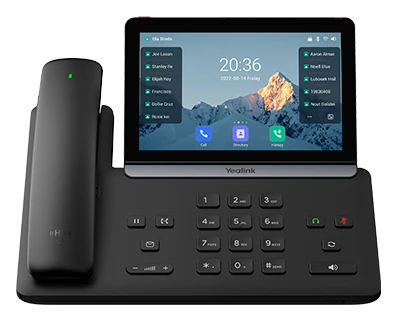
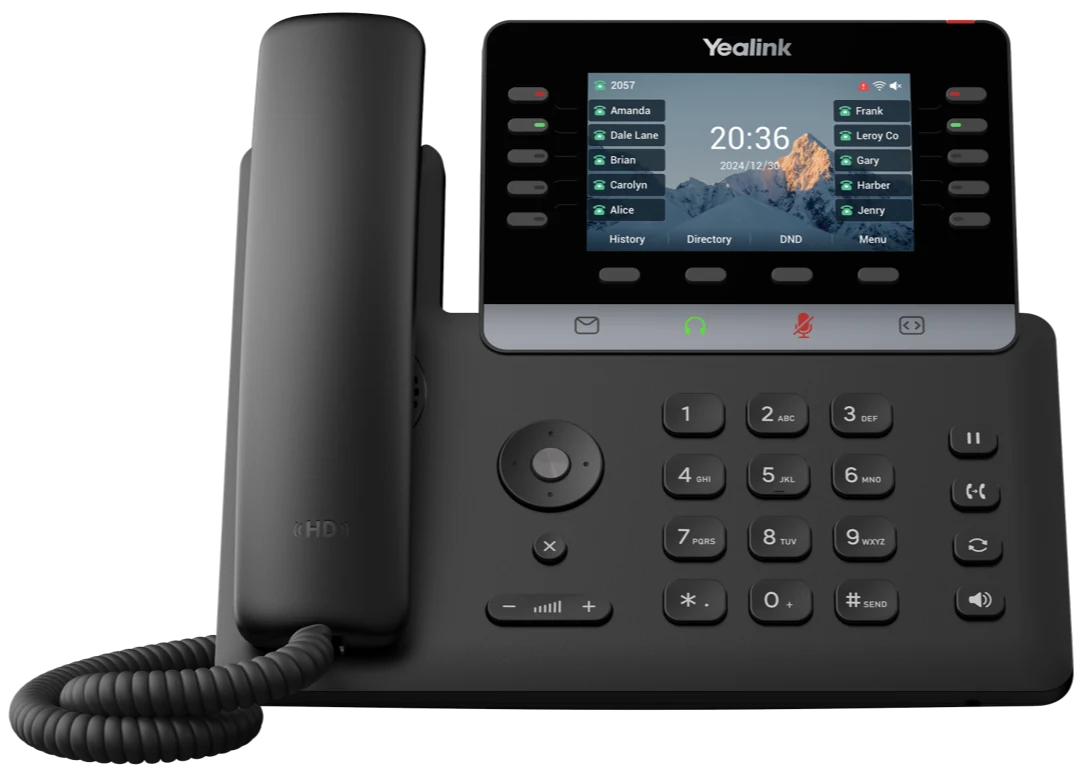
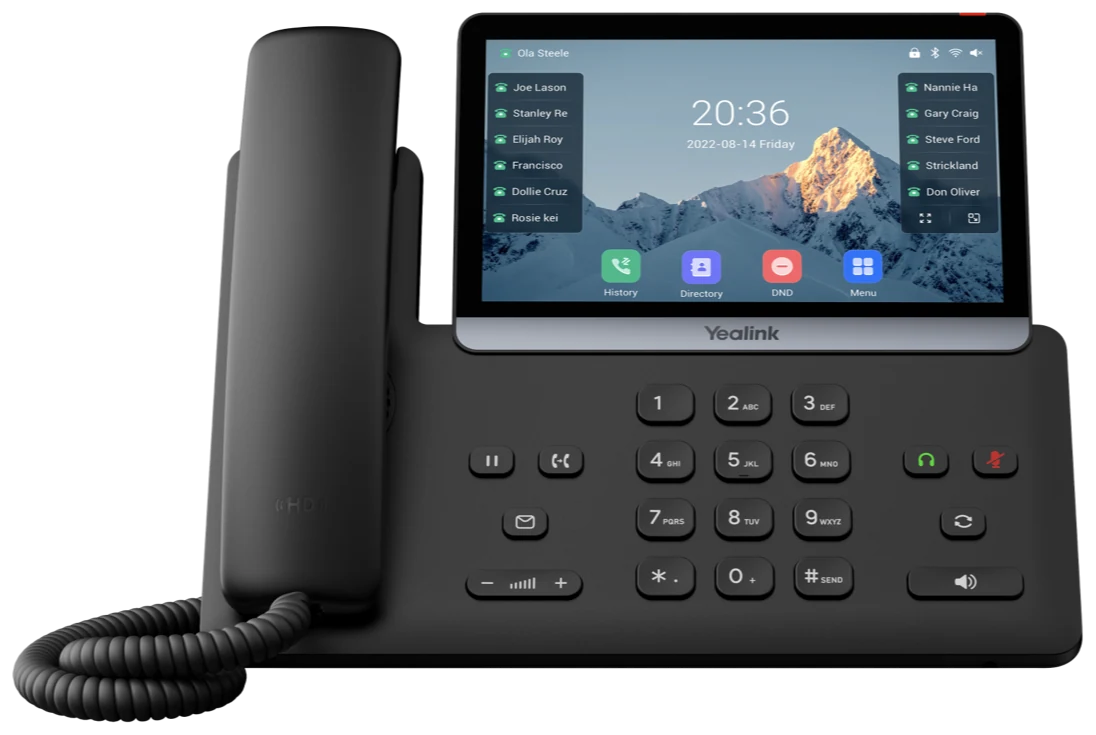
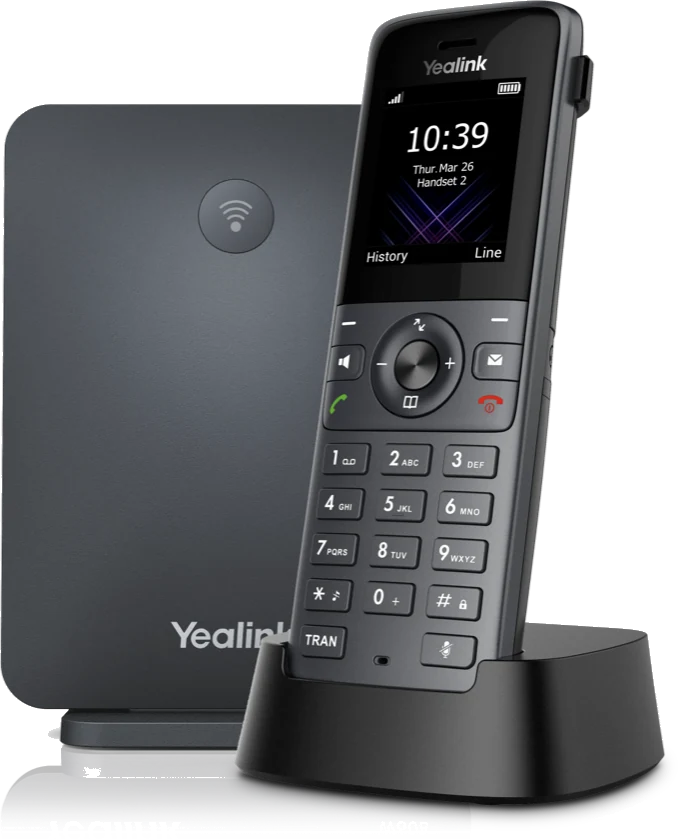
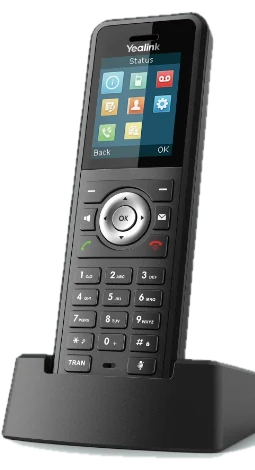
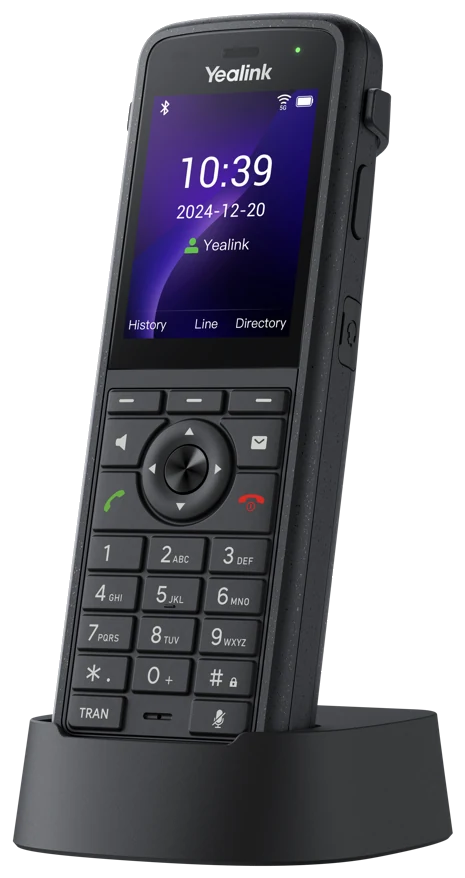
Replacing the phones instead?
Compare the Yealink phones we set up on ChromeX.
Not sure what to do with your old phone lines?
Tell us what’s plugged into them. We’ll tell you what can move to an adapter and what needs replacing, then set it all up on ChromeX before the switch-off.