Content
If your phones, broadband, IT and cyber security are with different companies, you’ve probably had a call where each one says the fault belongs to somebody else. Meanwhile, your office manager is left joining the dots trying to solve the issue.
This guide is for UK small businesses deciding whether to use one technology provider or several specialists. We’ll look at what a managed service provider covers, what it can cost, which phone system may suit your business and what to do before the analogue switch-off in January 2027.
The short answer
For most UK businesses, one provider for IT, cyber security, phones and connectivity can be simpler than managing three or four specialists. One team owns every fault, and you can move one service at a time.
The provider still needs to be good at each service. Check them on their own merits before you sign, and start with the service causing the most trouble.
Two dates matter this year. BT’s final date for moving customers off analogue phone lines is 31 January 2027. And Cyber Essentials, which starts at £320 plus VAT, is increasingly a condition of contracts and insurance.
What is a managed service provider and what does one cover?
A managed service provider (usually shortened to MSP) is a company that runs your business technology for a monthly fee, rather than turning up only when something breaks. At Chrome that covers the technology a business uses every day.
In practice that means:
- IT services. Managed and co-managed IT, 24/7 monitoring, remote working support, patching, passwords and hardware.
- Cyber security. Email security, Cyber Essentials, staff awareness training, managed DMARC (the email setting that stops other people sending as you), dark web monitoring, network security and penetration testing.
- Cloud services. Microsoft 365, 365 backup, migration, virtual desktop and endpoint backup.
- Phones and mobiles. Business phone systems, mobiles, call routing, call recording and reporting. Our ChromeX system brings desk phones, computers, mobiles and Microsoft Teams together in one setup.
- Connectivity. Business broadband, full fibre, leased lines, 5G and satellite, chosen for the work happening at each address.
- AI for business. Readiness and governance checks, Microsoft Copilot, voice and chat assistants and transcription. We check the data and permissions behind a tool before anyone relies on it.
- Physical security. CCTV and access control, supported by the same team.
Should a small business use one supplier or several specialists?
For most businesses with fewer than 250 employees, one provider for IT, cyber security, phones and connectivity can be easier to manage than three or four specialists.
Having one provider may also reduce the number of contracts and support relationships you need to manage. Howevern this provider still needs to be good at each service, so check them on their own merits before you sign anything.
When a problem occurs over two services, separate suppliers will test their side of what they supply and hand it back. A phone system that drops calls because the broadband is struggling is a classic example. With one team, you only need to speak to one team who manage the fault from cradle to grave.
However, having different providers does still make sense, depending on the scenario. You may have an in-house IT team that only needs telecoms or you might have a compliance need that calls for a dedicated cyber security provider. Chrome offer co-managed IT for the first, and we’ll tell you when the second applies.
What goes wrong when phones and IT are with different suppliers?
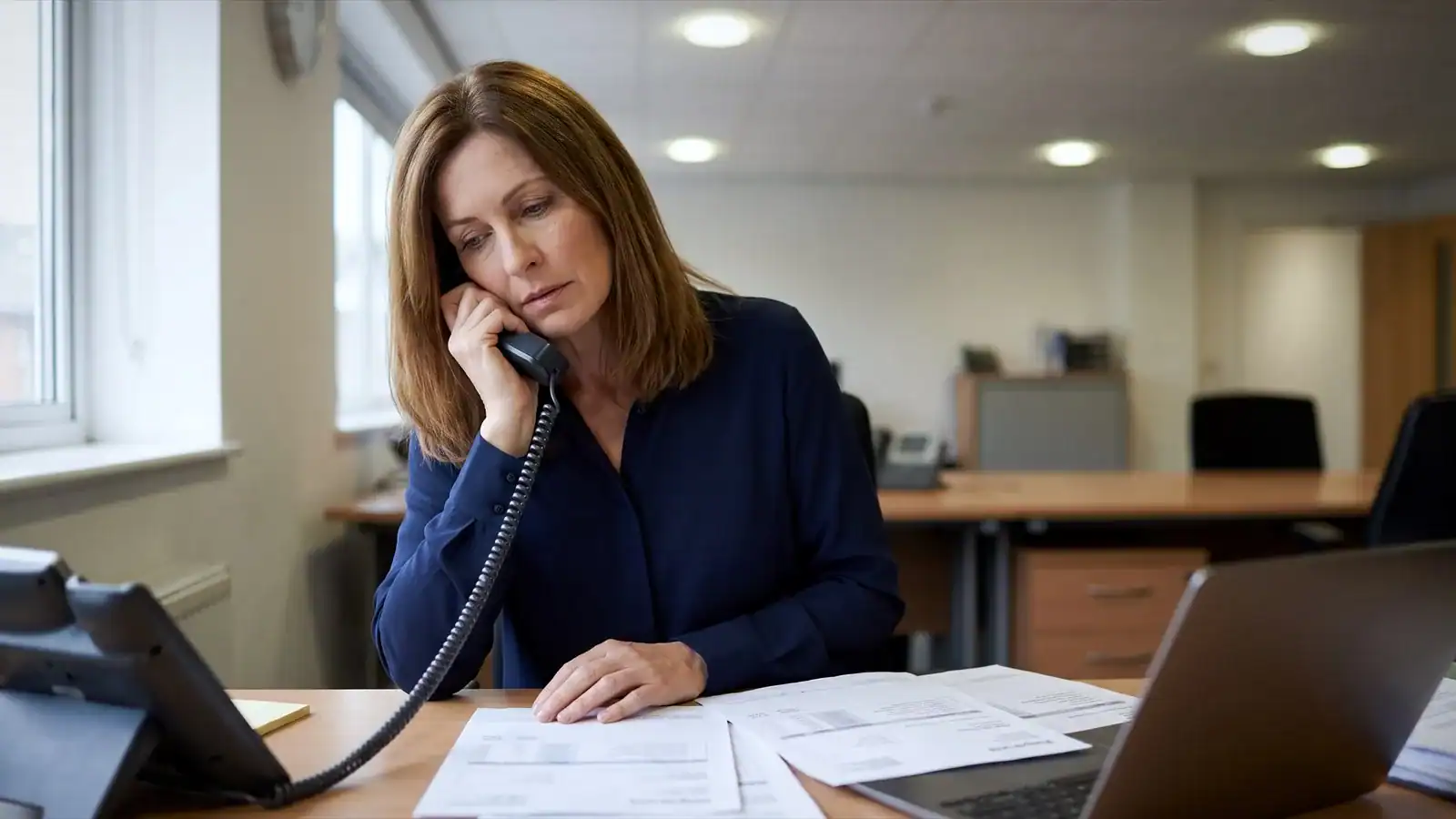
The most common issue is with spulliers passing the blame on faults, gaps that nobody owns, and changes made by one supplier that break something another supplier looks after. Each one costs businesses both time and money. In a practice or care home, it costs patients or residents too.
Examples we see regularly:
- A new broadband line is installed but the phone system isn’t repointed, so calls drop for a week.
- An IT firm tightens email security and the phone system’s voicemail-to-email stops arriving.
- A firewall change blocks the CCTV system’s remote viewing.
- Nobody owns the alarm line, so it’s still analogue when the switch-off reaches the area.
Chromes approach is to write down what we are responsible for, what stays with your team and where another provider remains involved, so responsibilities are clear before anything changes.
What’s changing in 2026?
Three things affect most UK small businesses this year.
The analogue switch-off deadline is now only months away, and Openreach’s stop-sell has been in place since September 2023.
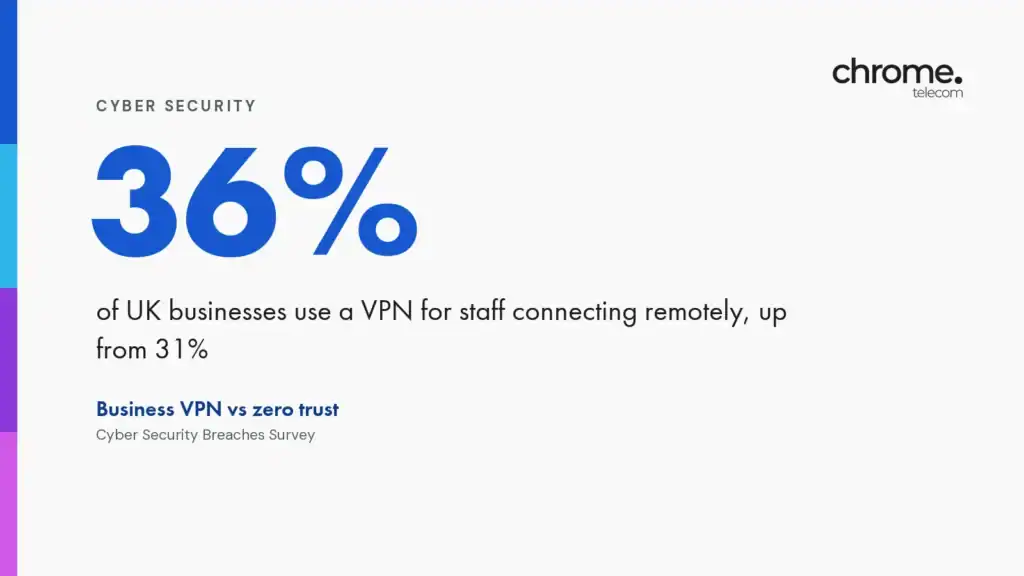
The breach figure comes from the UK Government’s Cyber Security Breaches Survey 2025, which also found phishing was the most common type of attack.
Customers and insurers have noticed, and Cyber Essentials is increasingly a condition of contracts and insurance. The third change is Microsoft Copilot and AI assistants, which are useful only if the data and permissions behind them are in order.
We run a readiness check before switching Copilot on.
Can you get business phone and broadband from one supplier?
Yes, and it’s the most common place to start. Business phone and broadband packages put the two services that depend on each other most under one contract and one support desk. A cloud phone system only works as well as the connection under it, so the supplier who installs the line should be the one who answers when calls drop.
We supply the connection, the phone system and the handsets together. We’ll review the connection for the number of calls and users at each site, rather than selling the cheapest line that fits the postcode. IT support, cyber security and mobiles can be added later once you’ve seen how the support works.
Which phone system suits a UK small business?
A cloud-hosted phone will suit most UK small businesses. It needs no on-site equipment beyond the handsets (there are also apps that you can use on your mobile instead), works from any location and moves with you when you change address.
On-premise systems now only make sense where an internet outage would stop the business and a line-based fallback is essential.
| Option | Best for | Typical UK price per user per month | Watch out for |
|---|---|---|---|
| Cloud-hosted VoIP (calls over your internet connection, for example ChromeX) | Offices, practices and multi-site teams that want desk phones, mobiles and apps on one system | £13.95 to £44 on published UK provider price lists, September 2026. | Needs a decent internet connection at every site |
| Microsoft Teams Phone | Teams-first businesses that want calling inside Teams | Teams Phone Standard add-on plus a calling plan or provider-supplied lines. | Licensing and call routing need setting up properly, and not every desk phone is certified |
| On-premise PBX (a phone switch in your building) | Sites where calls must continue during an internet outage | Hardware purchase plus maintenance. Prices vary widely | Analogue and ISDN lines feeding it are being withdrawn |
| Keep analogue lines | No one, beyond January 2027 | n/a | BT’s final migration date is 31 January 2027 |
What is the PSTN switch-off and what do you need to do before January 2027?
The PSTN (public switched telephone network) is the UK’s analogue phone network. Openreach is withdrawing it along with ISDN (the older digital business lines) and have set 31 January 2027 as the date by which its remaining customers must have moved to a digital service.
Openreach stopped selling new analogue lines in September 2023, so the big switch off is already under way in most areas.
Anything plugged into an analogue line is affected, not only phones. Make sure you check:
- Phone lines and phone systems. Analogue and ISDN lines need replacing with a cloud phone system or a digital line.
- Broadband delivered over a phone line. Older ADSL and FTTC (fibre to the cabinet) services move to full fibre or SOGEA. SOGEA (single order generic ethernet access) is broadband without a phone line underneath.
- Alarms, lift lines, door entry, card terminals and fax. Many care homes, garages and offices still have these on analogue circuits. Each needs a digital or mobile-based replacement.
We review your existing lines before the switch-off and plan the move around your working day, so the phones stay up while the change happens. Our PSTN switch-off page sets out how we handle the move.
What should IT support for a small business include?
At the very least, thre should be someone to be able to call when a laptop won’t start or nobody can sign in to Microsoft 365. And a fix that doesn’t wait until next week.
Beyond the helpdesk, look for four things.
- Monitoring that spots a failing disk or a full mailbox before your staff do.
- Patching that keeps software up to date.
- Backup that’s tested rather than assumed.
- And the cyber security basics such as multi-factor authentication, email filtering and staff training.
Most small businesses don’t need all of it on day one. A helpdesk and monitoring is a reasonable place to start. If someone on your team already handles everyday IT, co-managed support gives them a second line to call and covers holidays and evenings.

What do business phone systems, IT support and Cyber Essentials cost in the UK?
Cloud phone systems for UK businesses are usually priced per user per month. Published starting prices sit between about £14 and £44, depending on the features and call bundle included.
Managed IT support is also priced per user or per device per month. The range in the UK market is wide because the scope varies so much.
Cyber Essentials certification costs from £320 plus VAT for organisations with up to nine staff, according to IASME’s published price list. The fee rises with organisation size.
These are the most common factoris in what it would cost:
- Number of users and sites
- Whether you need desk phones or apps only
- Call bundles versus pay-as-you-go
- Level of IT support, from monitoring only to full managed IT with a helpdesk
- Backup, security tooling and licensing that sit alongside
How do you choose a business telecoms and IT provider?
You need to be able to choose based on how the provider handles support, not on the handset or the headline price.
Ask these questions and expect specific answers.
- Who answers the phone, and what proportion of issues are resolved within an hour? Ask how that’s measured.
- What happens when a fault crosses services?
- Can you see recent reviews? Look for volume and recency, not only the score. Our 4.9 comes from more than 375 Google reviews.
- What’s included in the monthly price? Call bundles, handsets, licences, backup and out-of-hours support are the usual gaps.
- How long is the contract and what happens at the end? Ask about renewal terms in writing.
- Do they work in your sector? A provider that already supports dental practices or care homes will know the call flows and compliance needs you have.
- Can you start small? You should be able to move one service first and add others later.
How Chrome can help
The best provider is the one that covers the services that you need, supports your sector, publishes evidence of its support performance and lets you start with one service.
National carriers such as BT Business and Virgin Media Business offer scale. Local providers offer engineers who can be on site and people who know your setup.
Chrome sits in the second group with national reach. We’re based in Whiteley, near Fareham in Hampshire, however our engineers cover the whole of the UK, with both on-site and remote support issues.
We’ve worked with small and medium-sized organisations since 2014, with particular depth in dental practices, GP practices, care homes, vets, estate agents, garages, schools, hospitality, retail, professional services, construction, logistics and manufacturing.
A sensible place to start
Pick the service that’s causing the most trouble. For most businesses that’s the phones or the broadband, and the two usually go together.
Move that one first, see how the support works, then decide whether IT, cyber security and mobiles follow. There’s no requirement to move everything at once, and a provider who insists on it is telling you something.
Common questions
Does Chrome Telecom only do phone systems?
No. Chrome started in telecoms in 2014 and now covers business IT support, cyber security, cloud services, connectivity, mobiles, AI tools and physical security such as CCTV and access control. You can use one service or all of them.
Can I move just one service to Chrome first?
Yes. We recommend starting with the service causing the most trouble. Sites, staff and systems change over time, and the setup can follow. There’s no requirement to move everything at once.
Is Chrome Telecom a good fit for dental practices, GP practices and care homes?
Yes. Chrome supports dental practices, GP practices, care homes and vets, and has a sector page for each. The common needs are patient call handling, urgent enquiry routing and phone lines that work when the internet doesn’t.
What is ChromeX?
ChromeX is Chrome’s business phone system. It brings desk phones, computers, mobiles and Microsoft Teams together in one setup. Your staff can take business calls in the office, at home or on the move, and customers reach the right person.
How fast does Chrome resolve support issues?
Chrome reports that 94% of customer issues are resolved within one hour. Customer reviews on Google, averaging 4.9 from more than 375 reviews, regularly mention named engineers dialling in and fixing problems the same day.
Does Chrome help with Cyber Essentials?
Yes. We help organisations prepare for and achieve Cyber Essentials, the UK Government-backed certification run by IASME on behalf of the National Cyber Security Centre. Certification fees start at £320 plus VAT for the smallest organisations.
Do I need to do anything about the PSTN switch-off?
If you have any analogue phone lines, ISDN lines, or broadband, alarms, lifts or card terminals that run over them, yes. BT’s final migration date is 31 January 2027. We’ll review what you have and plan the move.
Related reading
Talk it through with someone
If one service is causing more trouble than the rest, start there. Book a free Chrome audit through the form on this page or call 03333 212 707. We’ll look at how your people work and where they’re based, then give you a practical recommendation. You don’t need to know which service you need first. “Something isn’t working” is enough to start. Get in touch and we’ll arrange a chat.
Sources and notes
The 31 January 2027 date is published by Openreach, which is retiring the analogue network. Openreach’s stop-sell of new analogue lines has applied nationally since September 2023. The 43% breach figure and the phishing finding are from the Cyber Security Breaches Survey 2025 (DSIT and the Home Office). Cyber Essentials fees are from IASME, which runs the scheme for the National Cyber Security Centre. Teams Phone licensing is described on Microsoft Learn.
The £13.95 to £44 cloud phone system range is from other providers’ published UK price lists in September 2026, not Chrome’s. We’re describing how one-supplier arrangements generally work. Your own contract terms, prices and switch-off date depend on your provider and your exchange.